
Anything else right now? screen

Configures the optional features for your process-based app in the Modern Add an App Experience.
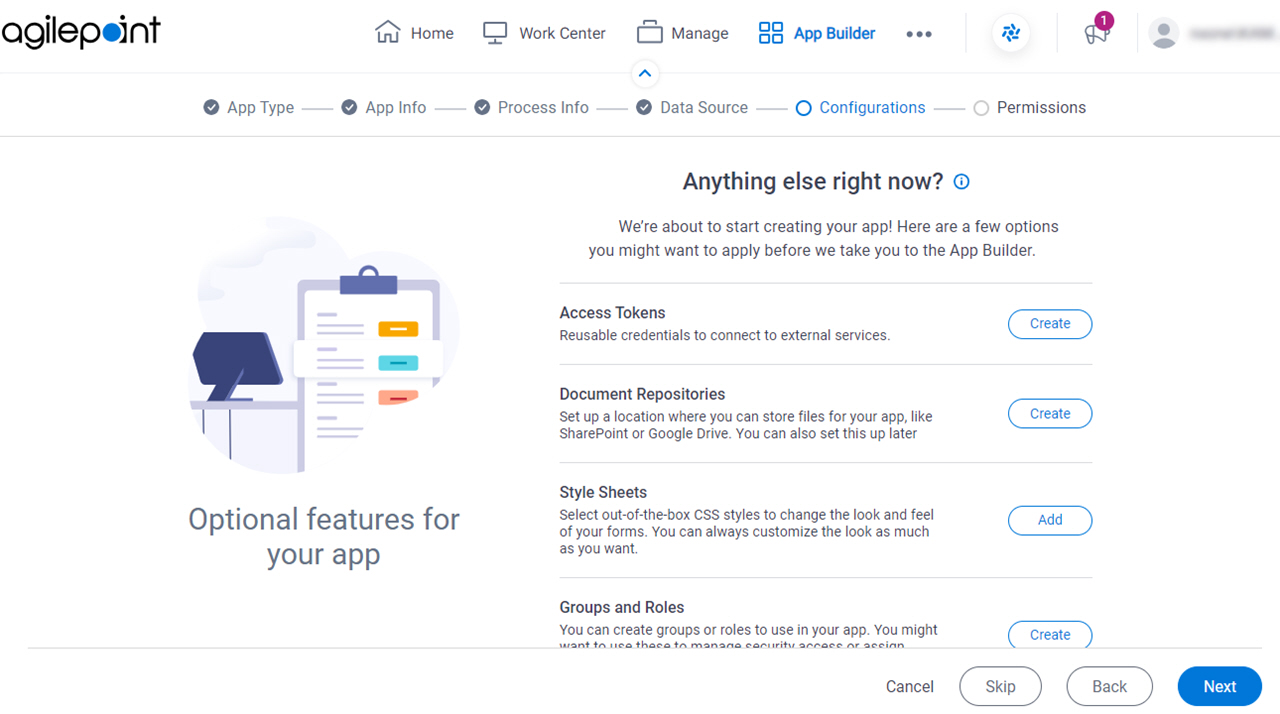
Figure 1. Anything else right now? screen

Anything else right now screen

Prerequisites

How to Start

  1. In App Builder, in the Modern Add an App Experience, create a process-based app.

    For more information, refer to Modern Add An App Experience (Process-Based App).

Fields

Field NameDefinition

Access Tokens

Opens this Screen:
The configuration screen for your access token. The specific screen that shows depends on your access token type.

For more information, refer to Access Tokens.

Function of this Screen:
Configures an access token.

Document Repositories

Opens this Screen:
The configuration screen for your document repository. The specific screen that shows depends on your document repository type.

For more information, refer to Document Repositories.

Function of this Screen:
Configures your document repository.

Style Sheets

Opens this Screen:
Upload Style Sheets screen
Description:
Uploads CSS files to change the look and feel of your eForms.

Groups and Roles

Opens this Screen:
Groups screen
Description:
Creates groups and roles for the access rights for an app.

Images

Opens this Screen:
Upload Images screen
Description:
Uploads image files to customize your app.

JavaScript

Opens this Screen:
Upload JavaScript Files screen
Description:
Uploads JavaScript files to use in eForms.