

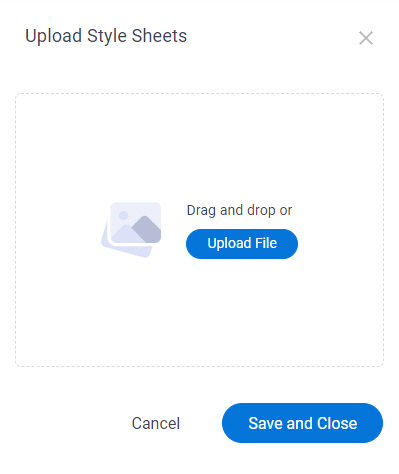
Upload Style Sheets screen
Uploads CSS files to change the look and feel of your eForms.
Prerequisites
- AgilePoint NX OnDemand (public cloud), or AgilePoint NX PrivateCloud or AgilePoint NX OnPremises v8.0 or higher.
How to Start
- In App Builder, in the Modern Add an App Experience, create a process-based app.
For more information, refer to Modern Add An App Experience (Process-Based App).
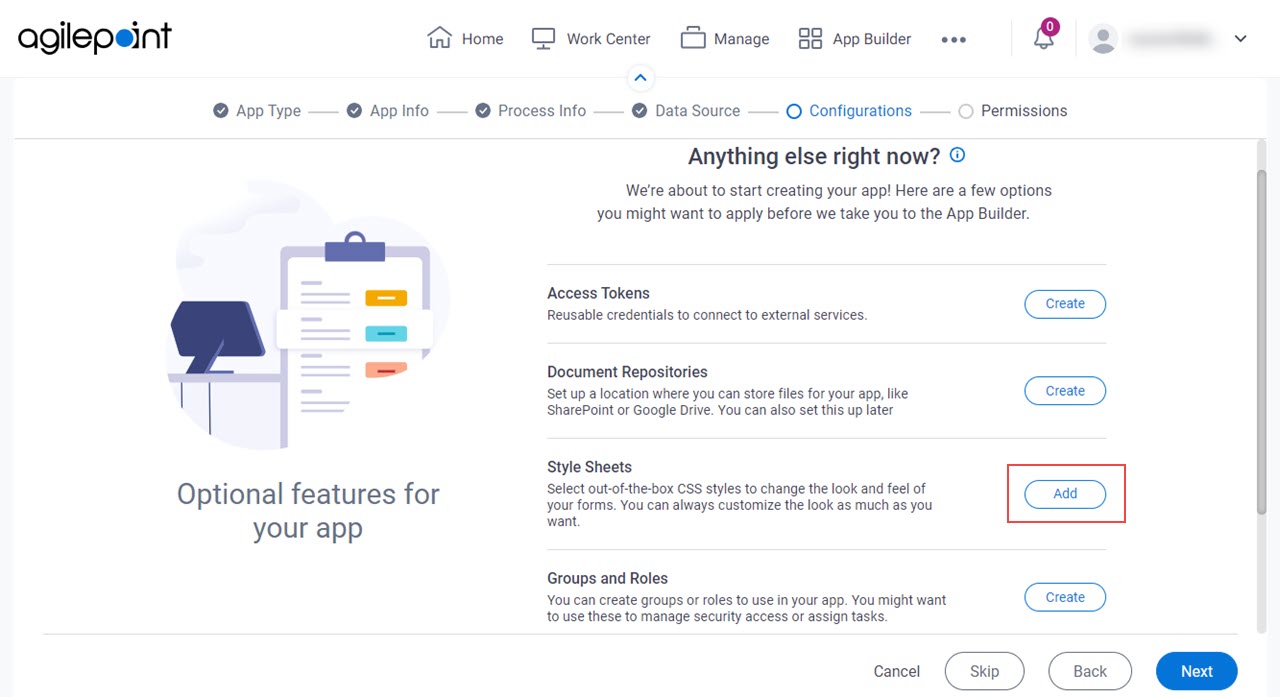
- On the Anything else right now? screen, in the Style Sheets field,
click Add.