


Configure the Data Source for Your Form (Create a Form Myself)
This topic shows how to select the data source for an eForm you create yourself.
Background and Setup
How to Start
- Create an app.
For more information, refer to Create an app.
- On the Do you want AI to create your form? screen, click Create Form Myself.
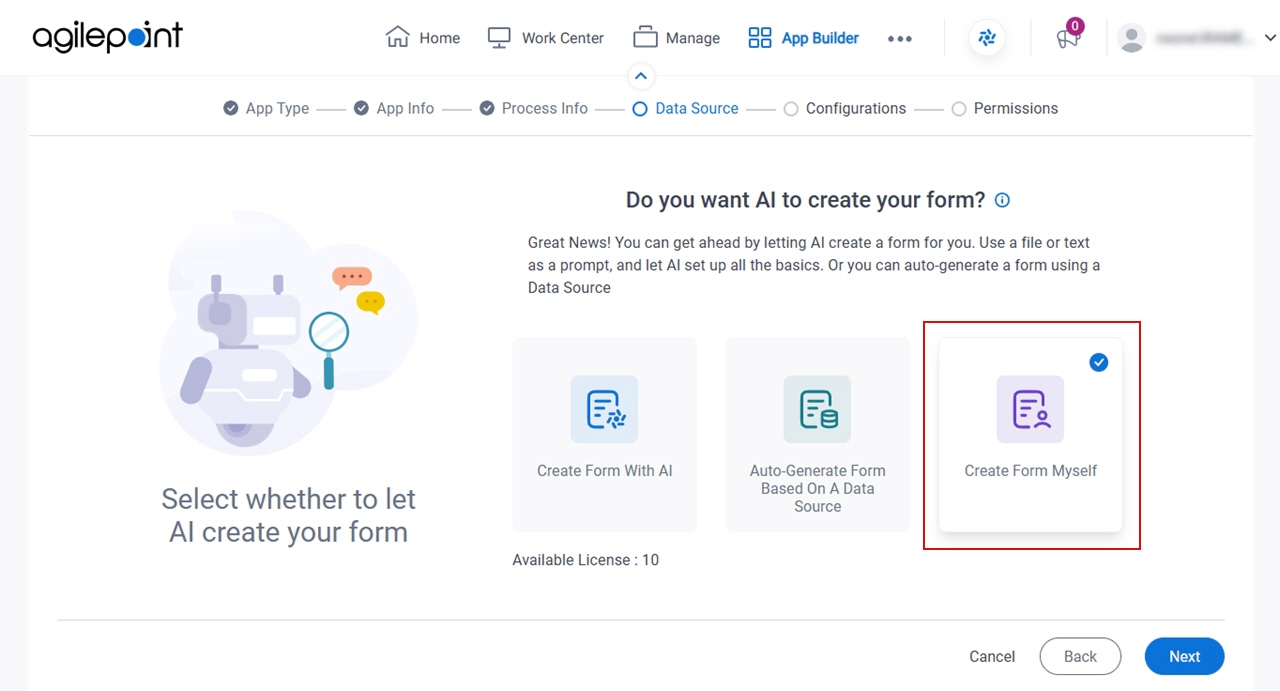
- Click Next.
Where do you want to store the data for your app? screen
Specifies the data source for your app, which is the location where your eForm stores and retrieves the data.
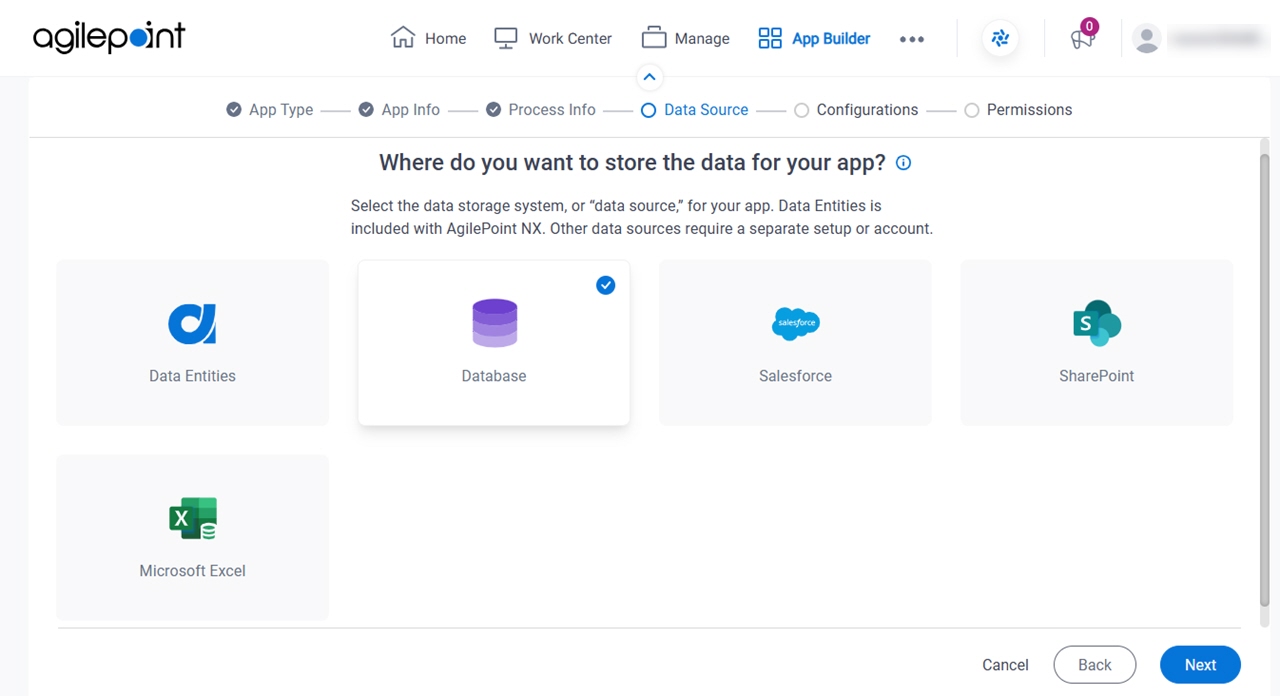
Fields
| Field Name | Definition |
|---|---|
Select Data Source |
|