


Configure a Widget Form
This topic shows how to configure a widget form.
Background and Setup
Good to Know
- This is the only configuration screen an app designer needs to configure for a widget form.
- Widget forms are not supported for GenAI.
How to Start
- Create an app.
For more information, refer to Create an app.
- On the Do you want create widget form (not typical) screen,
click Yes, Create Widget Form.
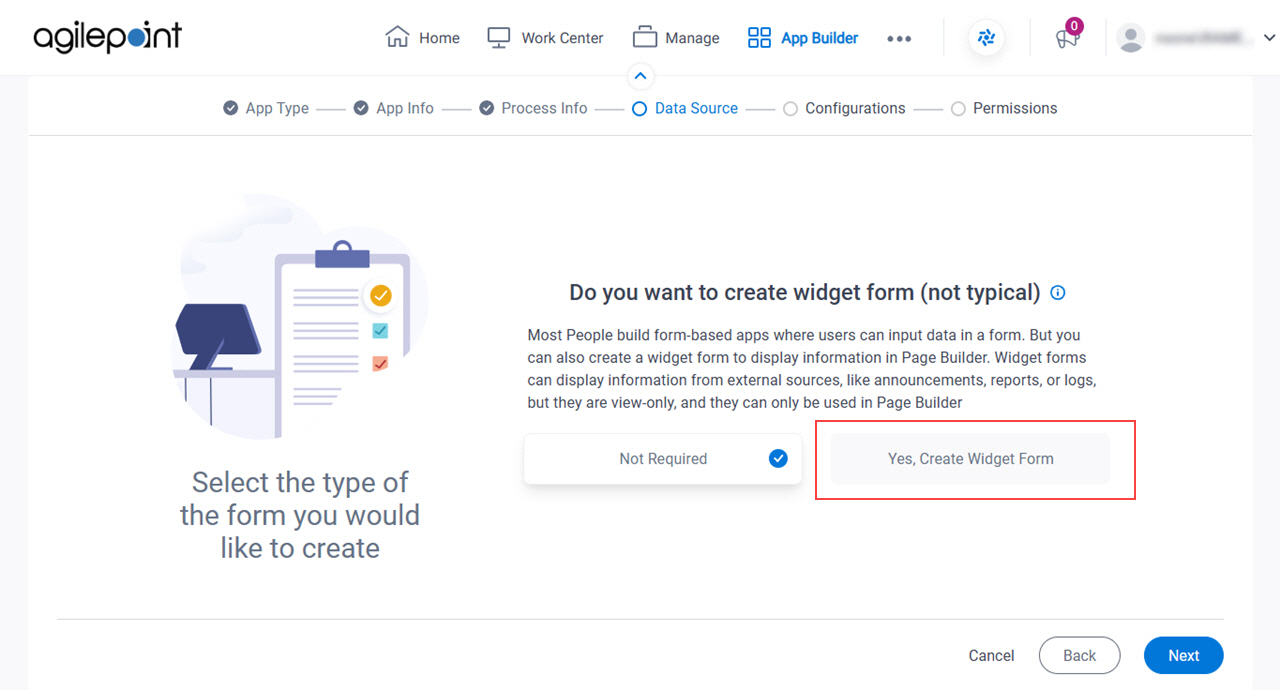
- Click Next.
How do you want to set up your form? screen
Configures the basic settings for a widget form.
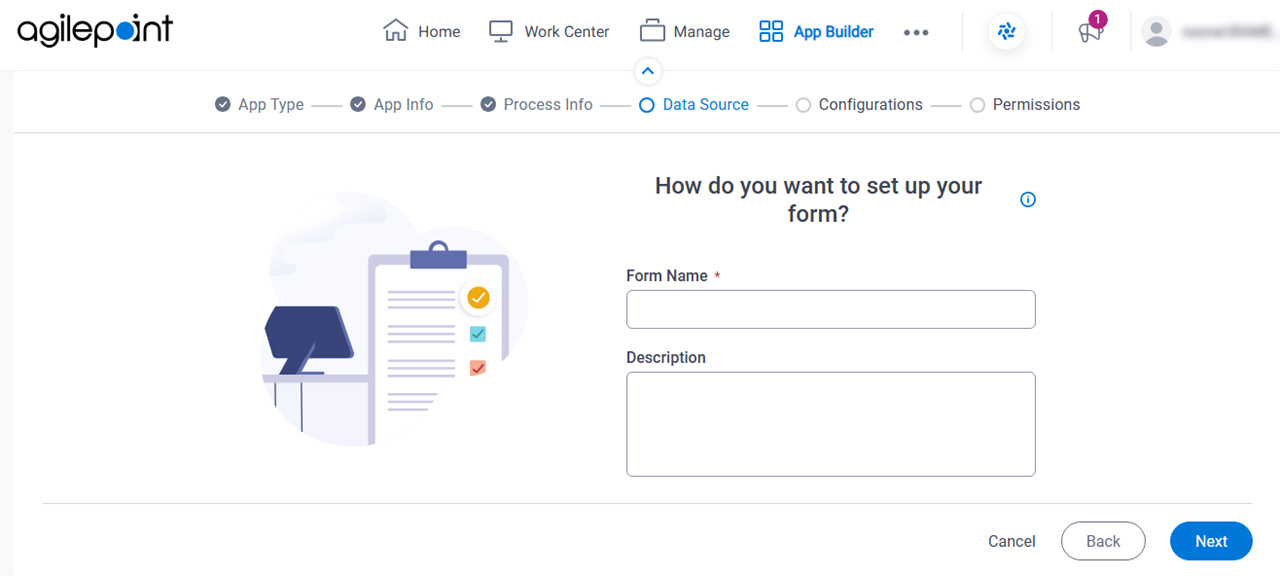
Fields
| Field Name | Definition |
|---|---|
|
Form Name |
|
|
Description |
|
|
Next |
|