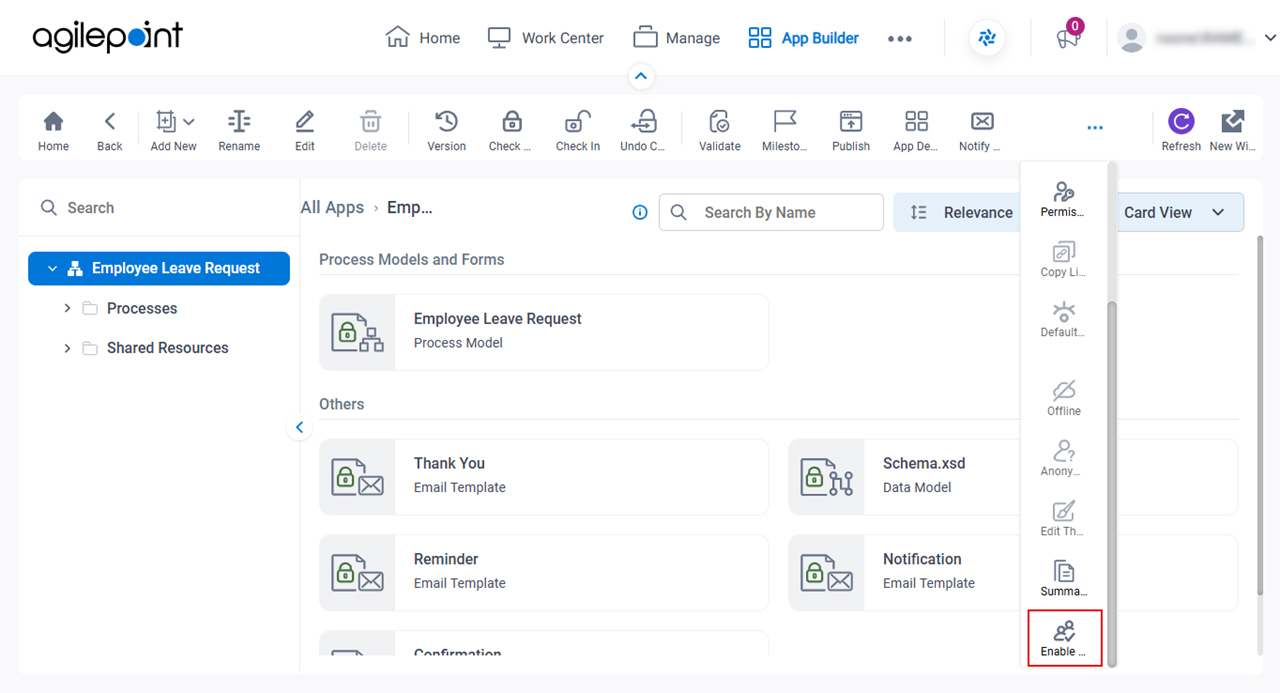
Enable Collaborative Development screen
Full documentation coming soon.
Prerequisites
- To use collaborative development, on the App Builder > Common screen (Settings), turn on Allow Collaborative Development For Apps.
- AgilePoint NX OnDemand (public cloud), AgilePoint NX Private Cloud, or AgilePoint NX OnPremises v10.0 or higher.
Good to Know
- Documentation for this screen is provided for completeness. The fields are mostly self-explanatory.
How to Start
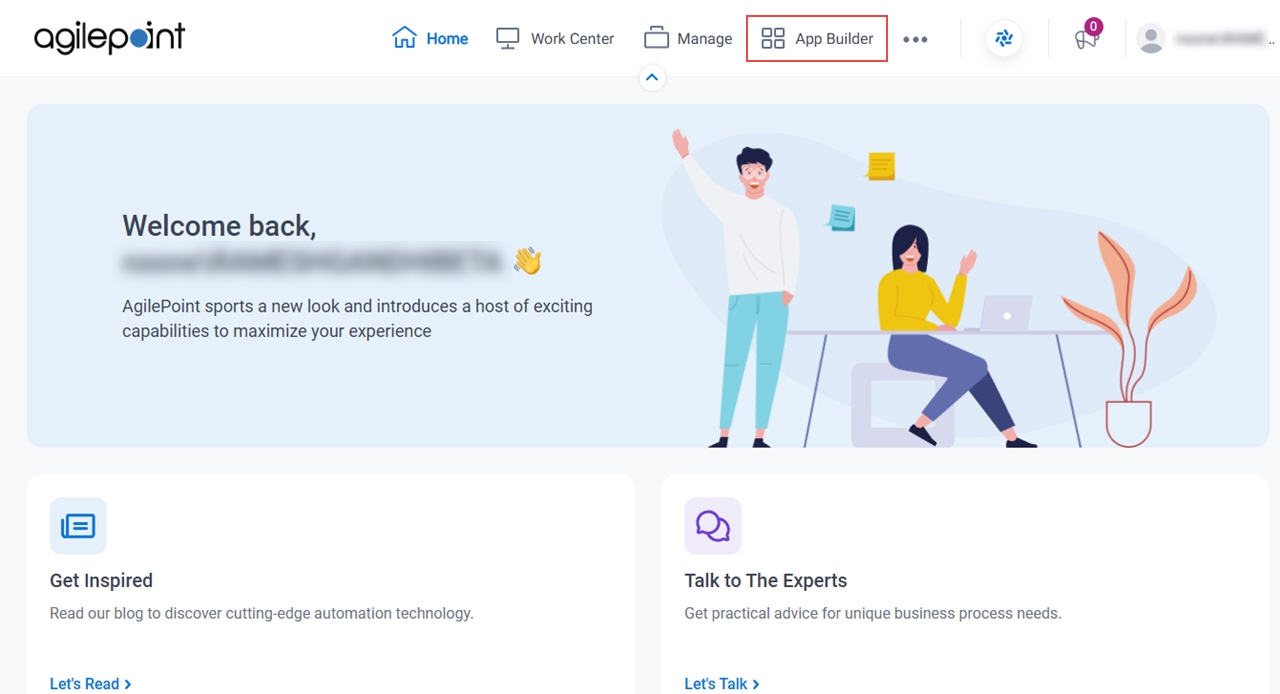
- Click App Builder.
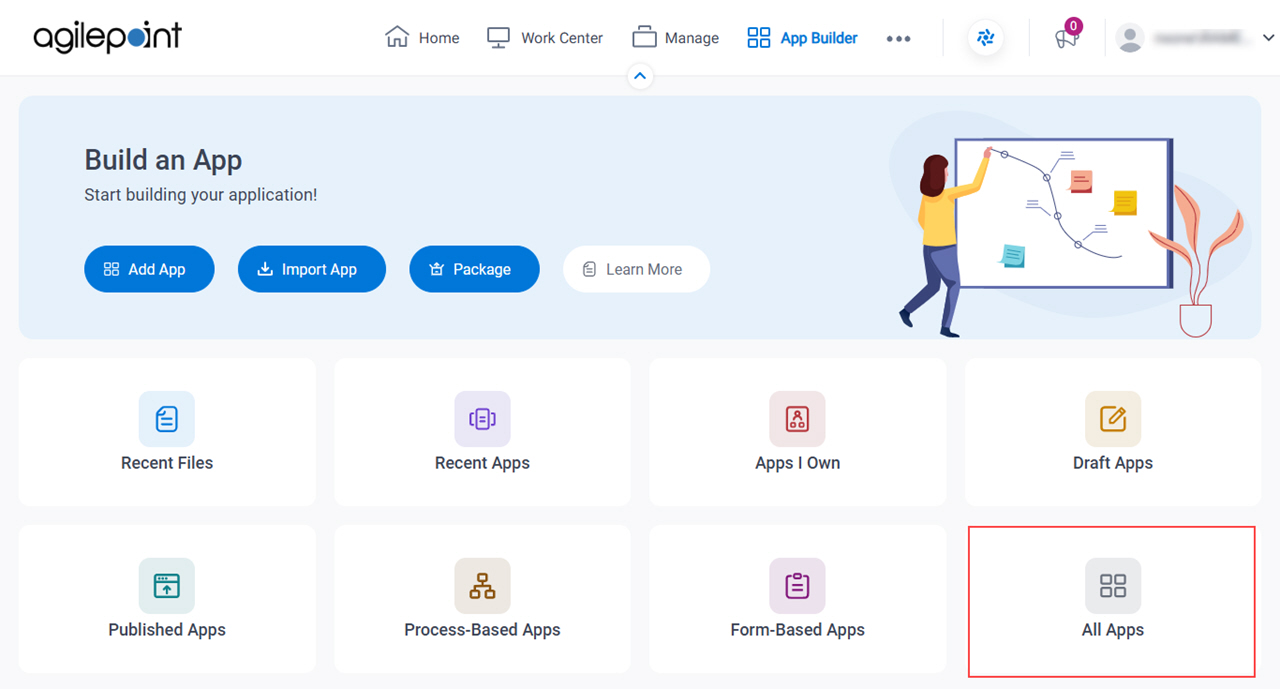
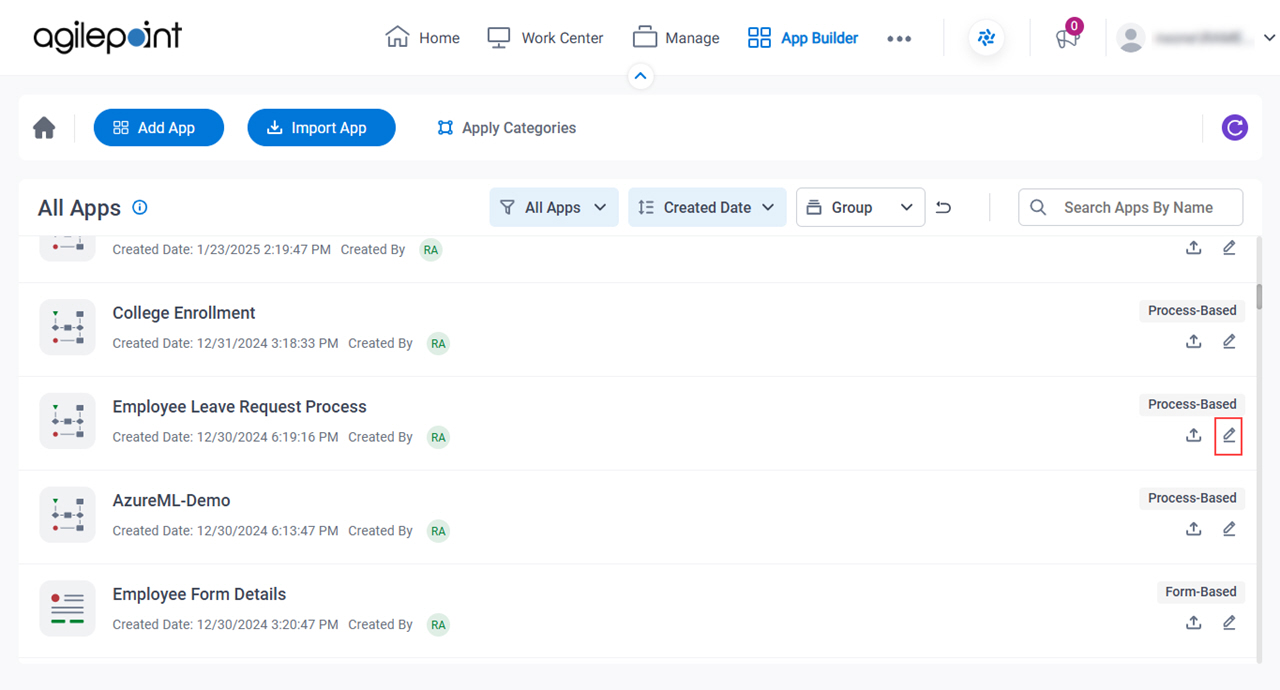
- On the App Builder Home screen, click All Apps.
- On the All Apps screen, on an app,
click Edit
 .
.
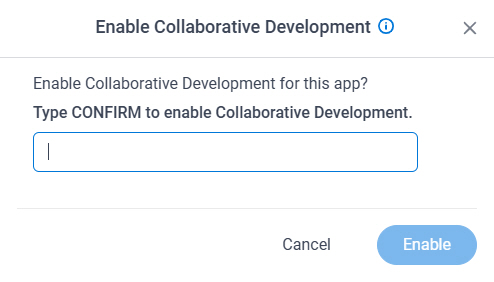
- On the App Details screen,
click Enable Collaborative Development
 .
.