


Create an App
This topic explains how to create an app with App Builder.
Background and Setup
Examples
- (External) GenAI for Building Master – Detail Forms
- (External) Go from an Idea to Enterprise Business Process App in Minutes
- (External) GenAI is Here to Build Your Form-Based Apps
- (External) Pixels to Productivity: Generative AI Turns Images into Apps
- (External) From PDF to an App in a Snap using GenAI
- (External) AgilePoint + Generative AI: From Spreadsheets to Smart Apps
- Examples - Step-by-step use case examples, information about what types of examples are provided in the AgilePoint NX Product Documentation, and other resources where you can find more examples.
Prerequisites
- To create an app with GenAI,
these prerequisites apply:
- An AgilePoint license that supports GenAI.
- These access rights:
- Enable App Builder Access
- Create, Delete, And Import Apps
- Create Process Models
- Allow Generative AI Access
For more information, refer to:
- You must be a member of the Entity Designers or Global Data Entities Permission Managers permission group.
- On the App Builder > Common > Settings tab, turn on these settings:
- Generative AI
- Excel
- Image
- Let AI Decide
Good to Know
- To create a process with GenAI,
these prerequisites apply:
- You can use an image file as a template for your process. The image file must meet these requirements:
- Supported file types are .png, .jpg, and .jpeg.
- The file cannot be larger than 10 MB.
- The minimum required resolution is 512 x 512 pixels.
- You can use a PDF file as a template for your form. The PDF file must meet these requirements:
- The file cannot be larger than 10 MB.
- The PDF cannot be more than 5 pages.
- Regardless of the number of pages, only one form is generated.
- Any other content is ignored, including images, icons, or descriptive text.
- You can use an image file as a template for your process. The image file must meet these requirements:
- To create a form with GenAI, these rules apply:
- You can use a Microsoft Excel file as a template for your form. The Excel file must meet these requirements:
- The file cannot be larger than 10 MB.
- Only the first sheet is considered.
- The first row is considered the field name.
- You can use an image file as a template for your form. The image file must meet these requirements:
- Supported file types are .png, .jpg, and .jpeg.
- The file cannot be larger than 10 MB.
- Regardless of the number of pages, only one form is generated.
- Any other content is ignored, including images, icons, or descriptive text.
- The minimum required resolution is 512 x 512 pixels.
- You can use a PDF file as a template for your form. The PDF file must meet these requirements:
- The file cannot be larger than 10 MB.
- The PDF cannot be more than 5 pages.
- Regardless of the number of pages, only one form is generated.
- Any other content is ignored, including images, icons, or descriptive text.
- You can use a Microsoft Excel file as a template for your form. The Excel file must meet these requirements:
- After you create a form-based app, you cannot change the app to use a different data source. For example, you can not change a form-based app to use a different entity or SharePoint list than the one specified when the app was created. This limitation also applies to cloned apps. That is, you cannot clone a form-based app, and then change the data source in the cloned app.
- Once configured, the primary data source in a data source bound app cannot be deleted. Deleting the primary data source can lead to unexpected behavior or errors in your app because it is the main source of data for the app.
How to Start
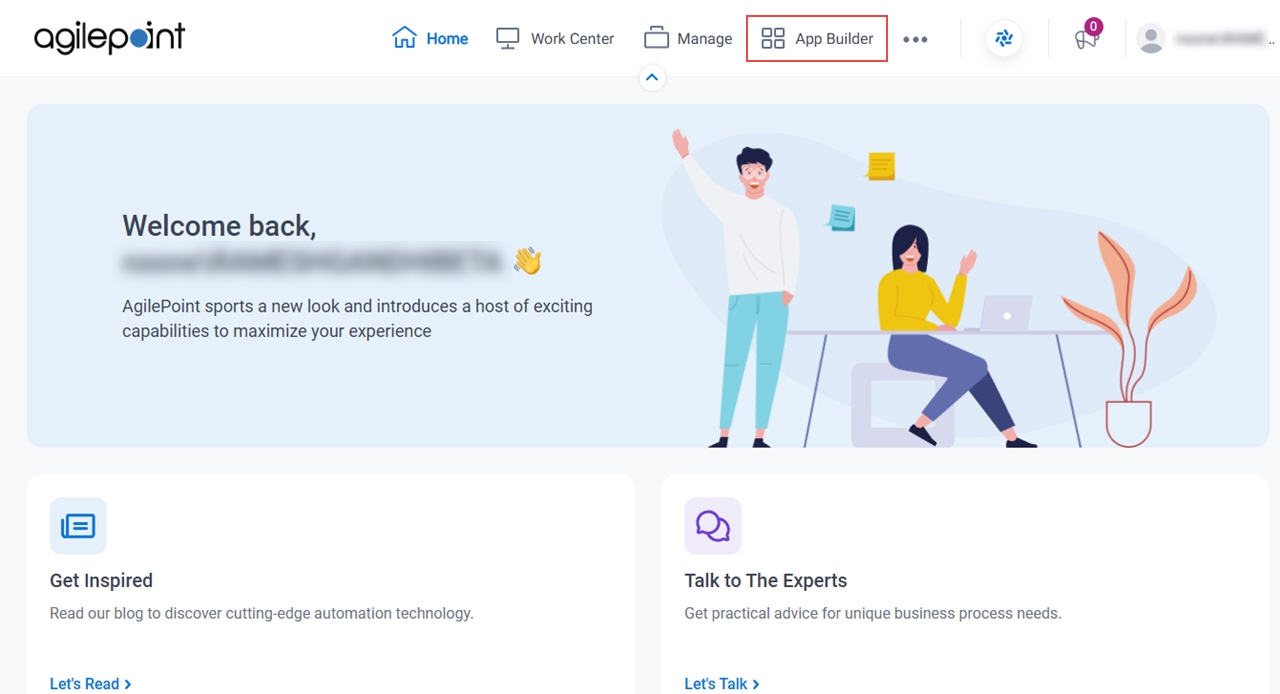
- Click App Builder.
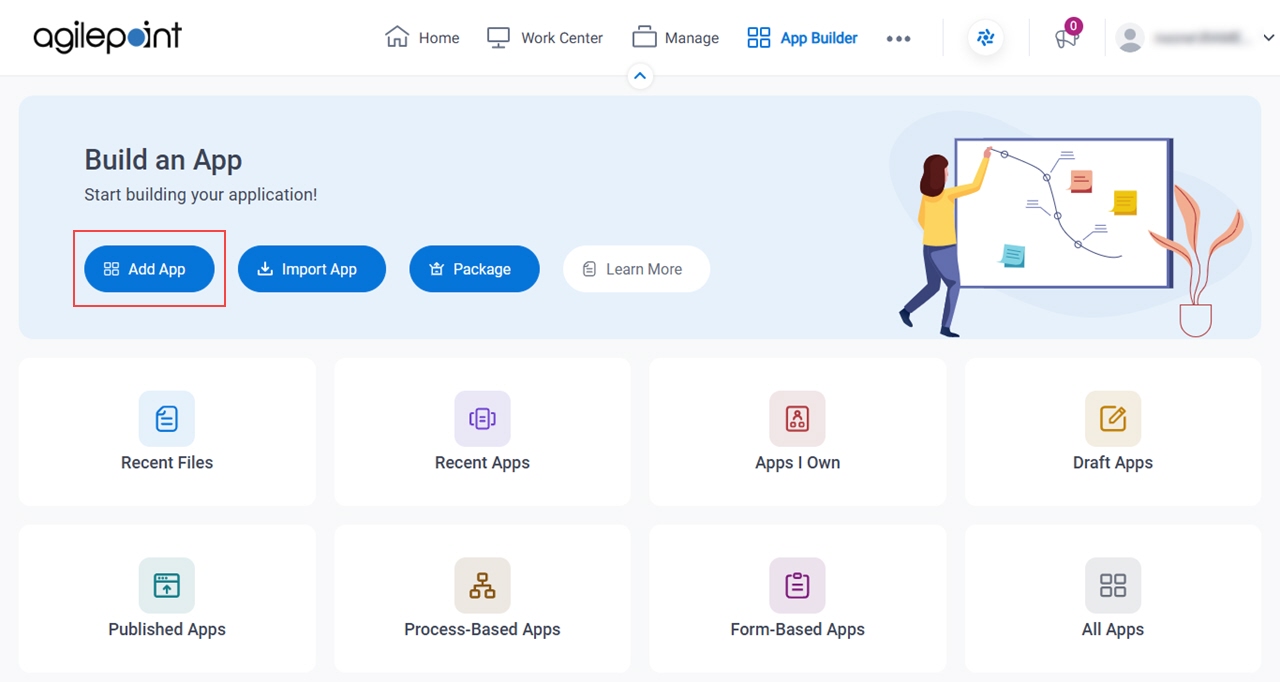
- On the App Builder Home screen, click Add App.
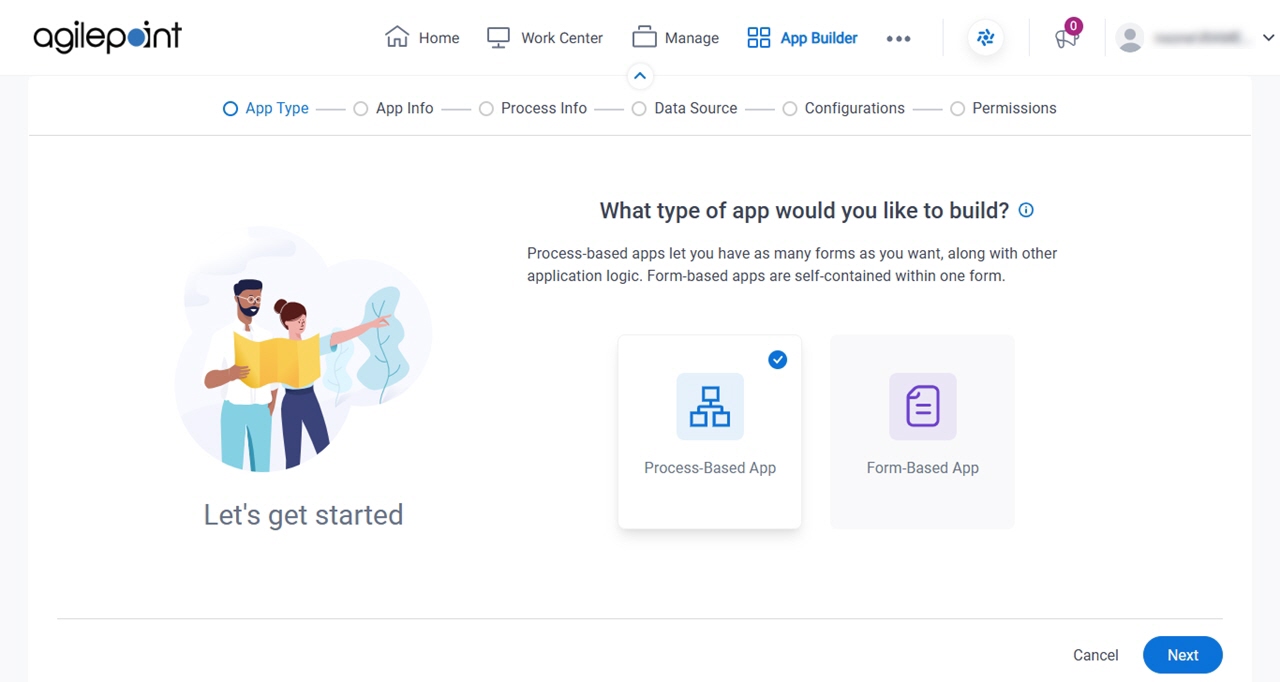
What type of app would you like to build? screen
Configures the type of app to create.
Fields
| Field Name | Definition |
|---|---|
|
App Type |
|