


Register Device activity
An activity that registers a device in Microsoft Azure IoT.
Configure the Register Device activity
To configure the Register Device activity, do the procedure in this topic.
Examples
Good to Know
- To send an email notification, click
Advanced
 >
Email Notifications
>
Email Notifications  .
. For more information, refer to Email Notifications screen (Process Activities).
- In most text fields, you can use process data variables as an alternative to literal data values.
- You can configure whether this activity waits for other activities before it runs.
For more information, refer to How Do I Configure an Activity to Wait for Other Incoming Activities?
- This section shows the configuration settings on the configuration screens for this activity. Other configuration settings apply to system activities. For more information, refer to:
How to Start
- Open Process Builder.
For information about how to open this screen, refer to Process Builder.
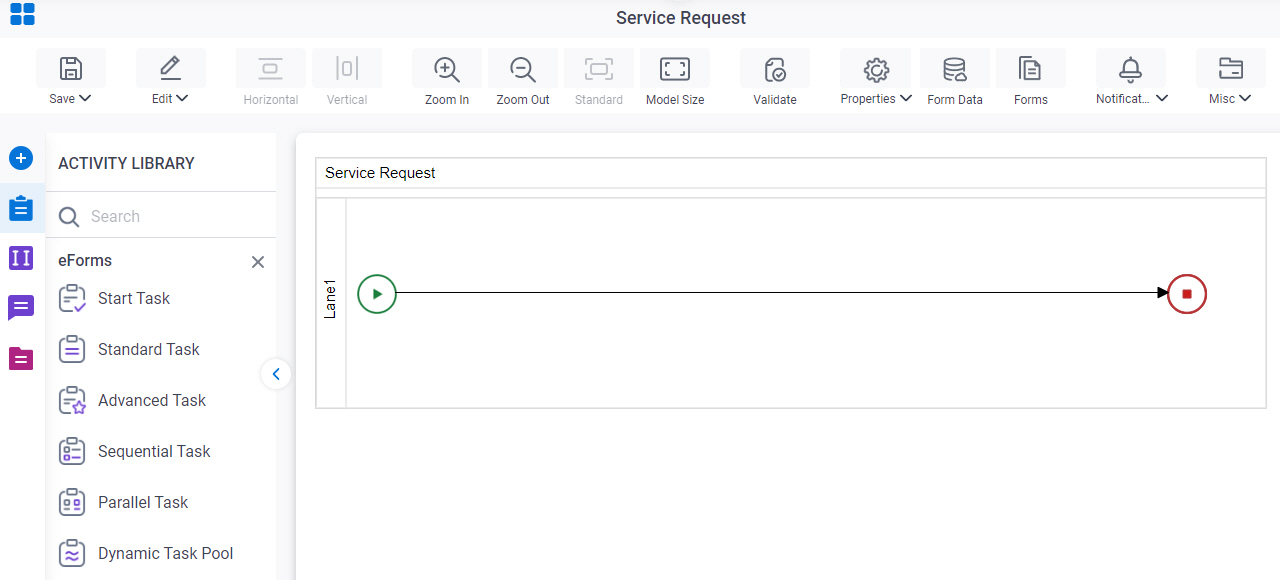
- In Process Builder, in the Activity Library
open the MS Azure IoT tab.
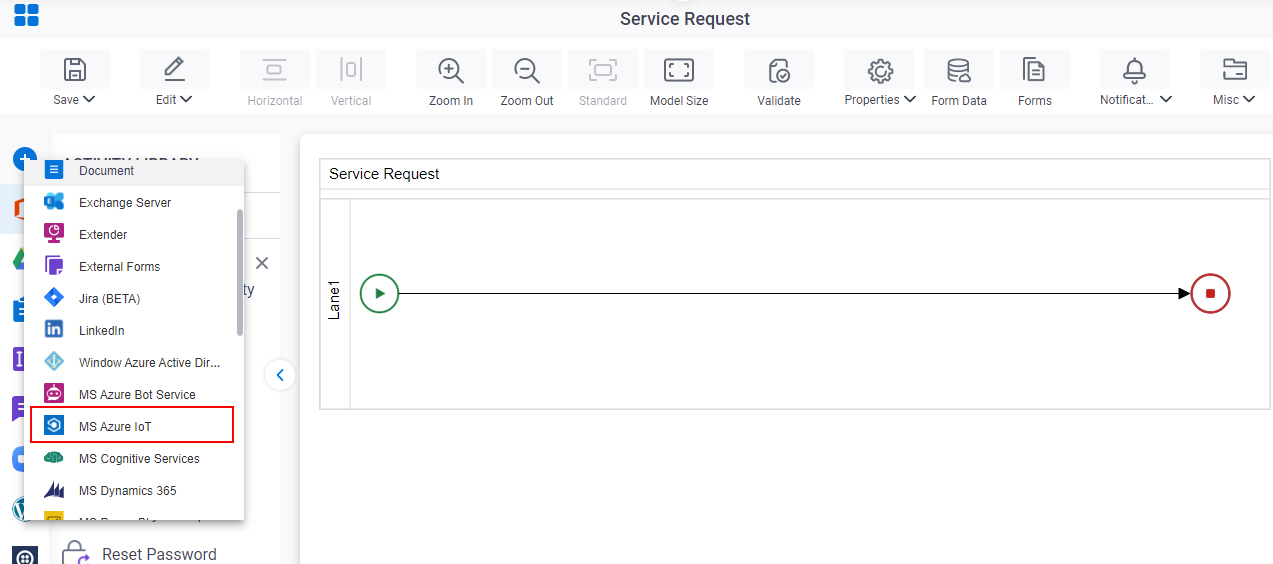
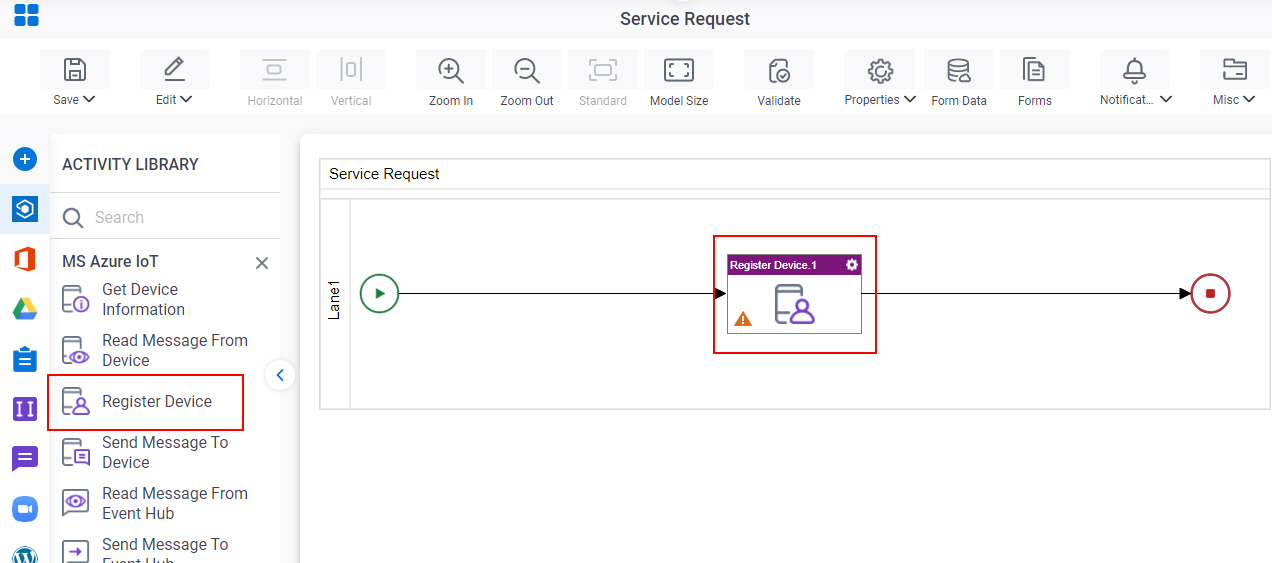
- On the
MS Azure IoT tab,
drag the Register Device
activity onto your process.
General Configuration
Specifies the basic settings for the Register Device activity.
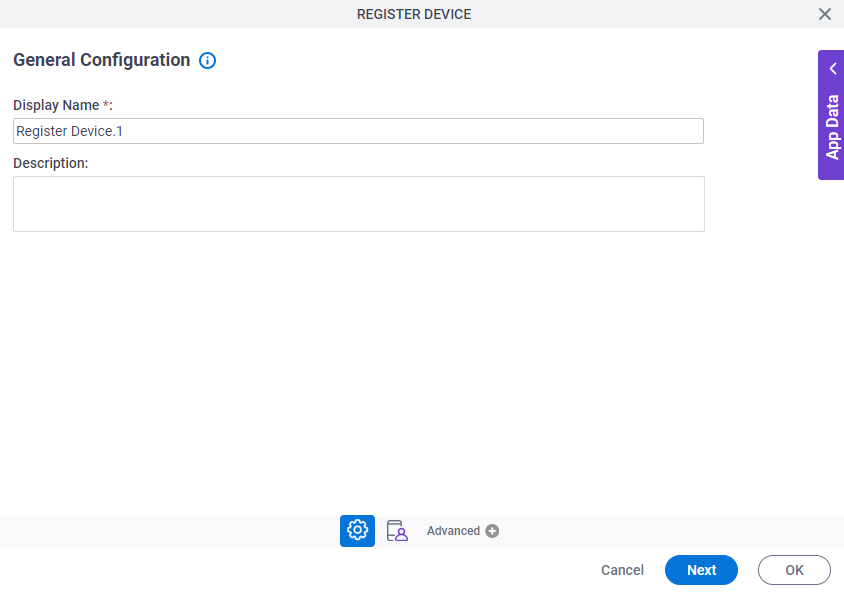
Good to Know
- Documentation for this screen is provided for completeness. The fields are mostly self-explanatory.
Fields
| Field Name | Definition |
|---|---|
|
Display Name |
|
|
Description |
|
Register Device
Configures the device information to register in the Microsoft Azure IoT.
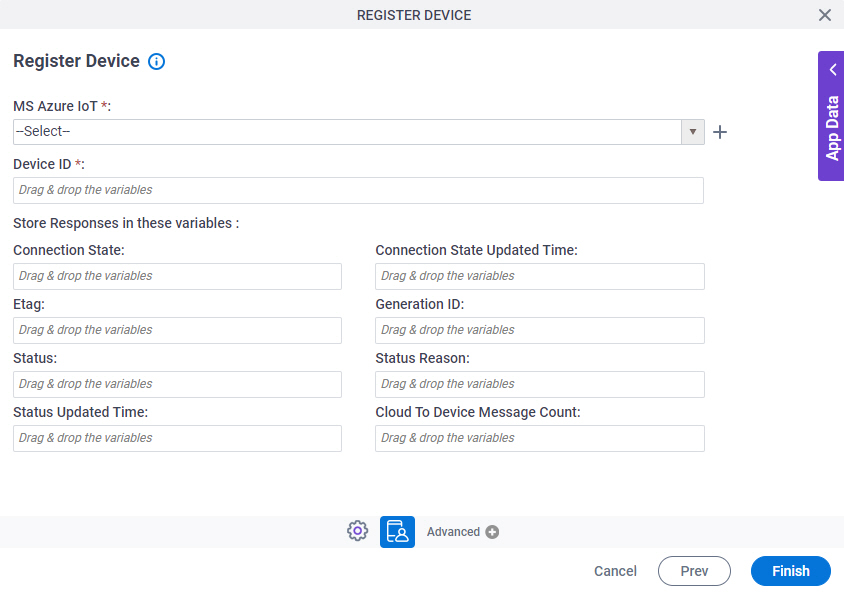
Fields
| Field Name | Definition |
|---|---|
|
MS Azure IoT |
|
|
Create |
|
|
Device ID |
|
|
Connection State |
|
|
Connection State Updated Time |
|
|
Etag |
|
|
Generation ID |
|
|
Status |
|
|
Status Reason |
|
|
Status Updated Time |
|
|
Cloud To Device Message Count |
|
