


Document Repository for Google Drive
Creates a document repository for Google Drive. You can use this document repository in any File Upload form control in a specified app, and in any process activities that use document repositories.
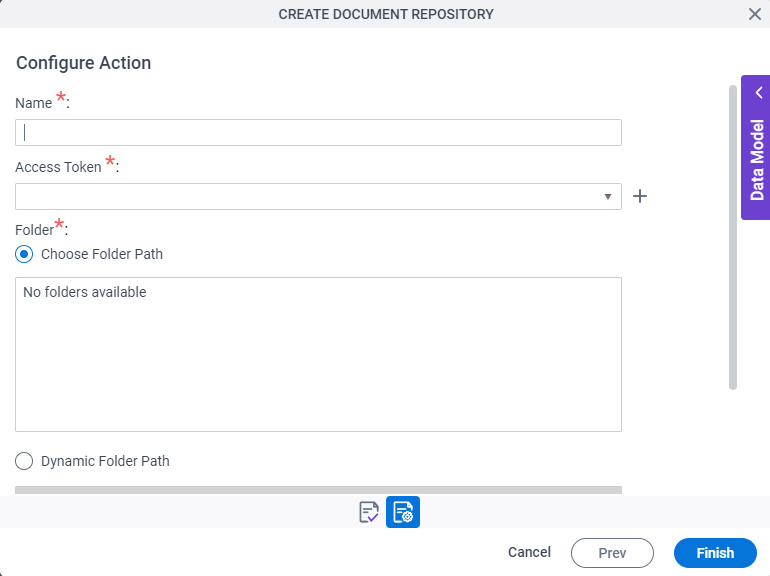
Background and Setup
Examples
Prerequisites
- Document Repositories in Modern Add an App Experience
is available in these releases:
- AgilePoint NX OnDemand (public cloud), or AgilePoint NX PrivateCloud or AgilePoint NX OnPremises v8.0 Software Update 1 or higher.
Good to Know
- This screen may look different in different places. The UI varies for this screen depending upon how you open it. However, the fields for this screen are the same in all places.
How to Start
There are several ways to open a document repository for Google Drive. How to open the document repository depends on where you want to use it.
Modern Add an App Experience
Create a document repository for an app in the Modern Add an App Experience.
- .
For more information, refer to:
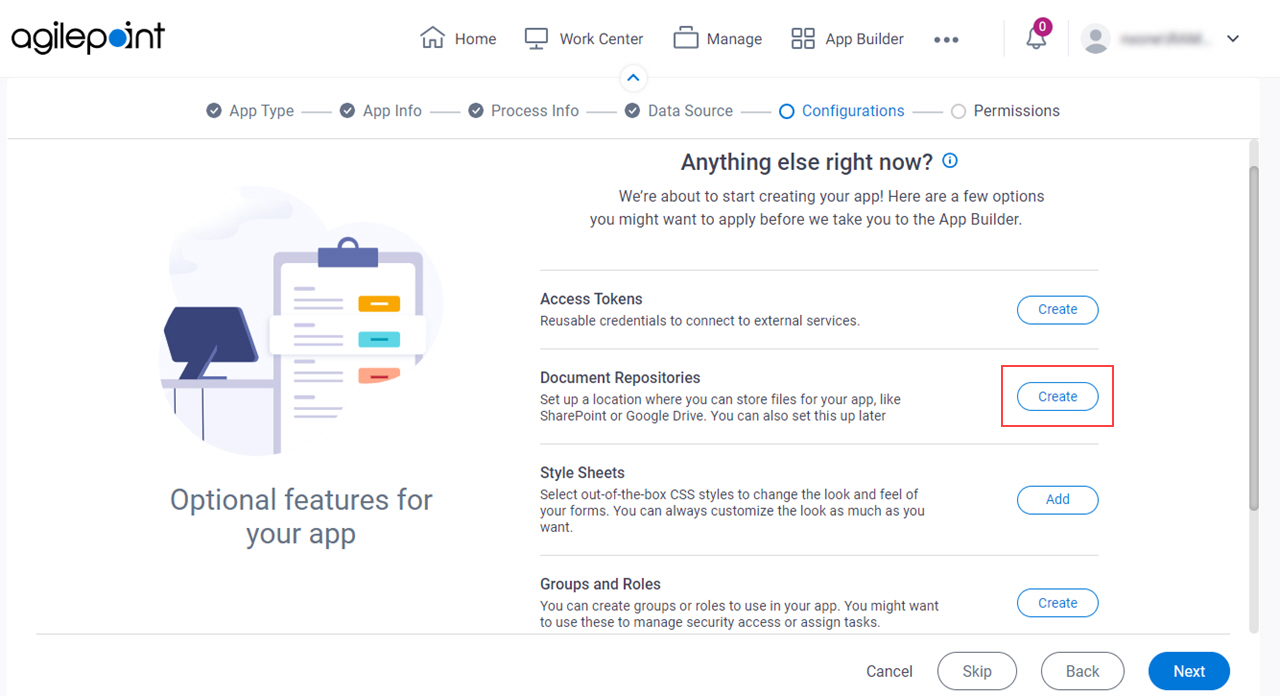
- On the Anything else right now? screen, in the Document Repositories field,
click Create.
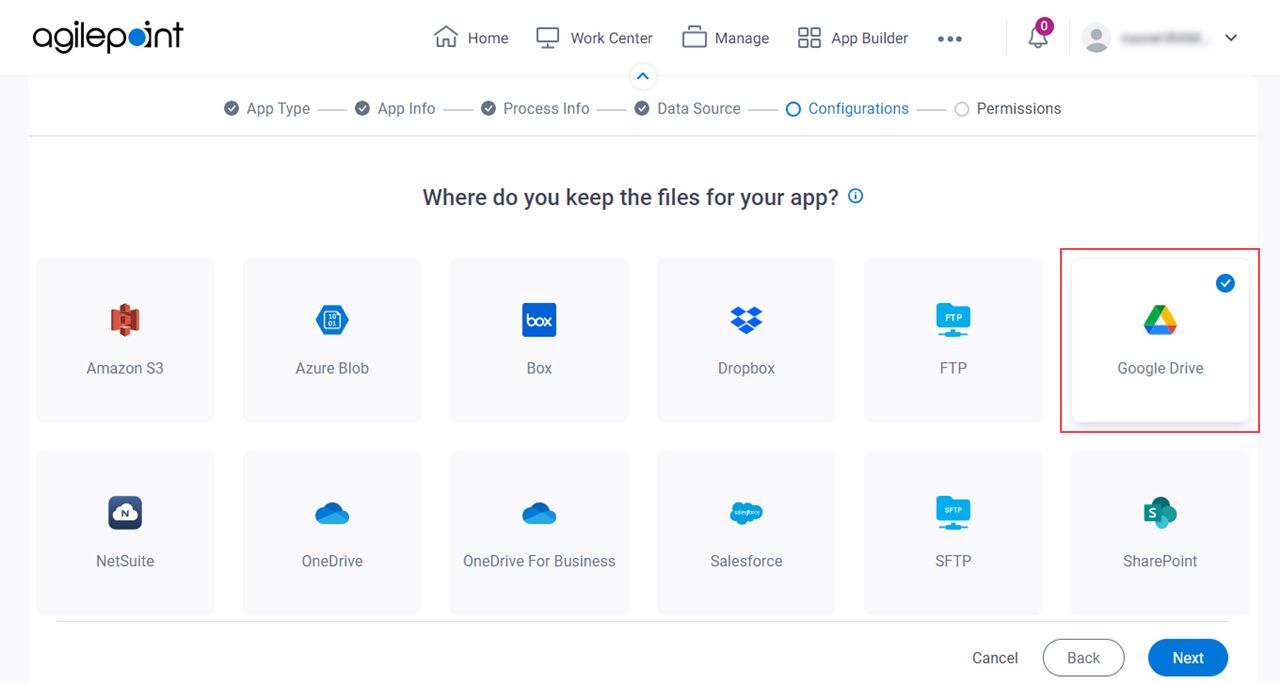
- On the Where do you keep the files for your app? screen, .
Select a Data Source for a File, Modern Add an App Experience
Select a document repository to upload, store, or access a file in the Modern Add an App Experience. This screen can be accessed in different ways and for different purposes when you create an app, such as an Excel file used as a data source, or a template for an eForm.
- In App Builder, in the Modern Add an App Experience, create an app.
For more information, refer to:
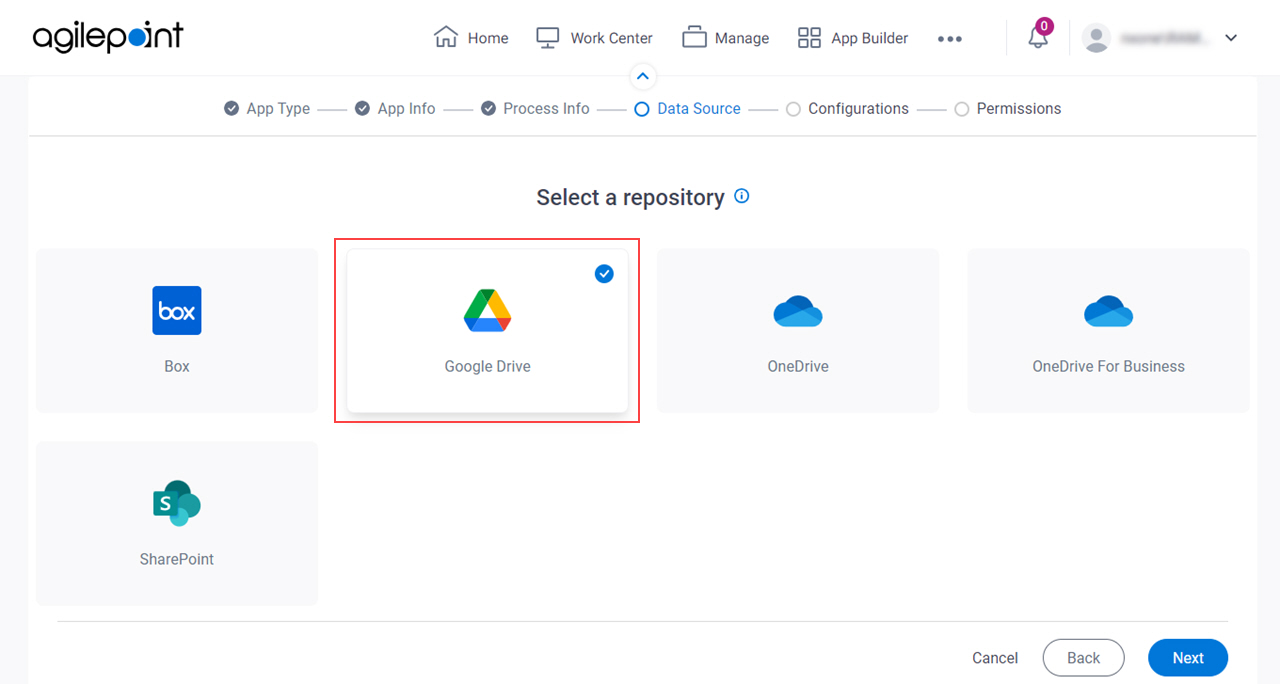
- On the Select a Repository screen,
select
Google Drive.
App Builder
Create a document repository to use in any File Upload form control in a specified app.
- Click App Builder.
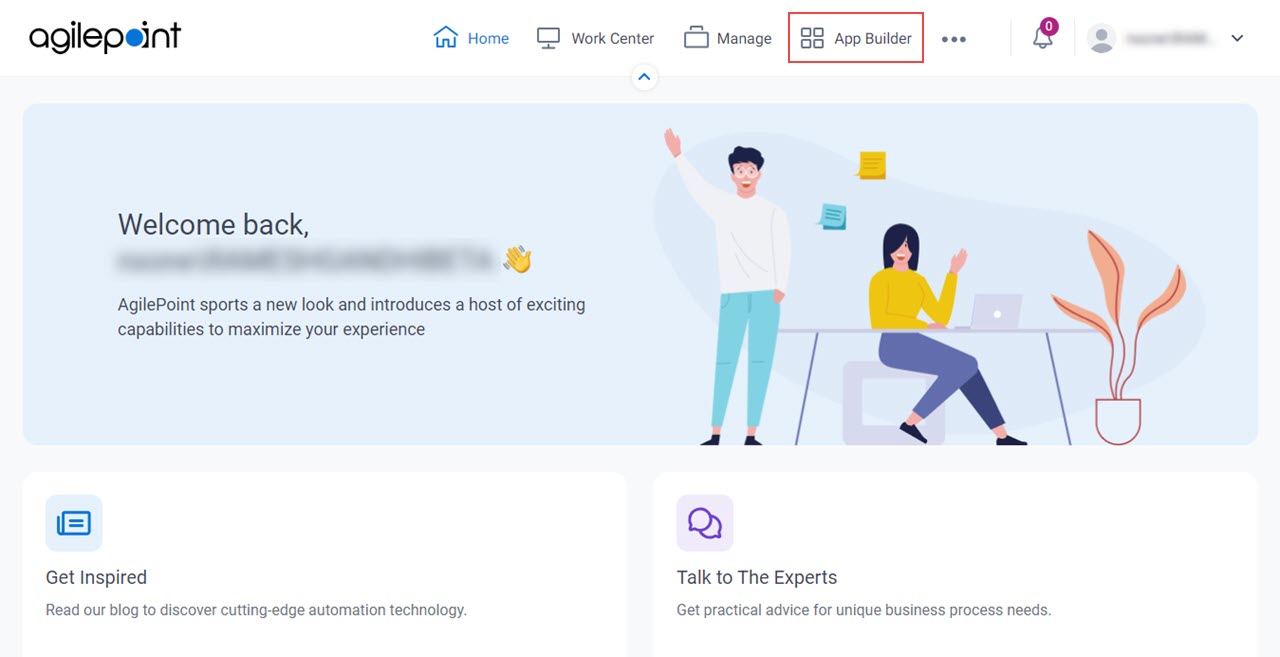
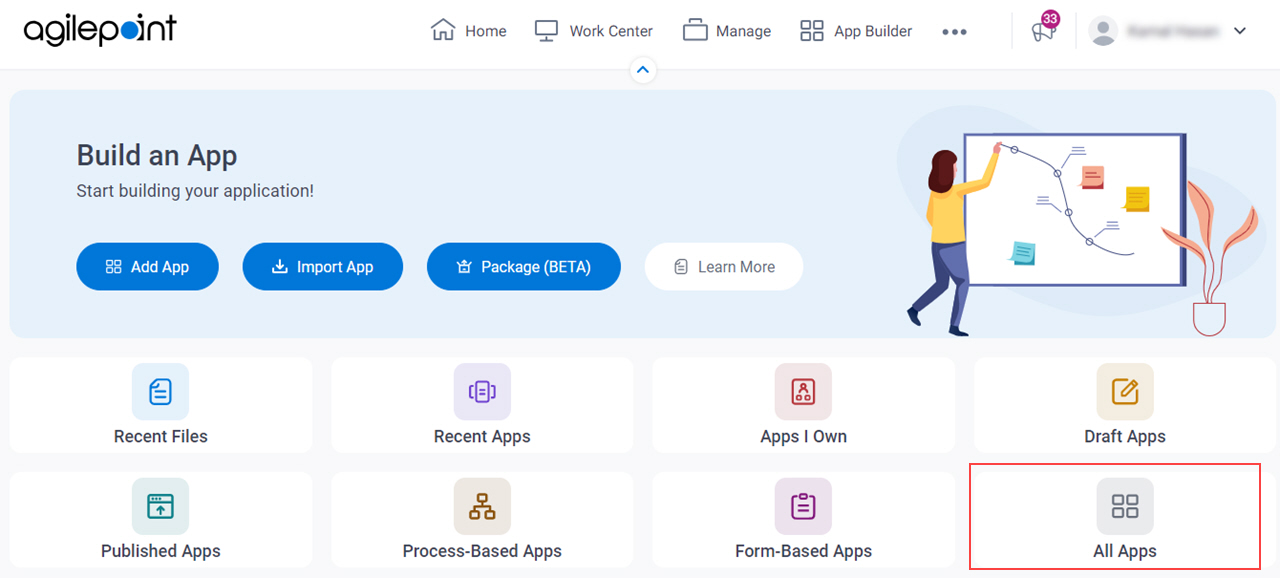
- On the App Builder Home screen, click All Apps.
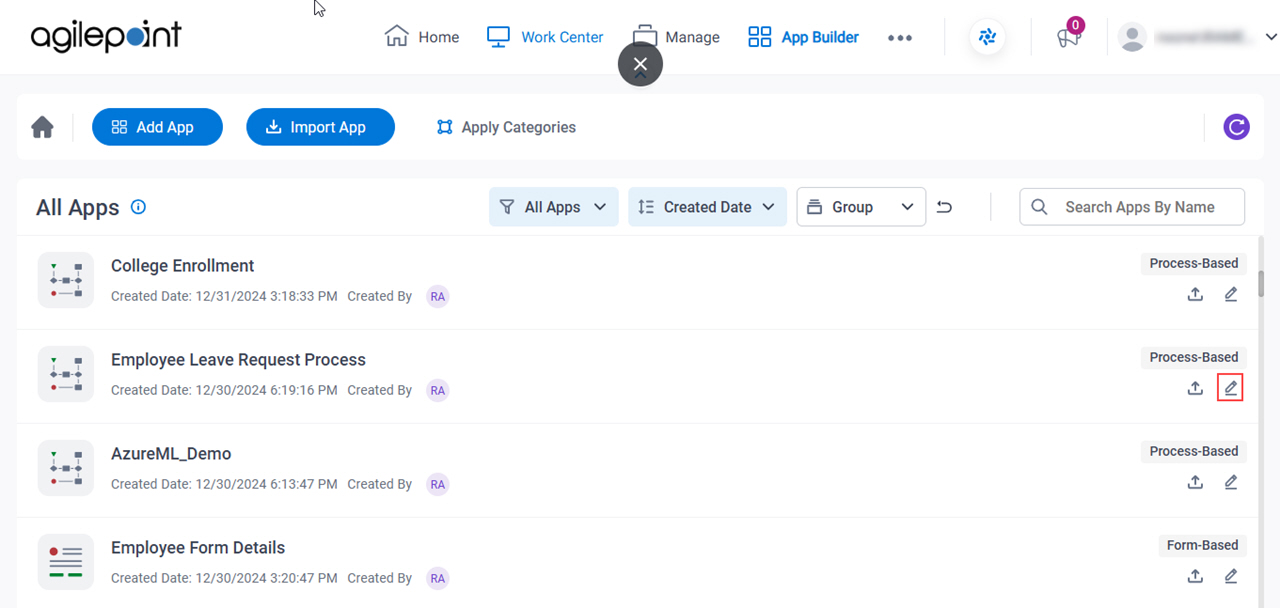
- On the All Apps screen, on an app,
click Edit
 .
.
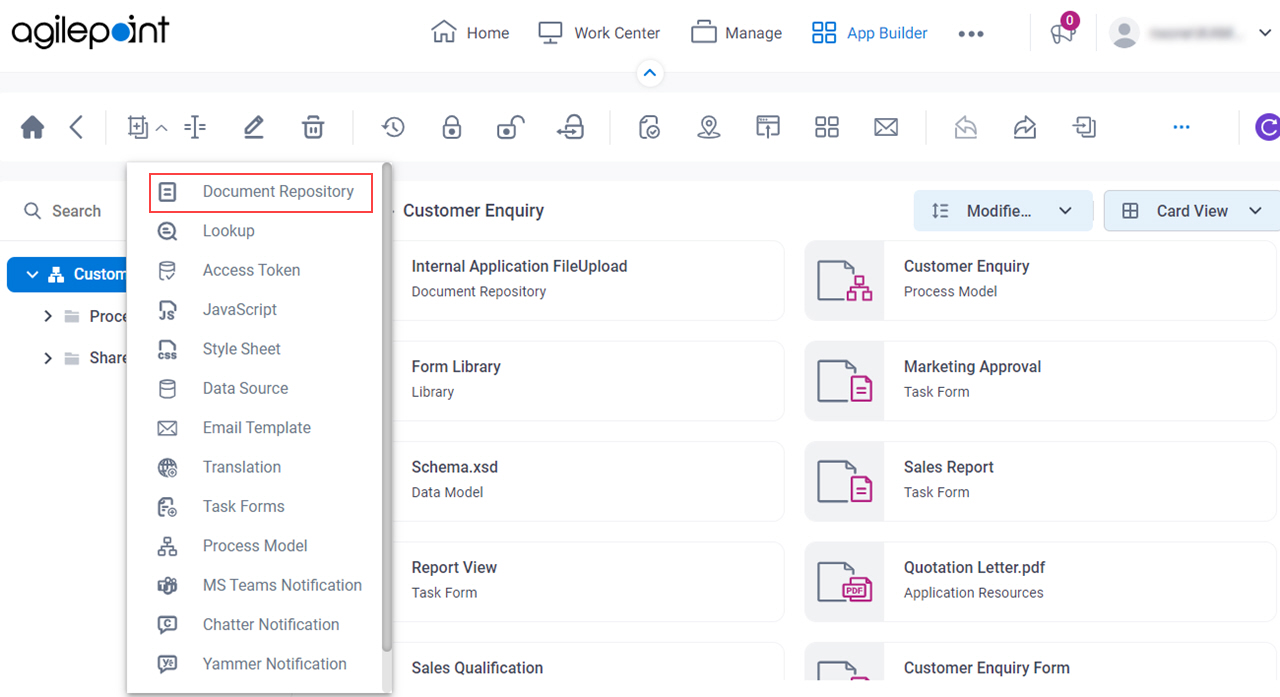
- On the App Details screen,
click Add New
 > Document Repository.
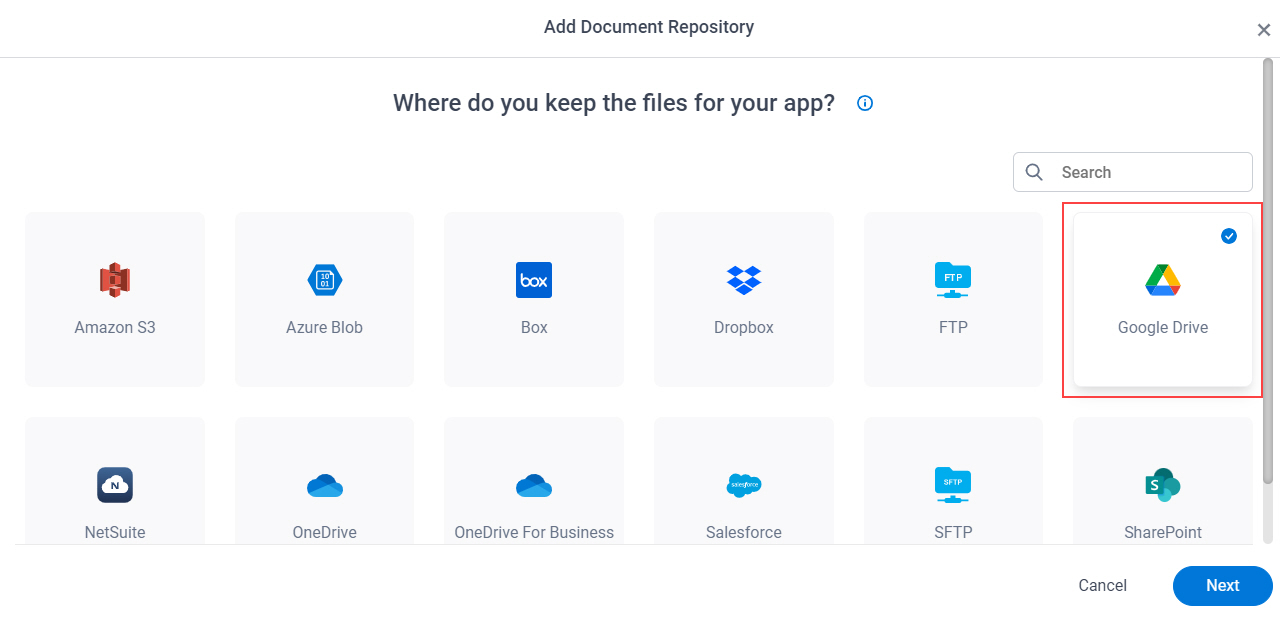
- On the Where do you keep the files for your app? screen,
select Google Drive.
eForm Builder
Create a document repository for any File Upload form control in a specified app.
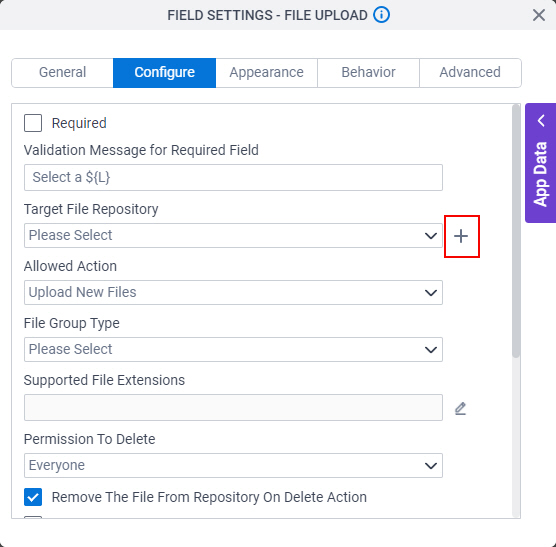
- On the File Upload form control configuration screen,
on the Configure tab,
click Add Repository.
For information about how to open this screen, refer to File Upload form control.
- On the Choose Document Repository screen, select Google Drive.
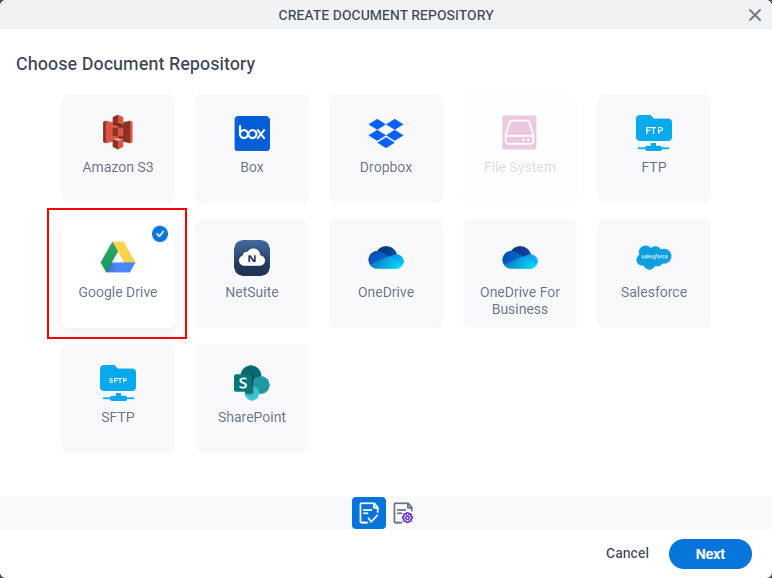
- Click Next.
Fields
| Field Name | Definition |
|---|---|
Name |
|
Access Token |
|
Add New |
|
Folder |
|
|
File Path |
|
|
File Name / Filter |
|
|
Recursive |
|
New Folder |
|
Overwrite The File |
|
