
External Apps screen (Modern, Salesforce)

Shows a list of external links created in Modern Work Center.
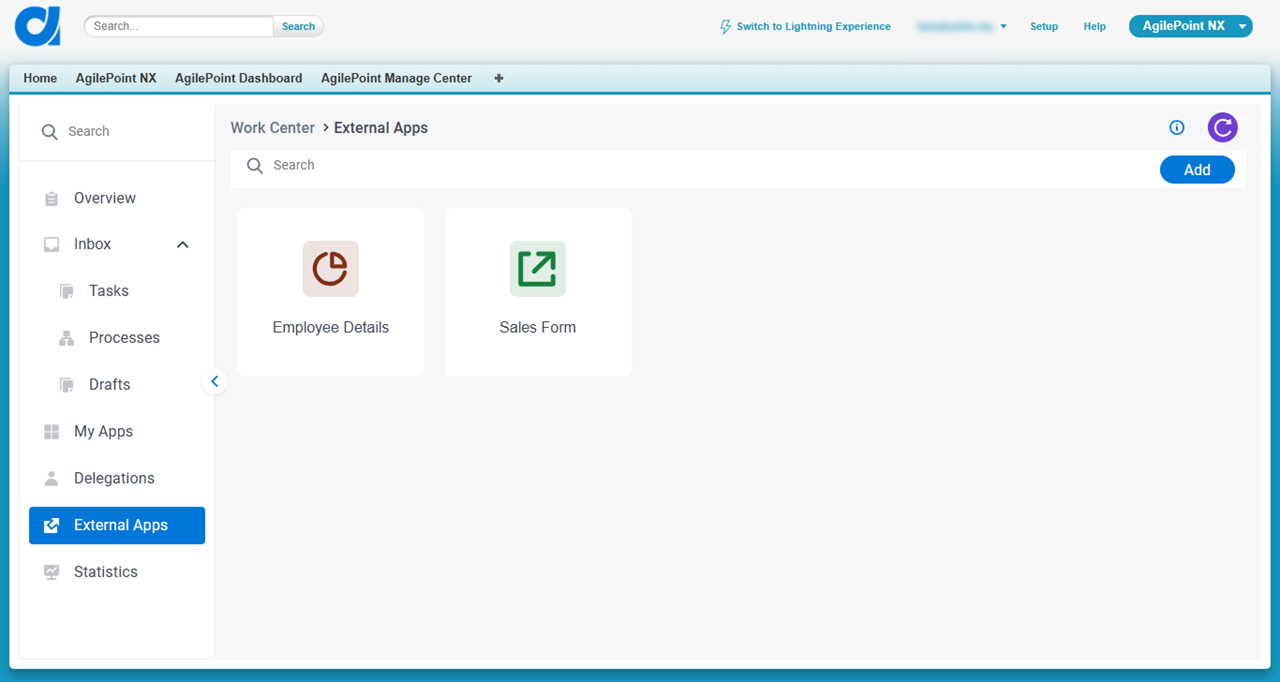
Figure 1. External Apps screen

External Apps screen

How to Start

  1. In Salesforce, click AgilePoint Dashboard.
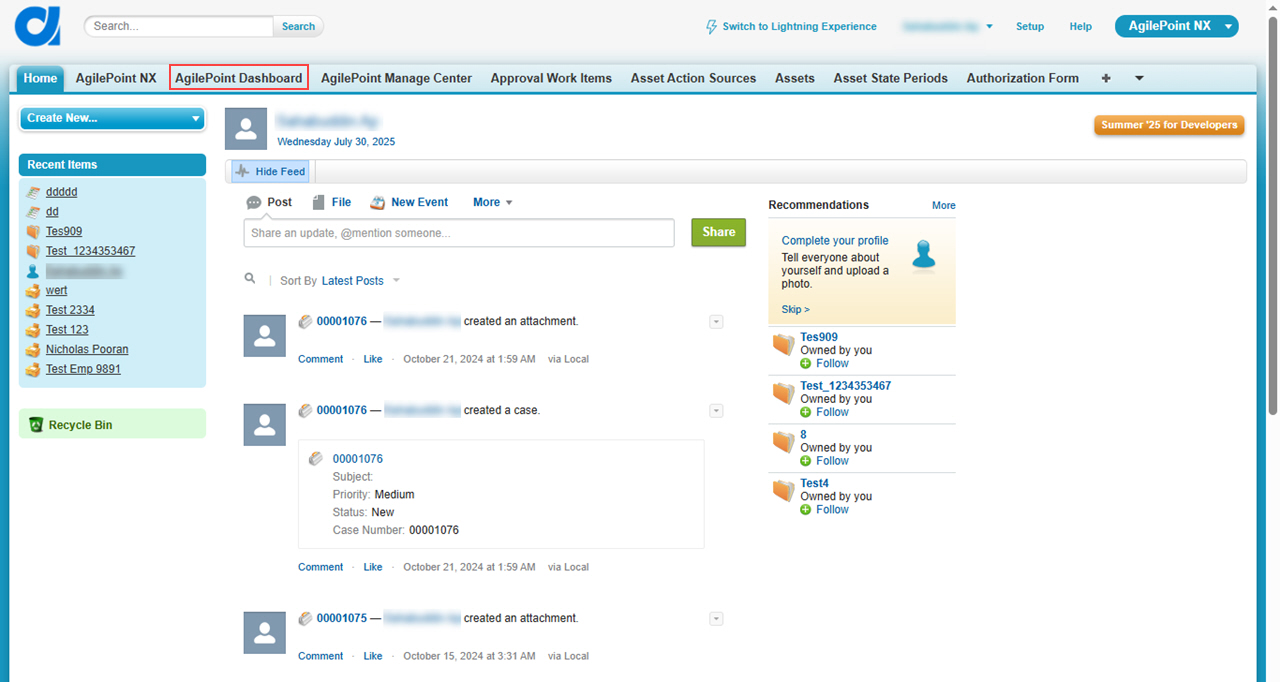
    Click AgilePoint Dashboard
  2. In the left pane, click External Apps.
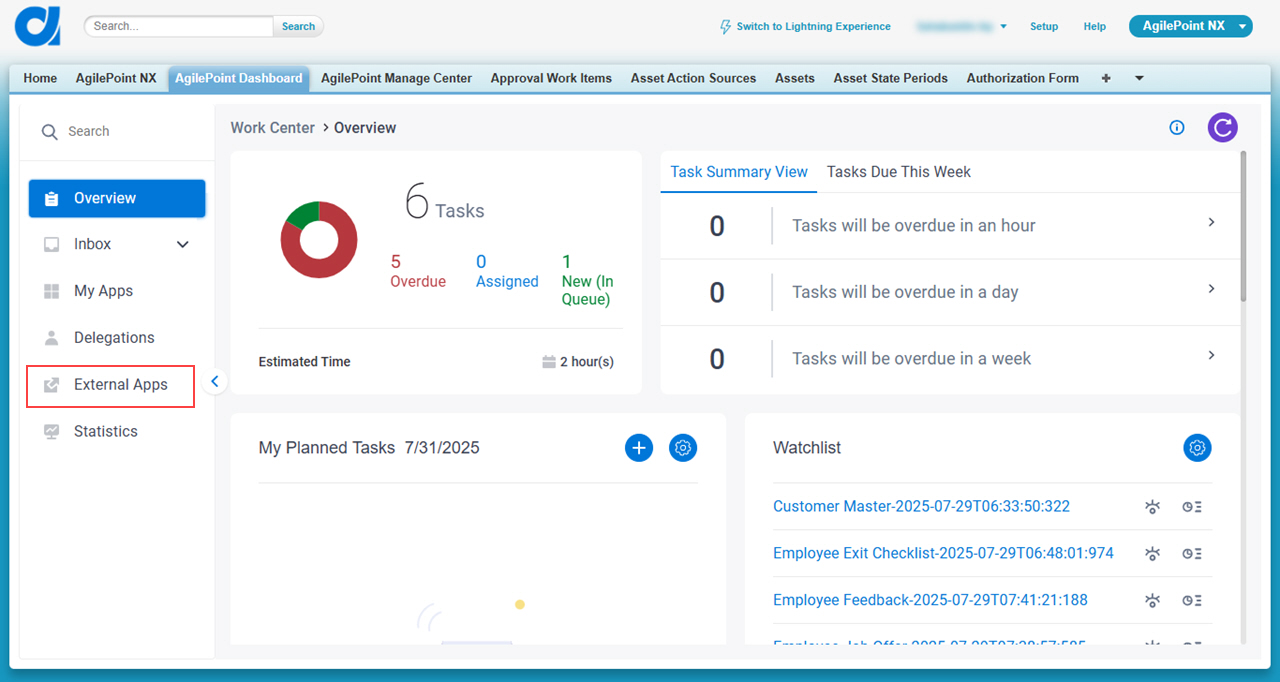
    Click External Apps

Fields

Field NameDefinition

Add

Opens this Screen:
Add External App screen (Modern, Salesforce)
Function:
Creates an external link in Modern Work Center.

Search

Does a search of your external links that are saved.
One line of text (a string).

Accepted:

  • Letters
  • Numbers
  • Spaces
None

Edit Edit Process icon

Description:
Changes the information for an external link.

Delete Delete icon

Description:
Deletes the external link.