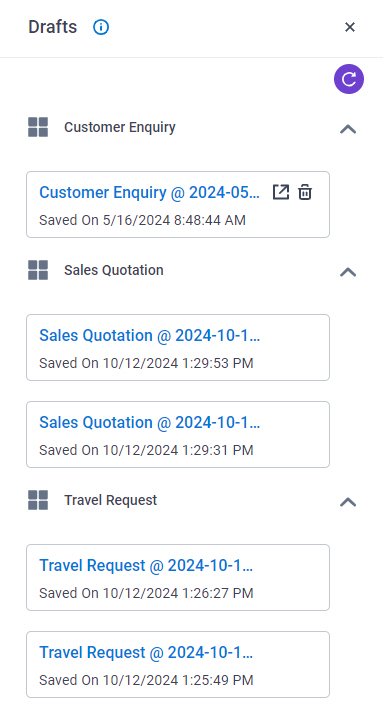
Drafts screen (Modern, Salesforce) Shows a list of eForms that are saved as a draft in all apps. Figure 1. Drafts screenBackground and SetupPrerequisites Save the start task form as a draft for one or more apps. How to Start In Salesforce, click AgilePoint Dashboard. In the left pane, click Inbox > Drafts. Fields Field NameDefinitionOpen Draft Description:Opens an eForm with the data that is saved as a draft in a new tab. Delete Draft Description:Deletes the selected eForm that is saved as a draft.
Drafts screen (Modern, Salesforce) Shows a list of eForms that are saved as a draft in all apps. Figure 1. Drafts screenBackground and SetupPrerequisites Save the start task form as a draft for one or more apps. How to Start In Salesforce, click AgilePoint Dashboard. In the left pane, click Inbox > Drafts. Fields Field NameDefinitionOpen Draft Description:Opens an eForm with the data that is saved as a draft in a new tab. Delete Draft Description:Deletes the selected eForm that is saved as a draft.
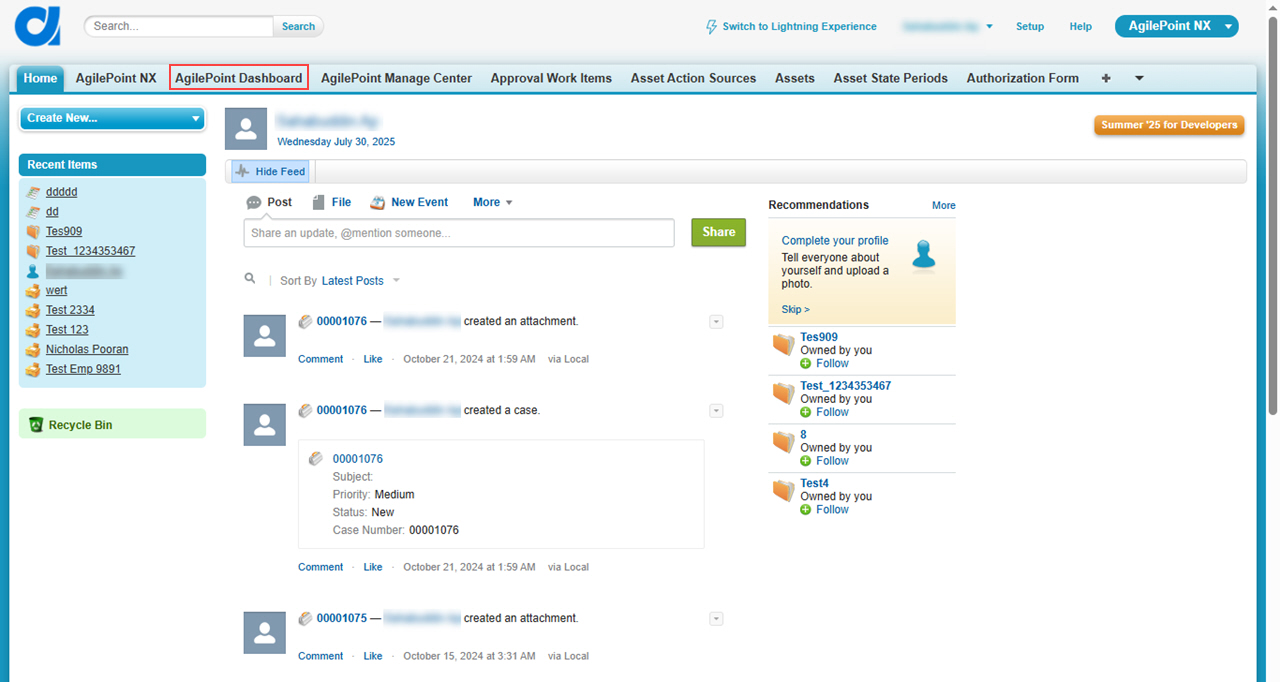
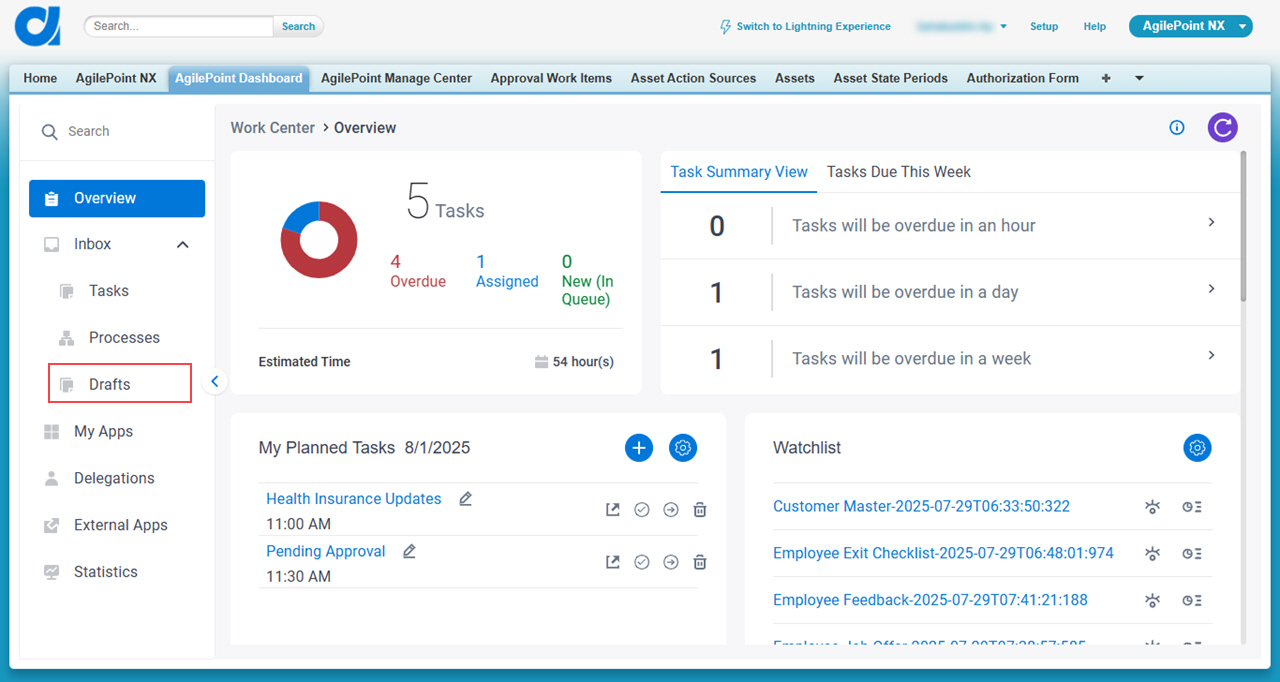
Background and SetupPrerequisites Save the start task form as a draft for one or more apps. How to Start In Salesforce, click AgilePoint Dashboard. In the left pane, click Inbox > Drafts.
Fields Field NameDefinitionOpen Draft Description:Opens an eForm with the data that is saved as a draft in a new tab. Delete Draft Description:Deletes the selected eForm that is saved as a draft.