


Set Your AgilePoint NX Server URL for the Outlook Task Manager
To set your AgilePoint Server URL for the AgilePoint Outlook app, do the procedure in this topic.
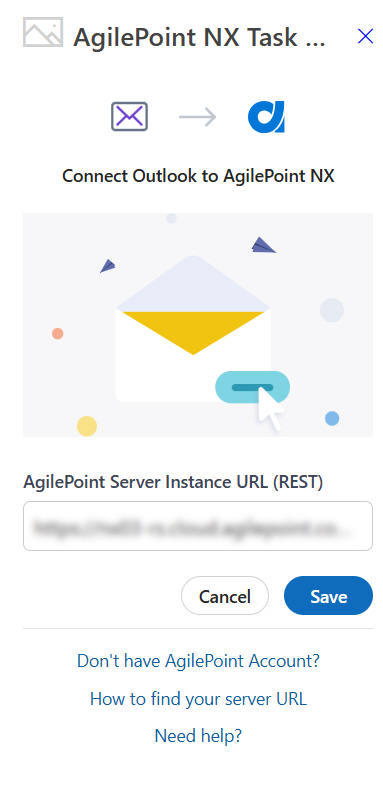
Background and Setup
Prerequisites
How to Start
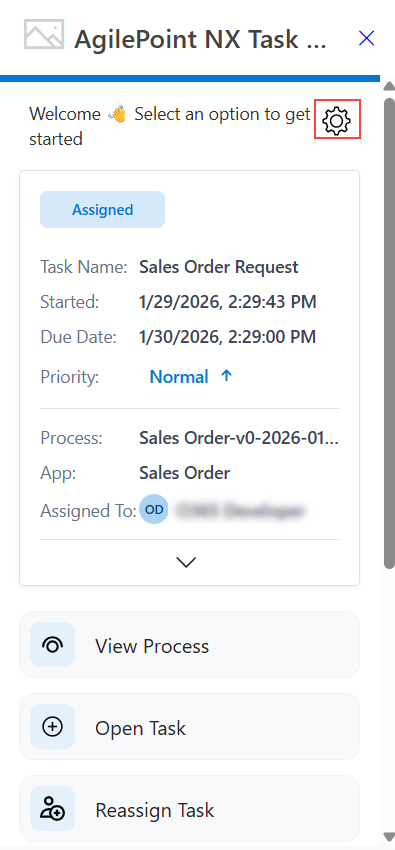
- In Microsoft 365, open the AgilePoint NX Task Manager for Outlook app.
- Click Settings
 .
.
Procedure
- On the Settings screen, in the AgilePoint Server Instance URL field, enter the REST URL for your
AgilePoint Server.
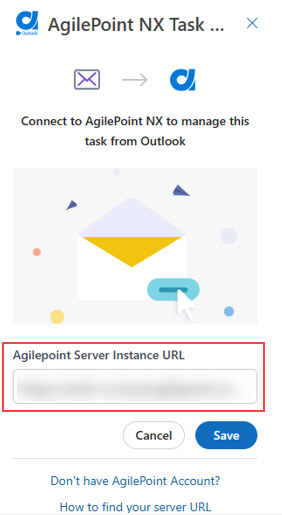
- Click Save.