Auto-Lookup > AgileLLM
Full documentation coming soon.
Background and Setup
Examples
- (External) Trigger AgileLLM from eForms
- Examples - Step-by-step use case examples, information about what types of examples are provided in the AgilePoint NX Product Documentation, and other resources where you can find more examples.
Prerequisites
How to Start
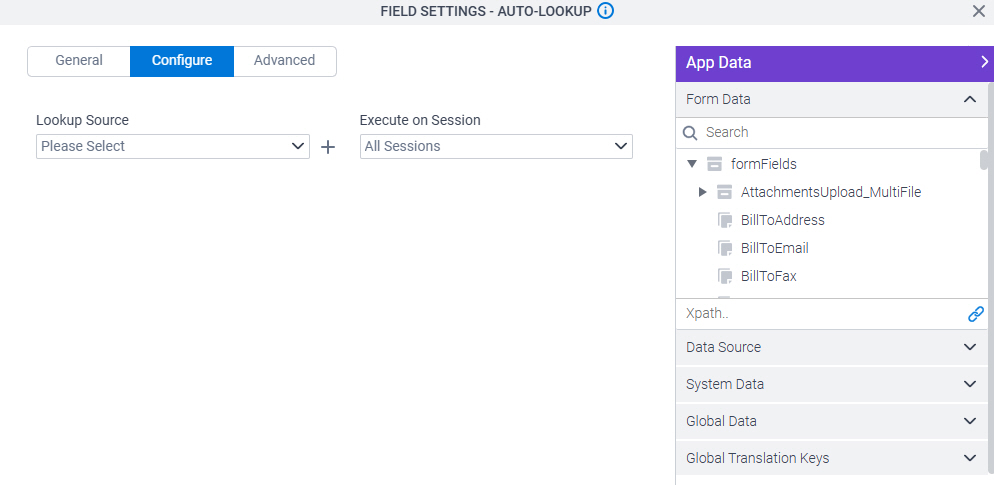
- On the Auto-Lookup form control configuration screen, on the Configure tab,
click Add Lookup.
For information about how to open this screen, refer to Auto-Lookup form control.
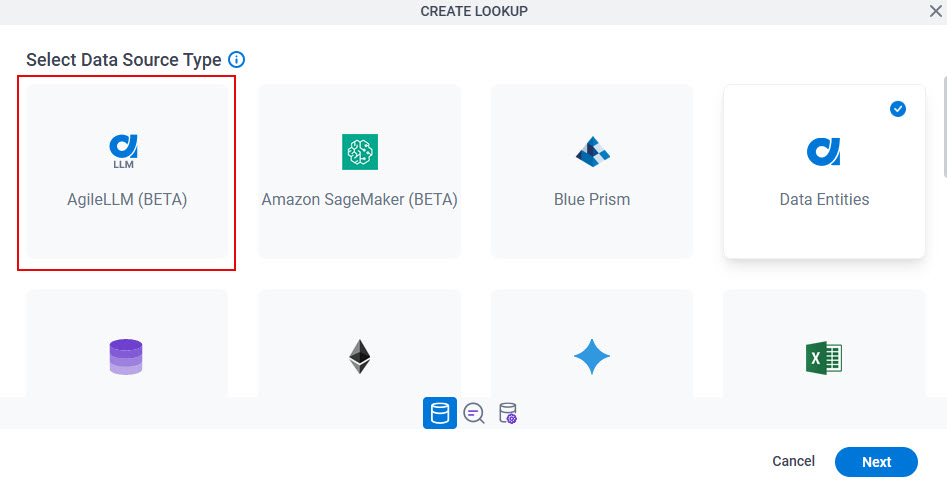
- On the Select Data Source Type screen,
select
AgileLLM.
- Click Next.
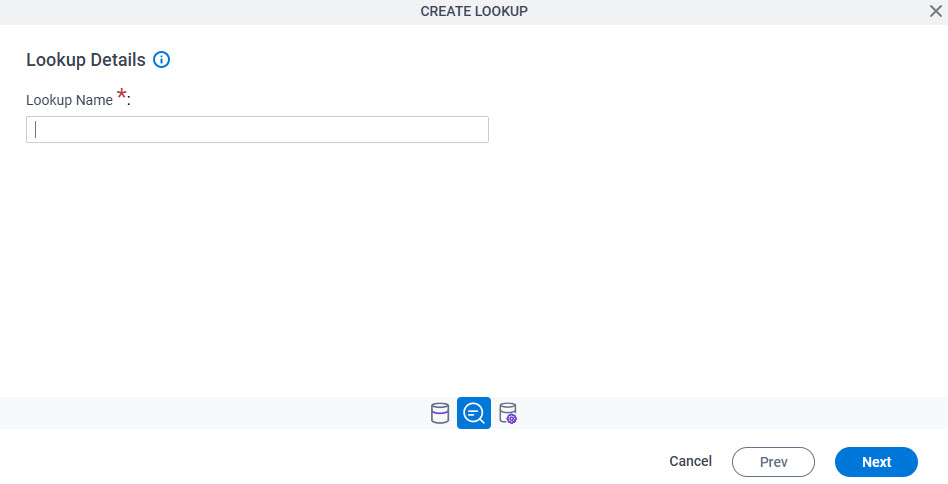
Lookup Details
Full documentation coming soon.
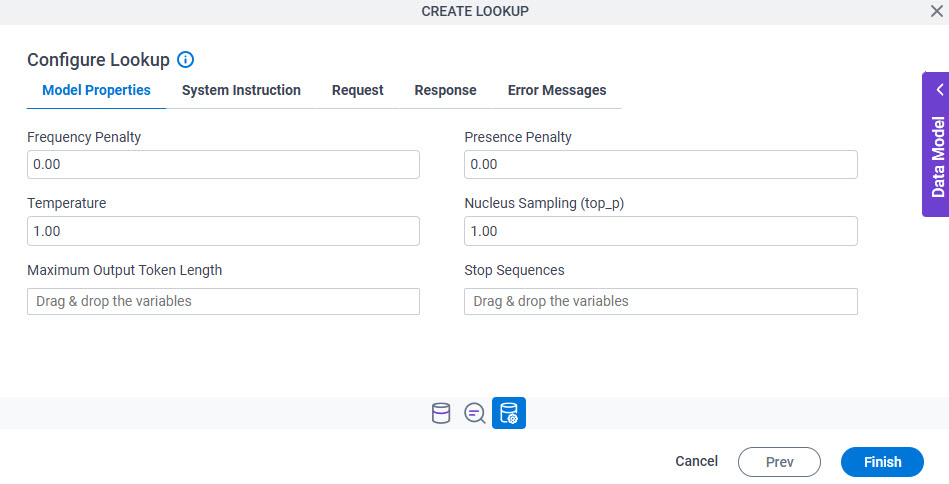
Configure Lookup > Model Properties tab
Full documentation coming soon.
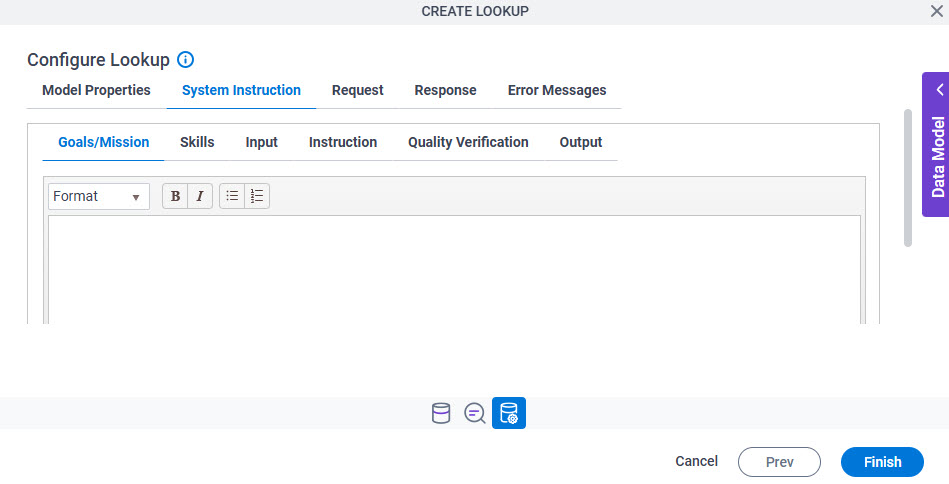
Configure Lookup > System Instruction > Goals/Mission tab
Full documentation coming soon.
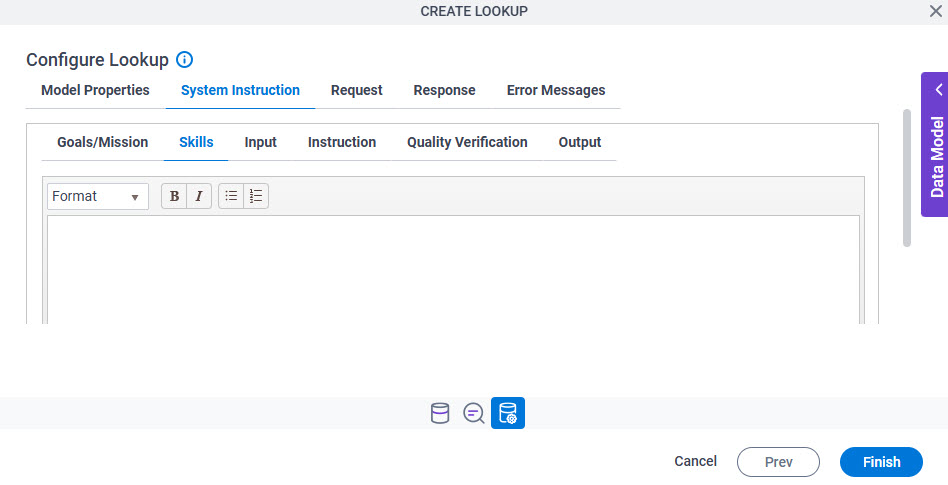
Configure Lookup > System Instruction > Skills tab
Full documentation coming soon.
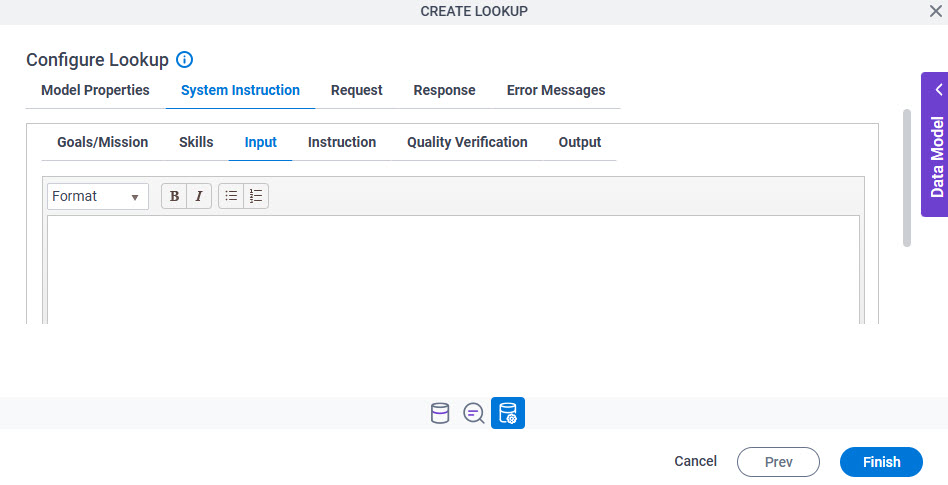
Configure Lookup > System Instruction > Input tab
Full documentation coming soon.
Configure Lookup > System Instruction > Instruction tab
Full documentation coming soon.
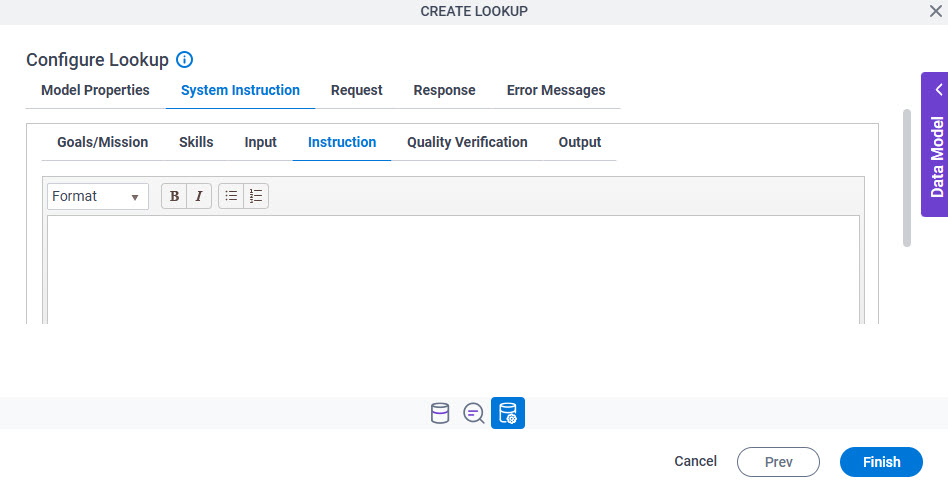
Configure Lookup > System Instruction > Quality Verification tab
Full documentation coming soon.
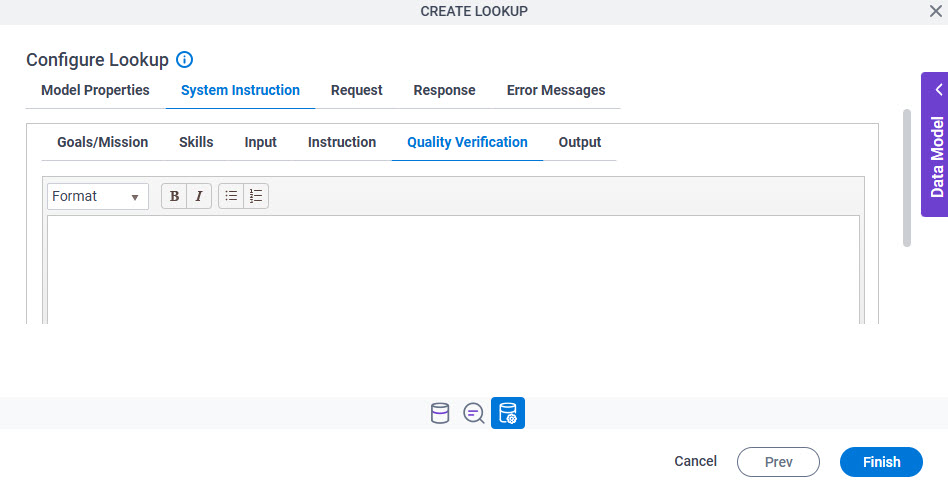
Configure Lookup > System Instruction > Output tab
Full documentation coming soon.
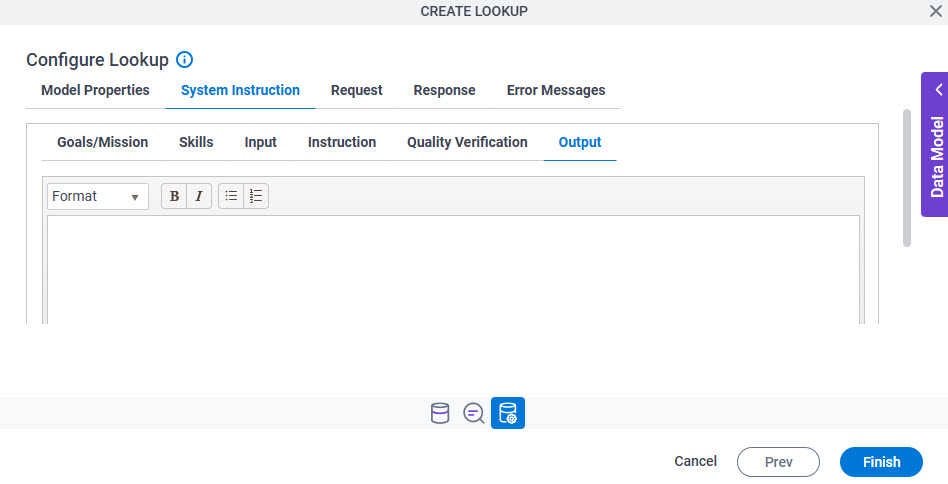
Configure Lookup > Request tab
Full documentation coming soon.
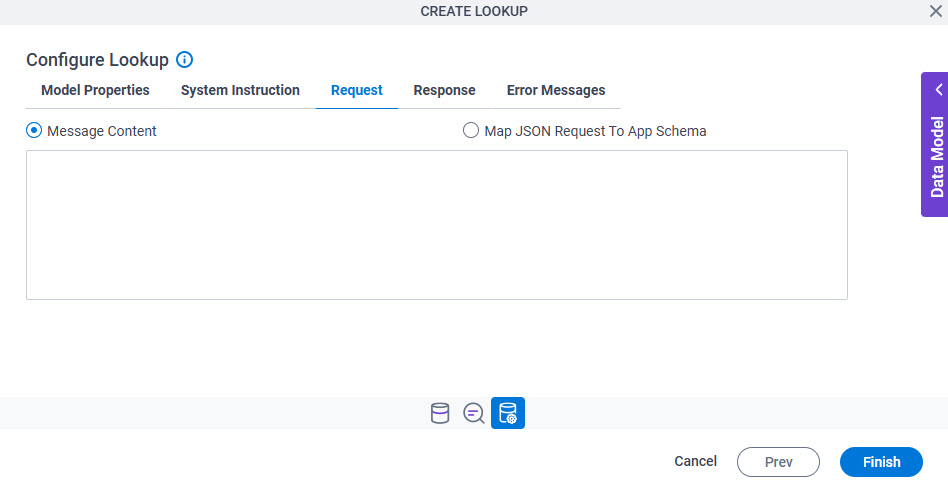
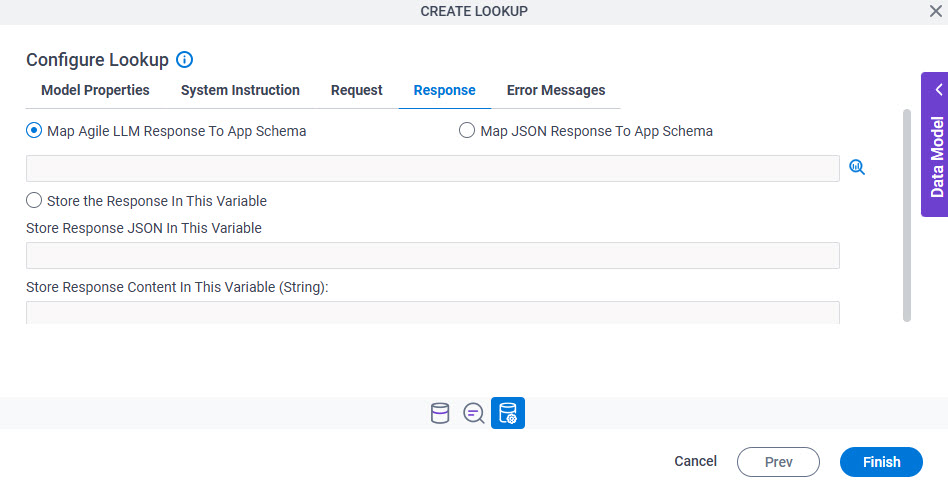
Configure Lookup > Response tab
Full documentation coming soon.
Configure Lookup > Error Messages tab
Full documentation coming soon.