AgileLLM
Full documentation coming soon.
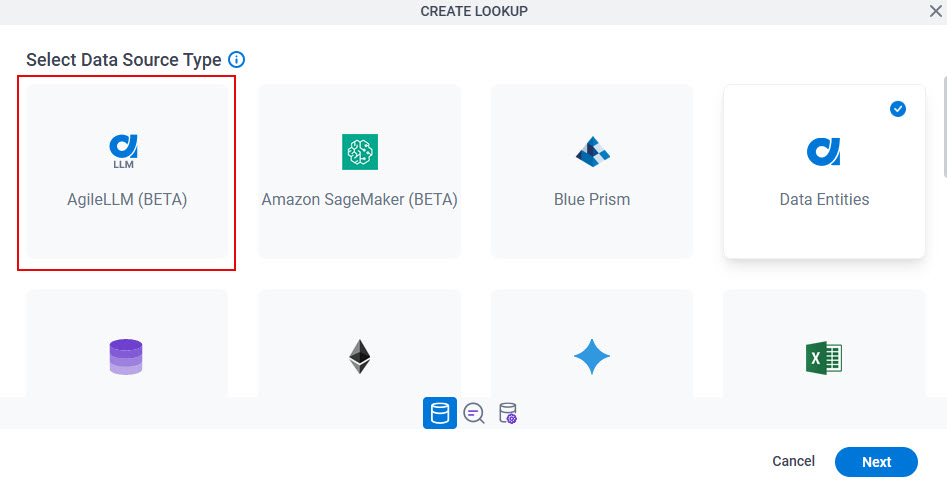
How to Start
Form Builder (Auto-Lookup Form Control)
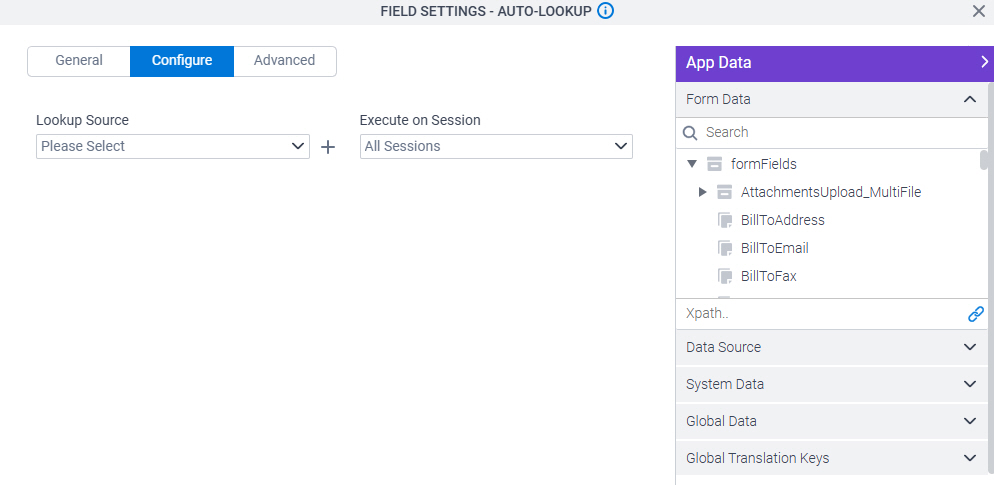
- On the Auto-Lookup form control configuration screen, on the Configure tab,
click Add Lookup.
For information about how to open this screen, refer to Auto-Lookup form control.
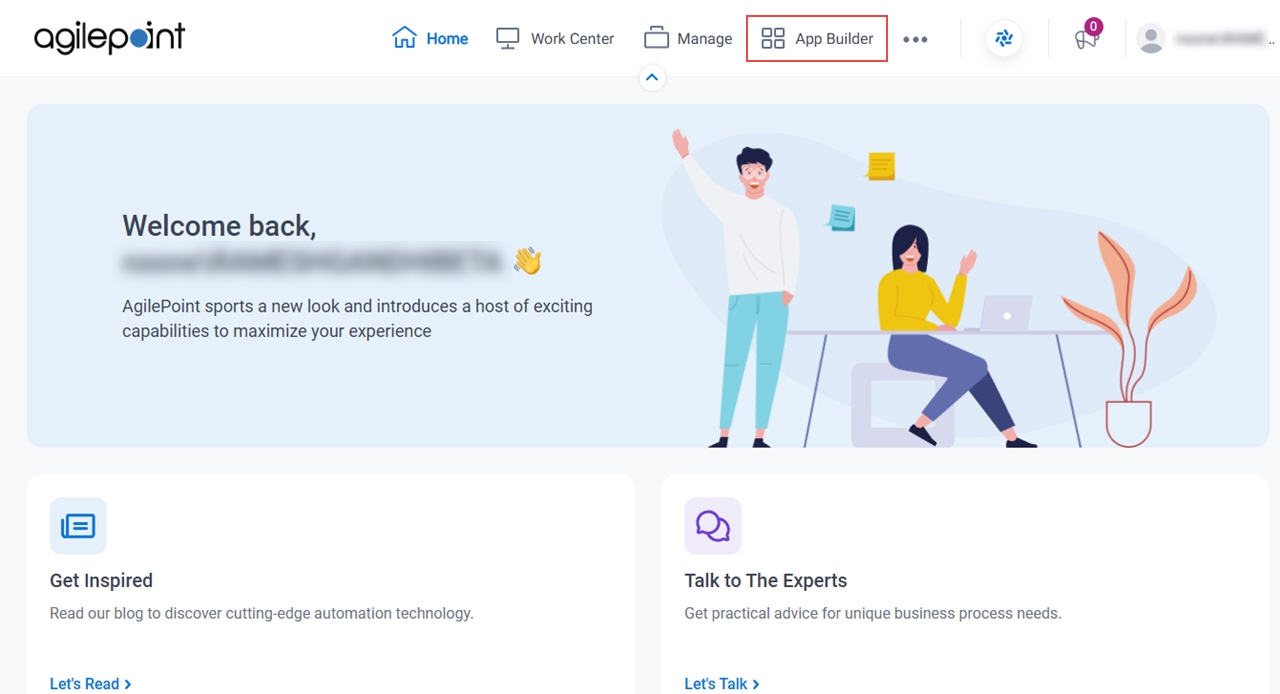
App Builder
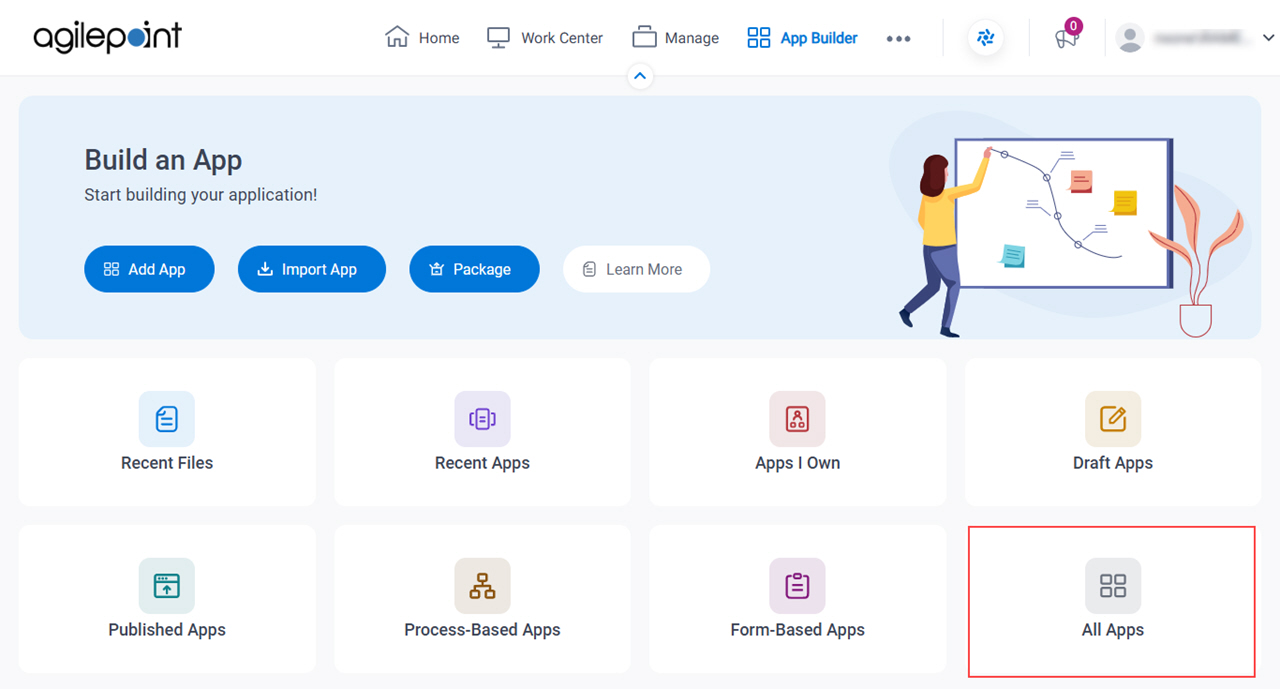
- Click App Builder.
- On the App Builder Home screen, click All Apps.
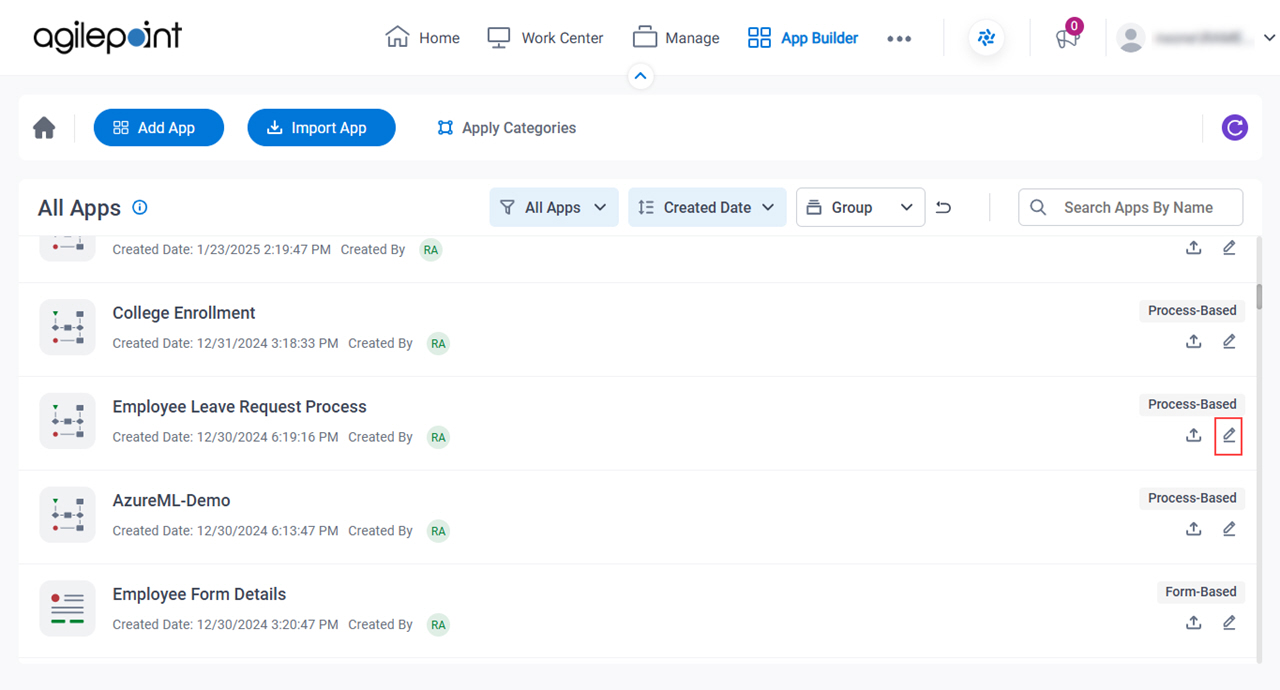
- On the All Apps screen, on an app,
click Edit
 .
.
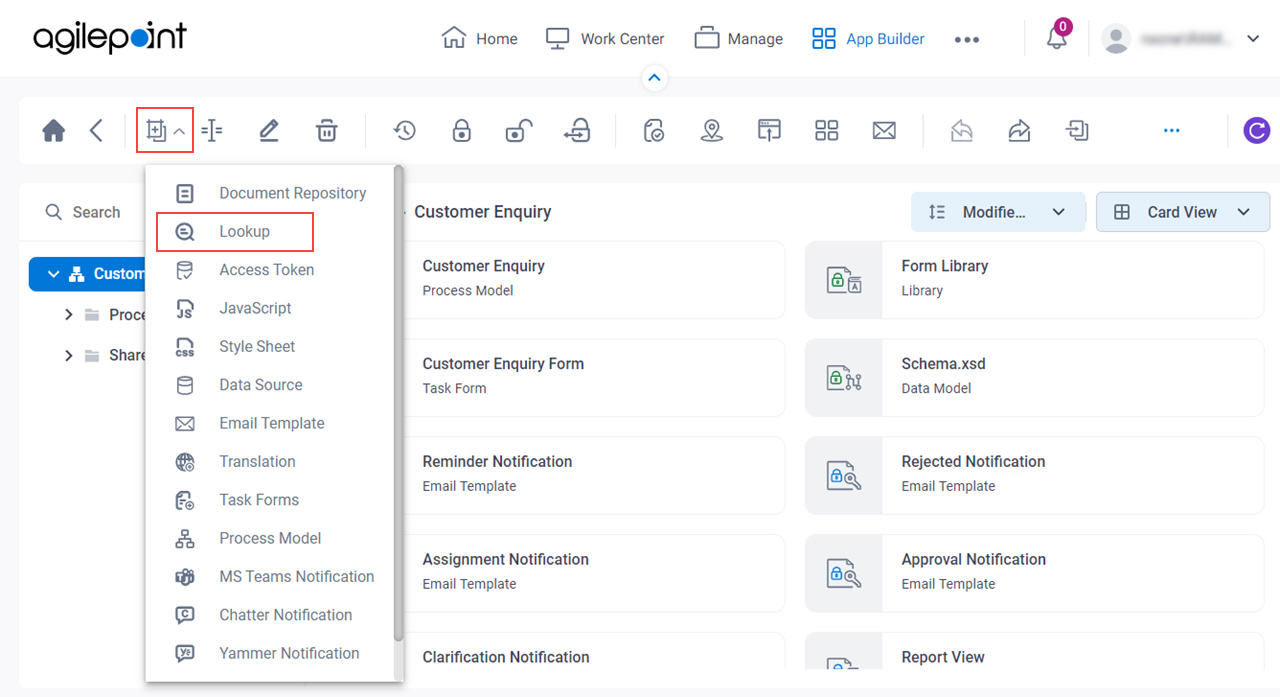
- On the App Details screen,
click Add New
 > Lookup.