Update Records In Complex Schema Node activity
Full documentation coming soon.
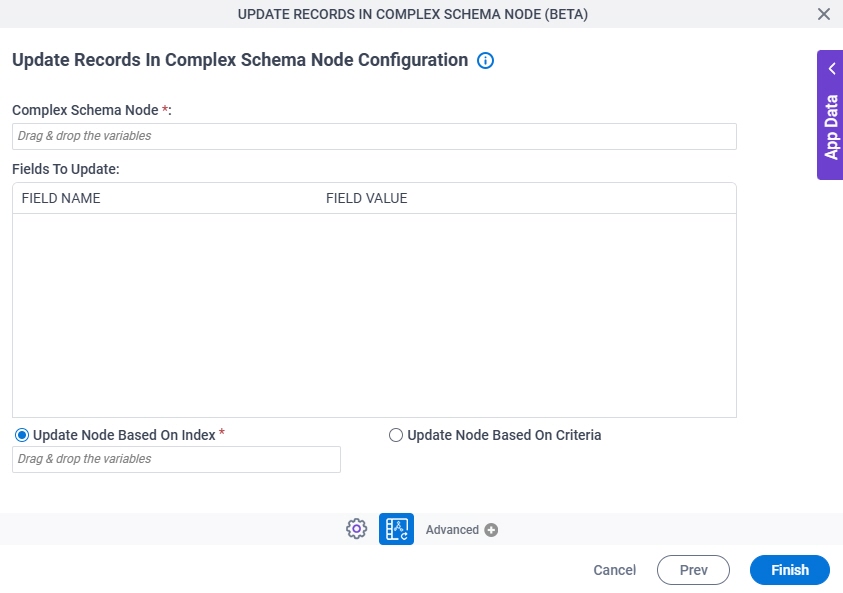
Configure the Update Records In Complex Schema Node activity
Prerequisites
- AgilePoint NX OnDemand (public cloud), AgilePoint NX Private Cloud, or AgilePoint NX OnPremises v10.0 or higher.
Good to Know
- To send an email notification, click
Advanced
 >
Email Notifications
>
Email Notifications  .
. For more information, refer to Email Notifications screen (Process Activities).
- In most text fields, you can use process data variables as an alternative to literal data values.
For more information, refer to Data screen.
- You can configure whether this activity waits for other activities before it runs.
For more information, refer to How Do I Configure an Activity to Wait for Other Incoming Activities?
- This section shows the configuration settings on the configuration screens for this activity. Other configuration settings apply to system activities. For more information, refer to:
How to Start
- Open Process Builder.
For information about how to open this screen, refer to Process Builder.
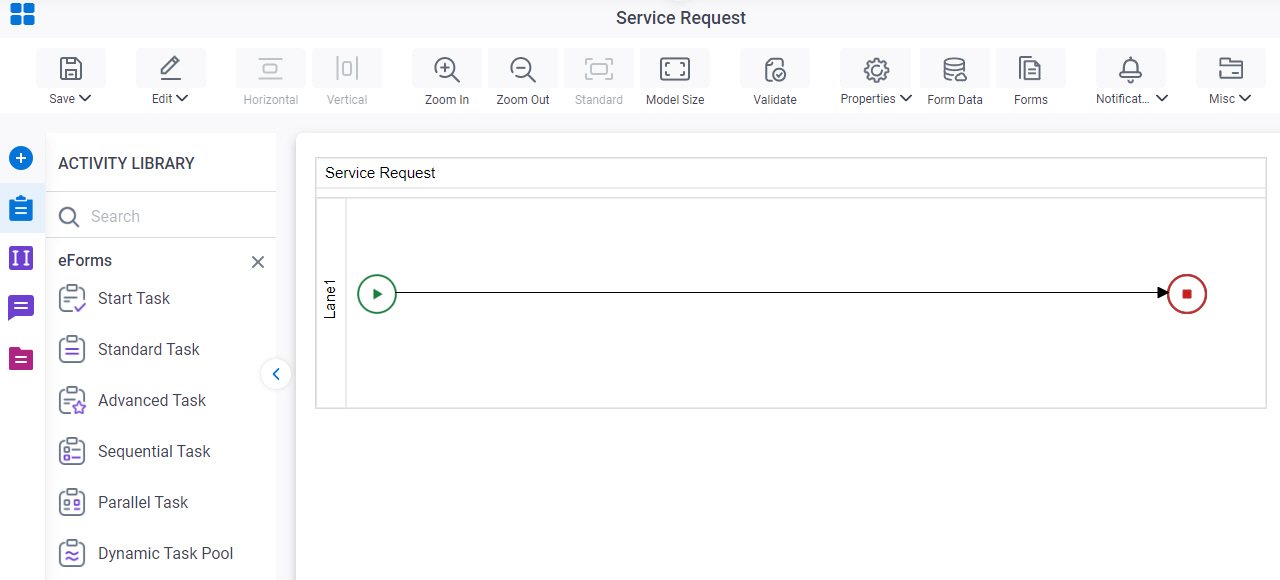
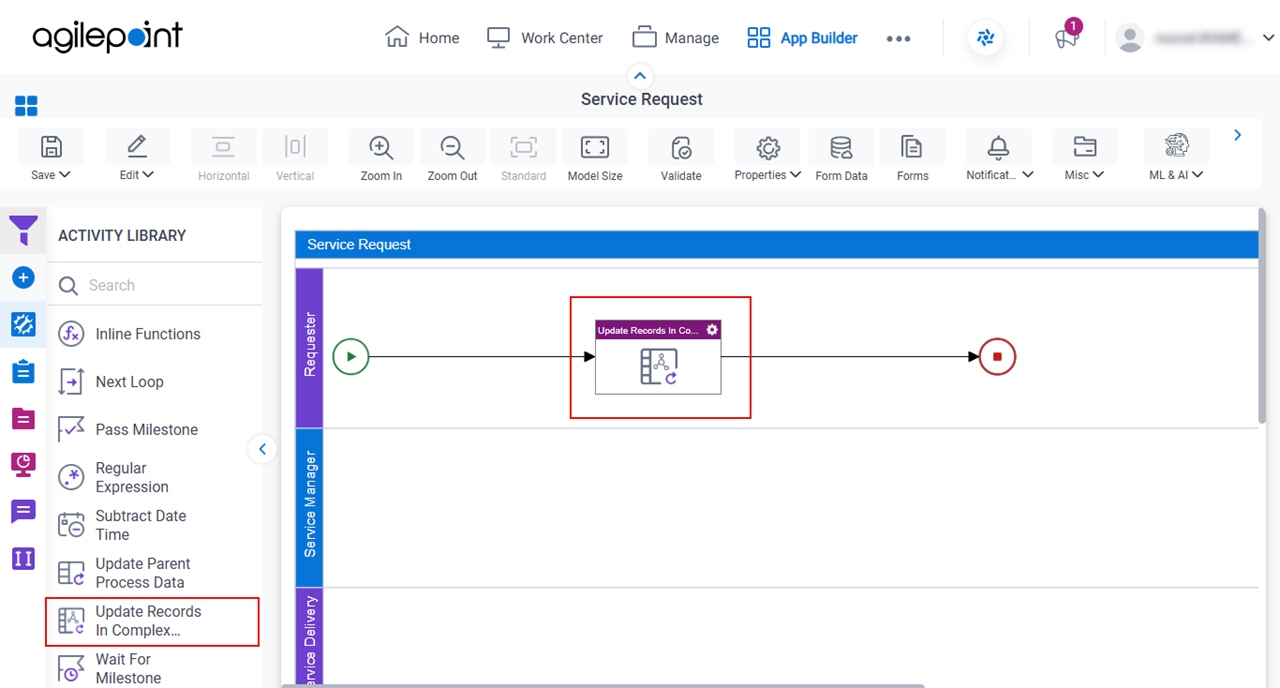
- In Process Builder, in the Activity Library,
open the Utilities tab.
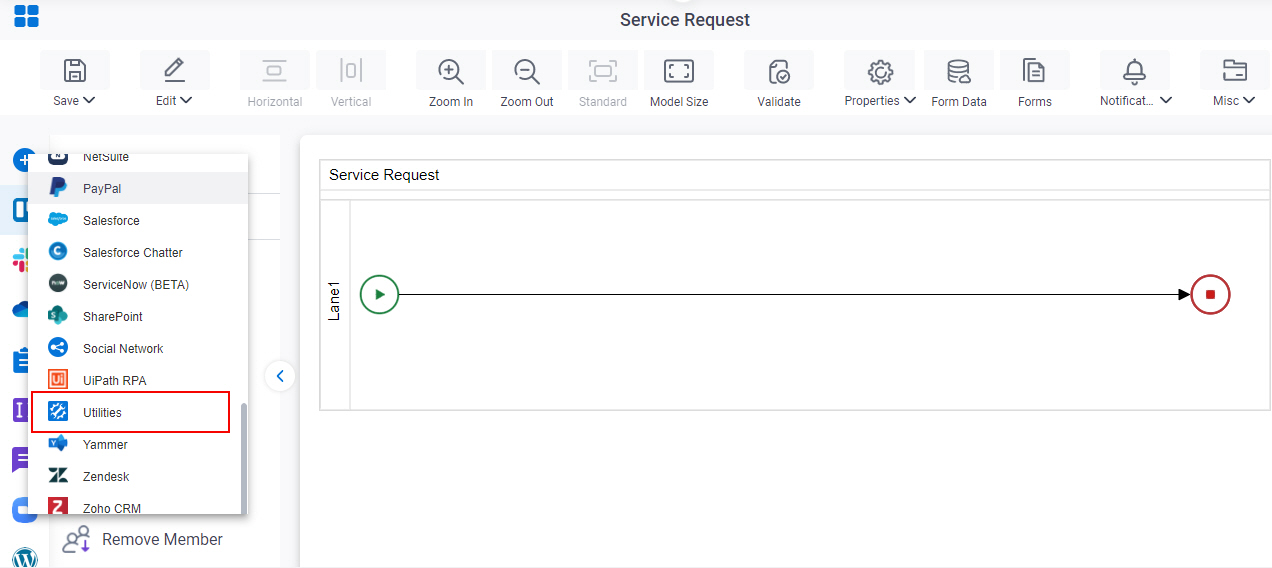
- On the Utilities tab, drag the Update Records In Complex Schema Node
activity onto your process.
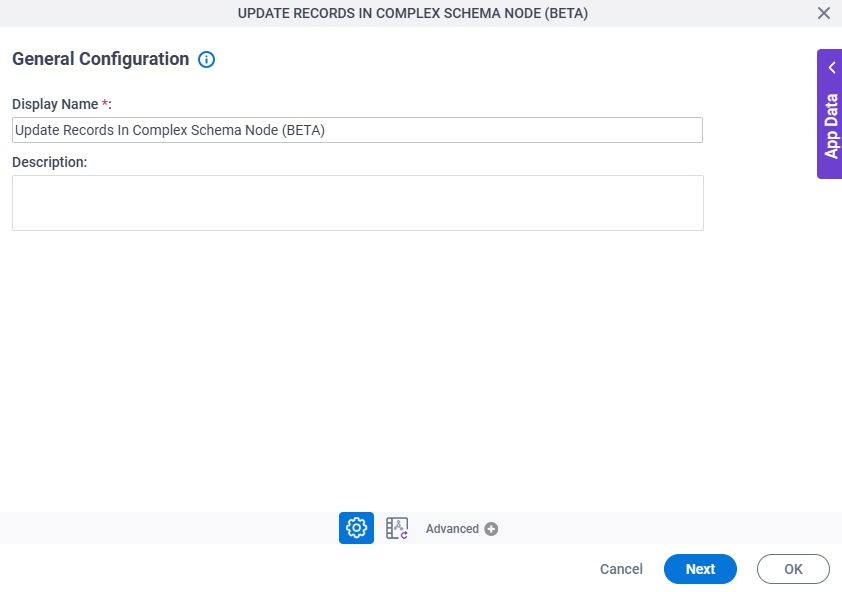
General Configuration
Full documentation coming soon.
Update Records In Complex Schema Node Configuration
Full documentation coming soon.