Update Process Data (Basic) activity
Full documentation coming soon.
Configure the Update Process Data (Basic) activity
Prerequisites
- AgilePoint NX OnDemand (public cloud), AgilePoint NX Private Cloud, or AgilePoint NX OnPremises v10.0 or higher.
Good to Know
- The Update Process Data activity was frequently used in AgilePoint BPMS 5.x, which did not have many of the features for managing data and variables that now come out-of-the-box with AgilePoint NX. These include eForms, Data Entities, and many process activities that connect with third-party technologies. In older AgilePoint products, the Update Process Data activity was often used to set or change values in the process schema.
In AgilePoint NX, the Update Process Data activity is usually used in exception cases when data values can not be set any other way. In other words, this activity is still used in many NX apps, but the best practice is to use this activity as a final option, rather than the default.
- In most text fields, you can use process data variables as an alternative to literal data values.
For more information, refer to Data screen.
- This section shows the configuration settings on the configuration screens for this activity. Other configuration settings apply to system activities. For more information, refer to:
- You can configure whether this activity waits for other activities before it runs.
For more information, refer to How Do I Configure an Activity to Wait for Other Incoming Activities?
How to Start
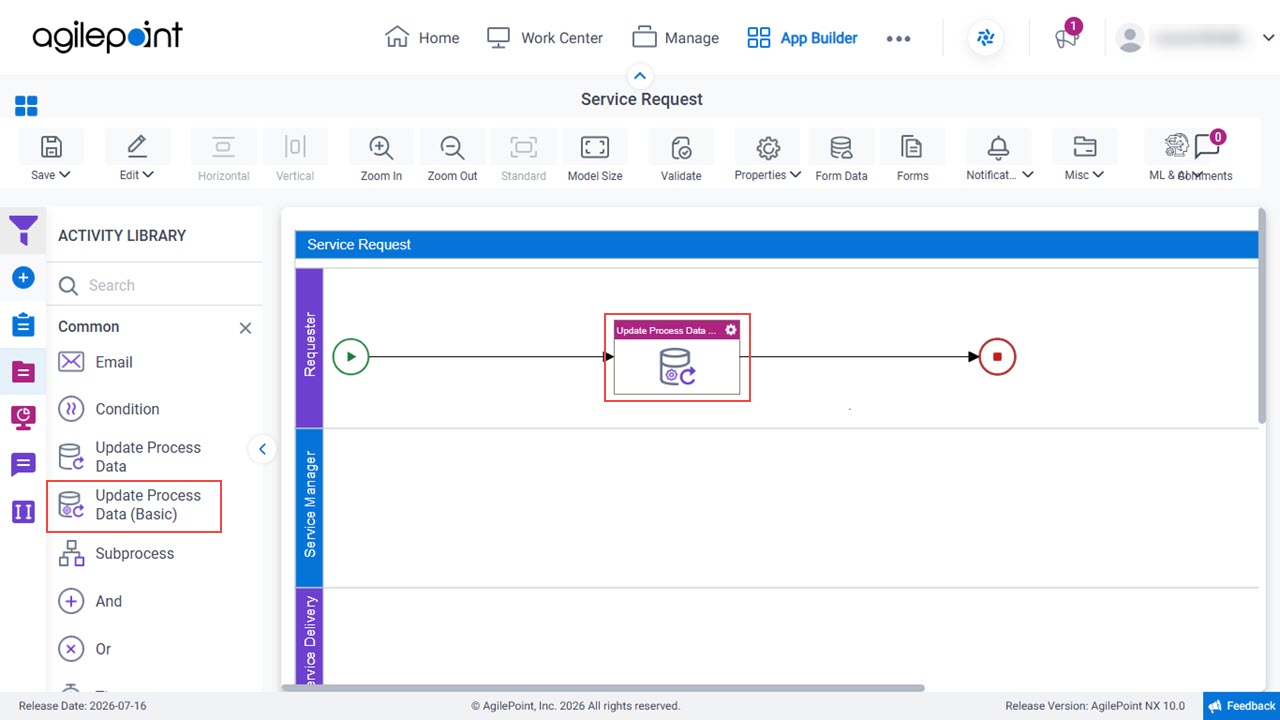
- Open Process Builder.
For information about how to open this screen, refer to Process Builder.
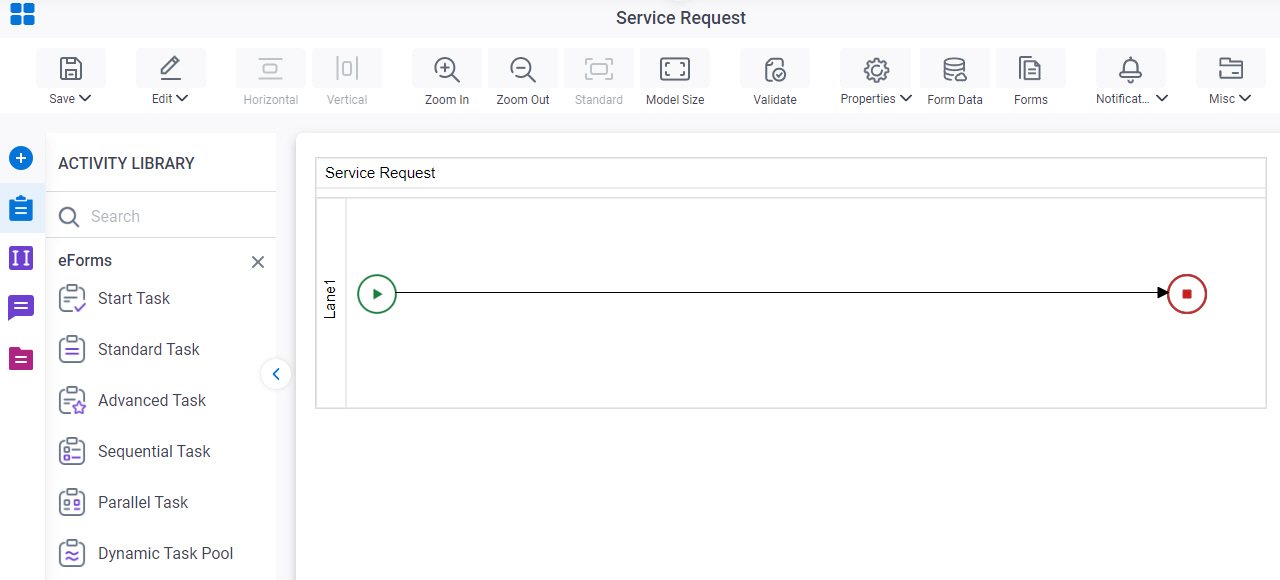
- In Process Builder, in the Activity Library,
open the Common tab.
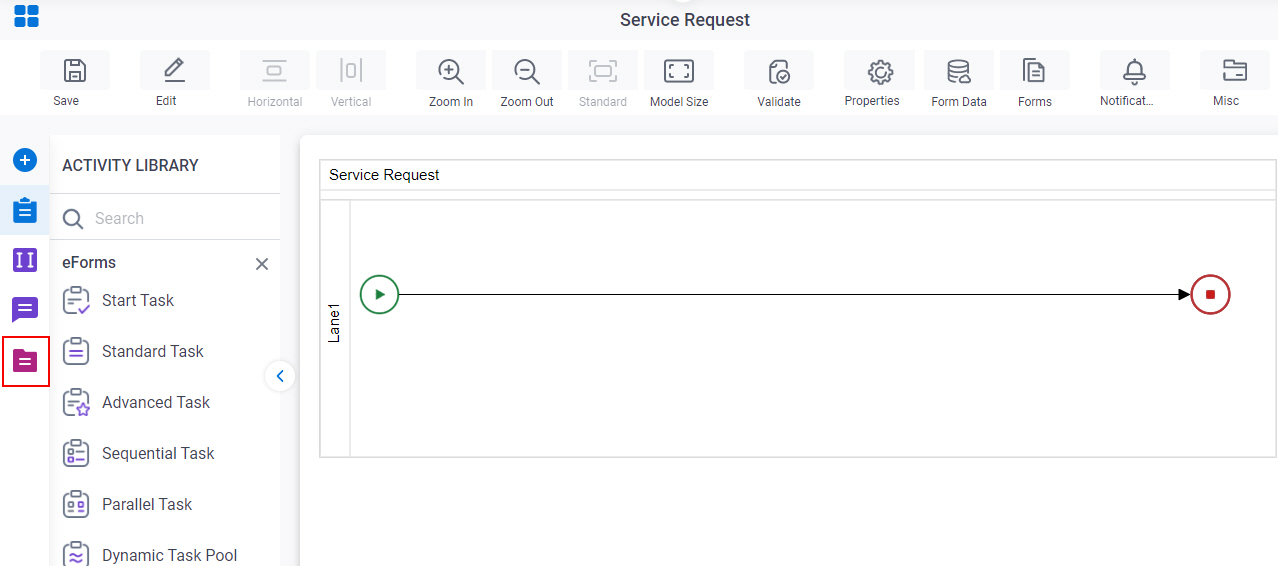
- On the Common tab,
drag the Update Process Data Basic
activity onto your process.
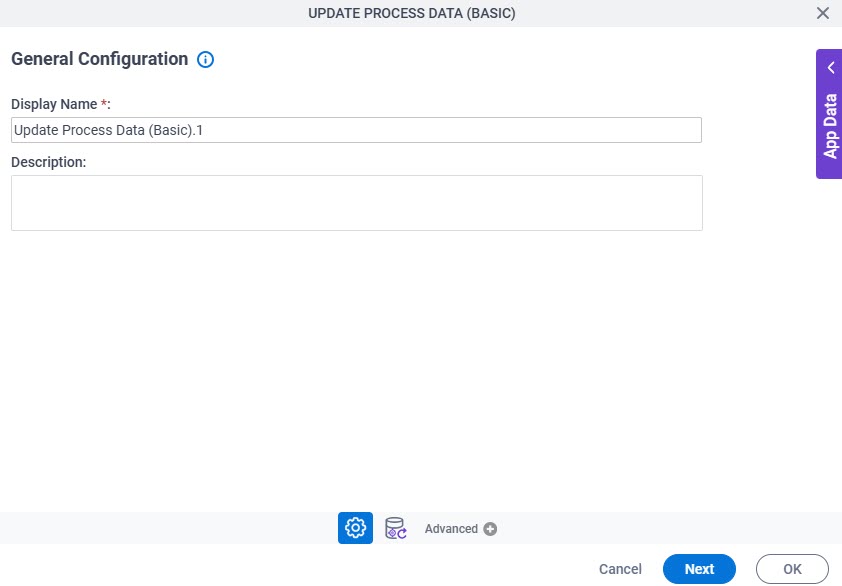
General Configuration
Full documentation coming soon.
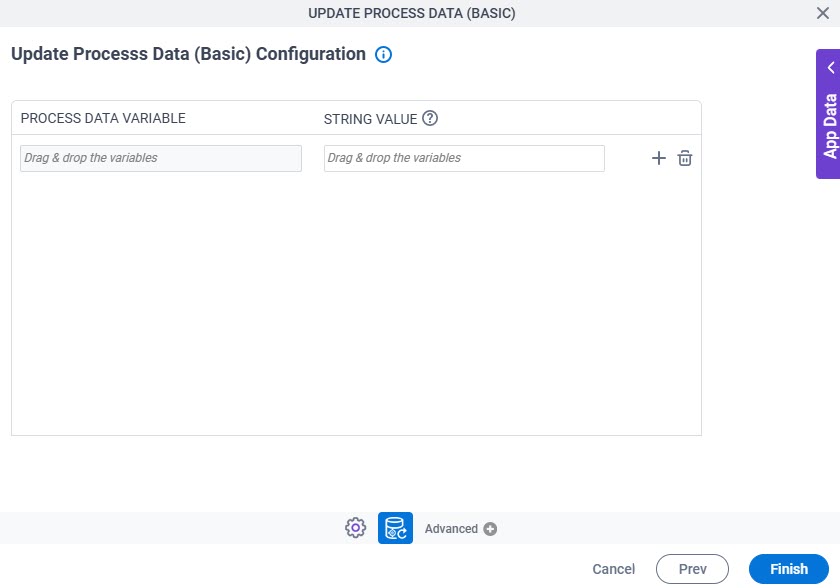
Update Process Data (Basic) Configuration
Full documentation coming soon.