Delete File (MinIO) activity
Full documentation coming soon.
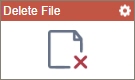
Configure the Delete File activity
Examples
- (External) AgilePoint NX Connector For MinIo
- Examples - Step-by-step use case examples, information about what types of examples are provided in the AgilePoint NX Product Documentation, and other resources where you can find more examples.
Prerequisites
- AgilePoint NX OnDemand (public cloud), AgilePoint NX Private Cloud, or AgilePoint NX OnPremises v10.0 or higher.
Good to Know
- To send an email notification, click
Advanced
 >
Email Notifications
>
Email Notifications  .
. For more information, refer to Email Notifications screen (Process Activities).
- In most text fields, you can use process data variables as an alternative to literal data values.
For more information, refer to Data screen.
- You can configure whether this activity waits for other activities before it runs.
For more information, refer to How Do I Configure an Activity to Wait for Other Incoming Activities?
- This section shows the configuration settings on the configuration screens for this activity. Other configuration settings apply to system activities. For more information, refer to:
How to Start
- Open Process Builder.
For information about how to open this screen, refer to Process Builder.
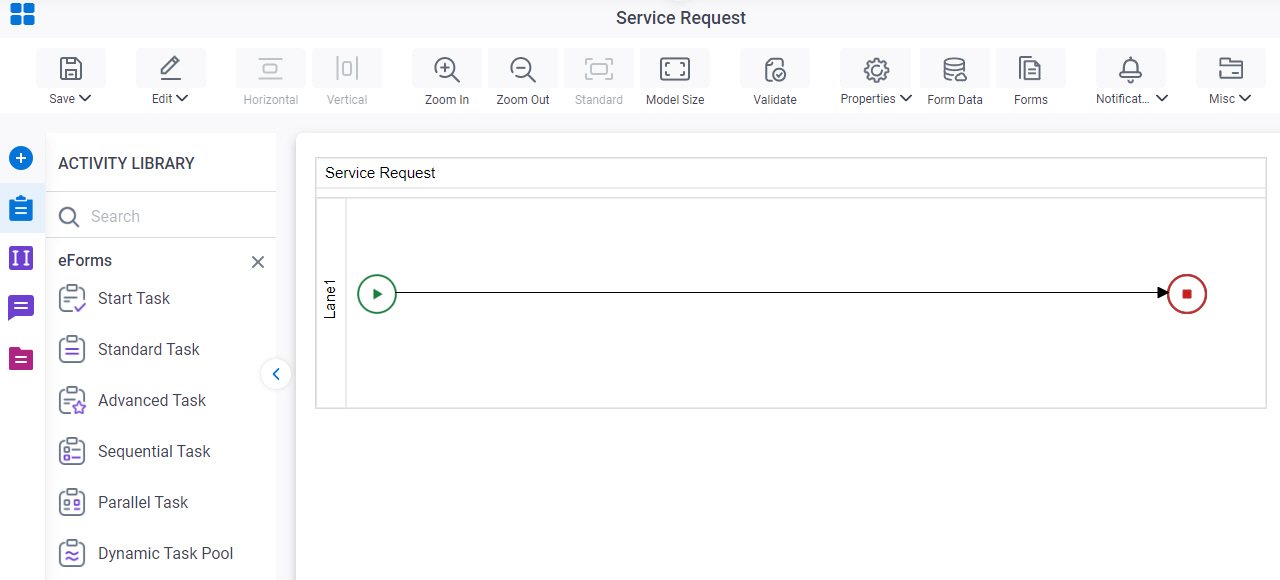
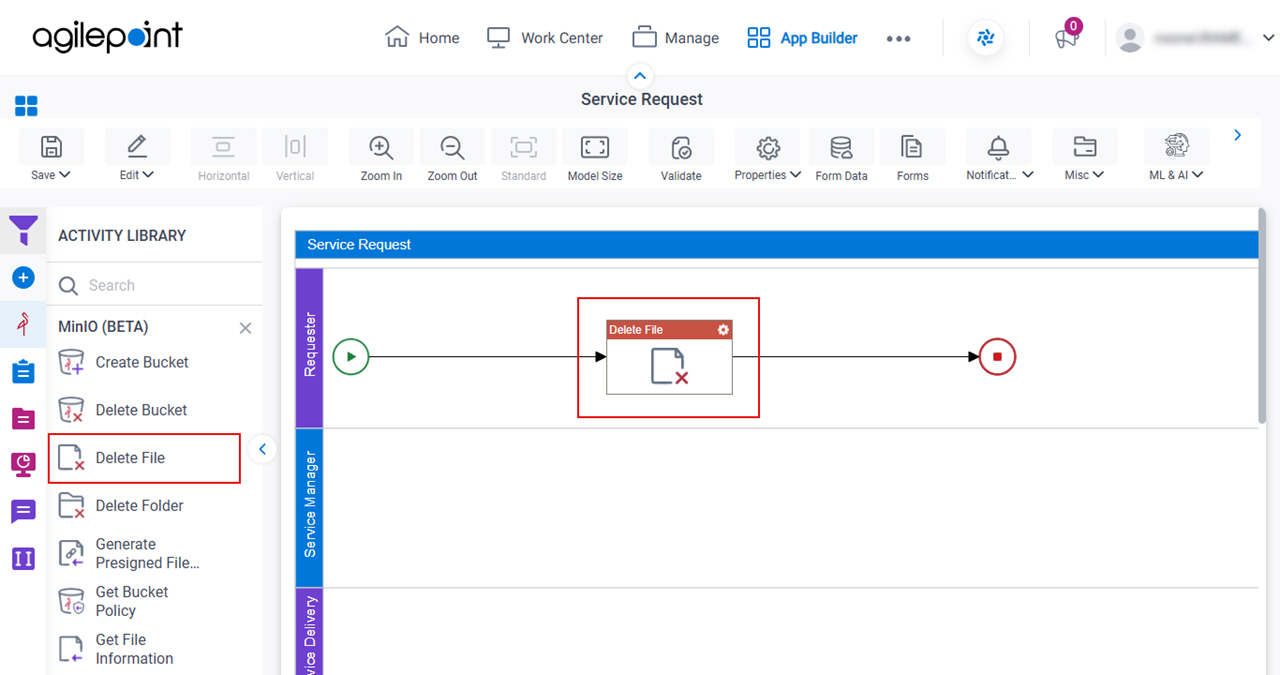
- In Process Builder, in the Activity Library,
open the MinIO tab.
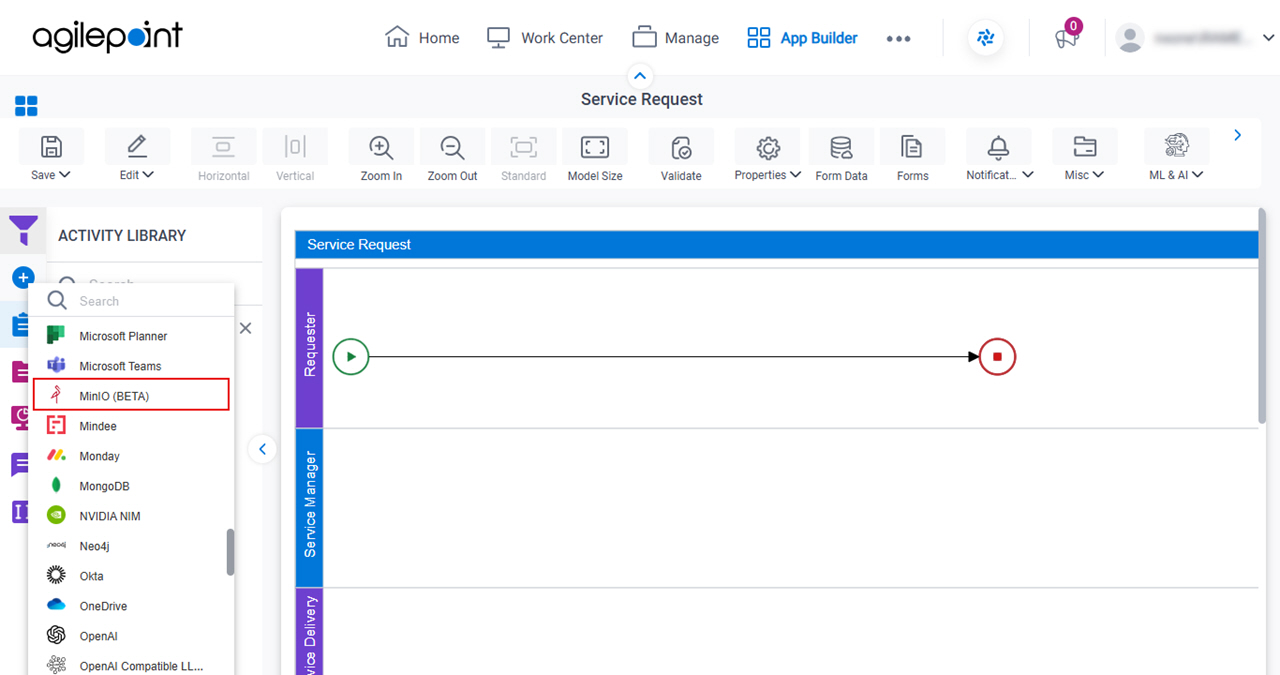
- On the MinIO tab,
drag the Delete File
activity onto your process.
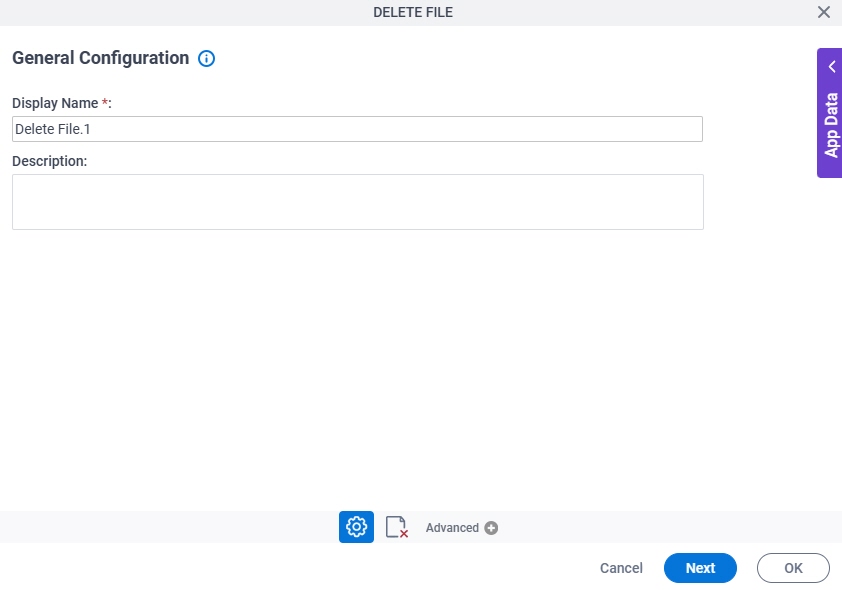
General Configuration
Full documentation coming soon.
Good to Know
- Documentation for this screen is provided for completeness. The fields are mostly self-explanatory.
Delete File Configuration
Full documentation coming soon.