


Document Repository for ServiceNow
Full documentation coming soon.
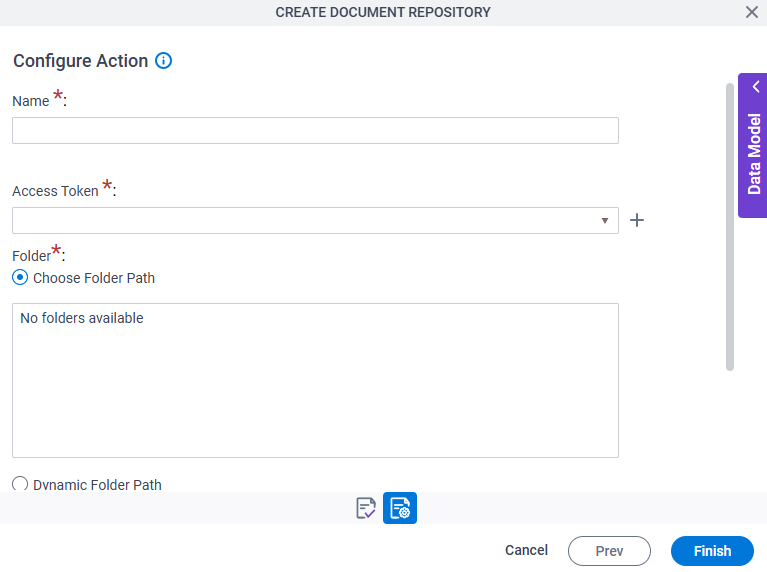
Background and Setup
Examples
- (External) ServiceNow Lookup and File Attachment for eForms
- Examples - Step-by-step use case examples, information about what types of examples are provided in the AgilePoint NX Product Documentation, and other resources where you can find more examples.
Prerequisites
- AgilePoint NX OnDemand (public cloud), AgilePoint NX Private Cloud, or AgilePoint NX OnPremises v10.0 or higher.
Good to Know
- This screen may look different in different places. The UI varies for this screen depending upon how you open it. However, the fields for this screen are the same in all places.
How to Start
There are several ways to open a document repository for ServiceNow. How to open the document repository depends on where you want to use it.
Modern Add an App Experience
Create a document repository for an app in the Modern Add an App Experience.
- .
For more information, refer to Add an App
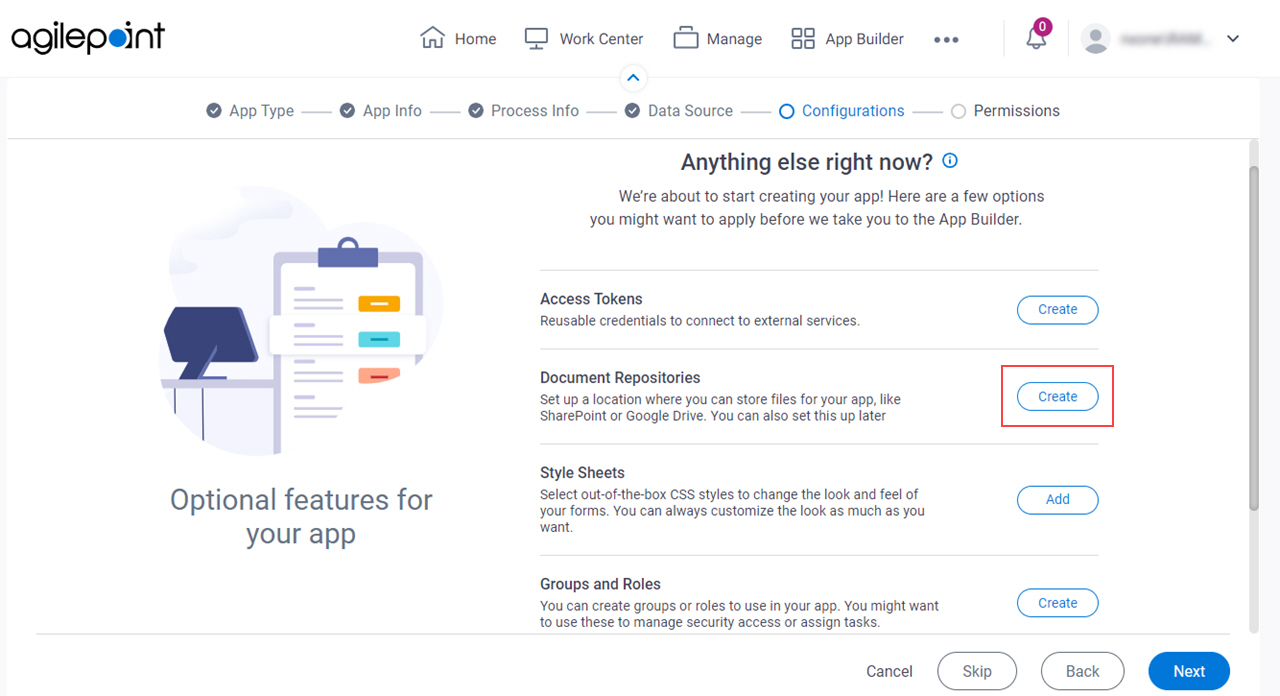
- On the Anything else right now? screen, in the Document Repositories field,
click Create.
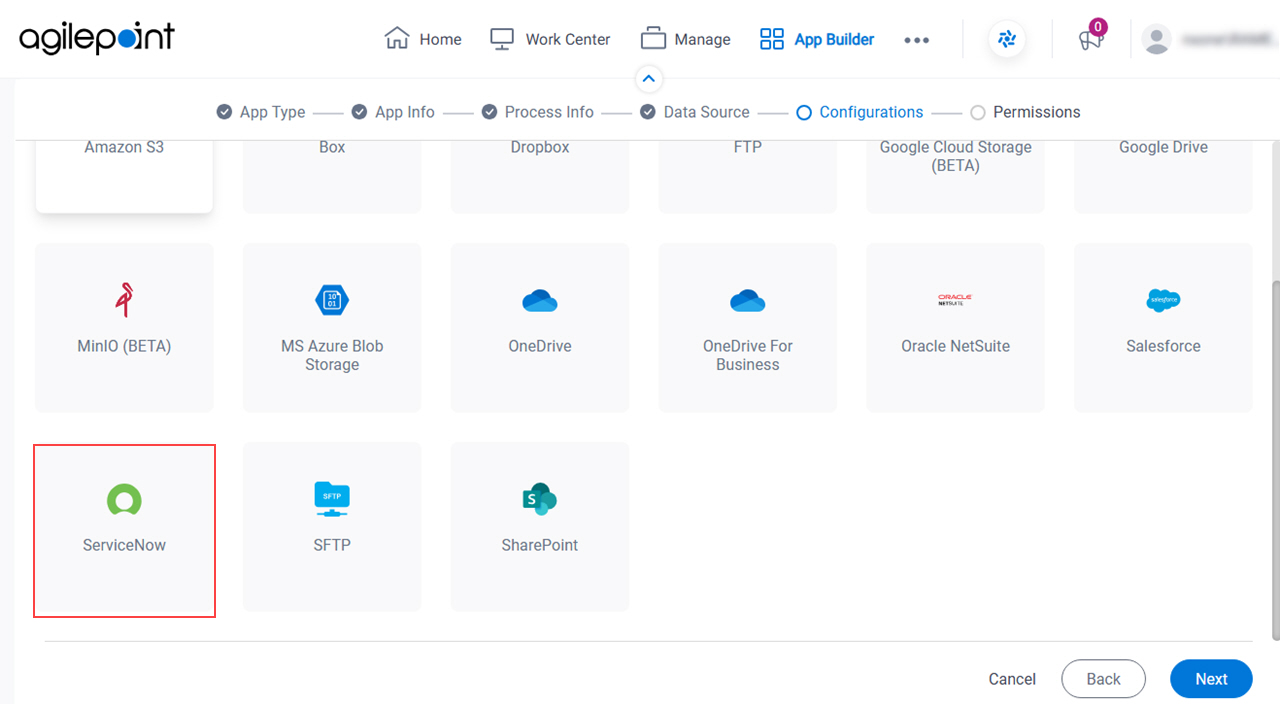
- On the Where do you keep the files for your app? screen, select
ServiceNow.
App Builder
Create a document repository to use in any File Upload form control in a specified app.
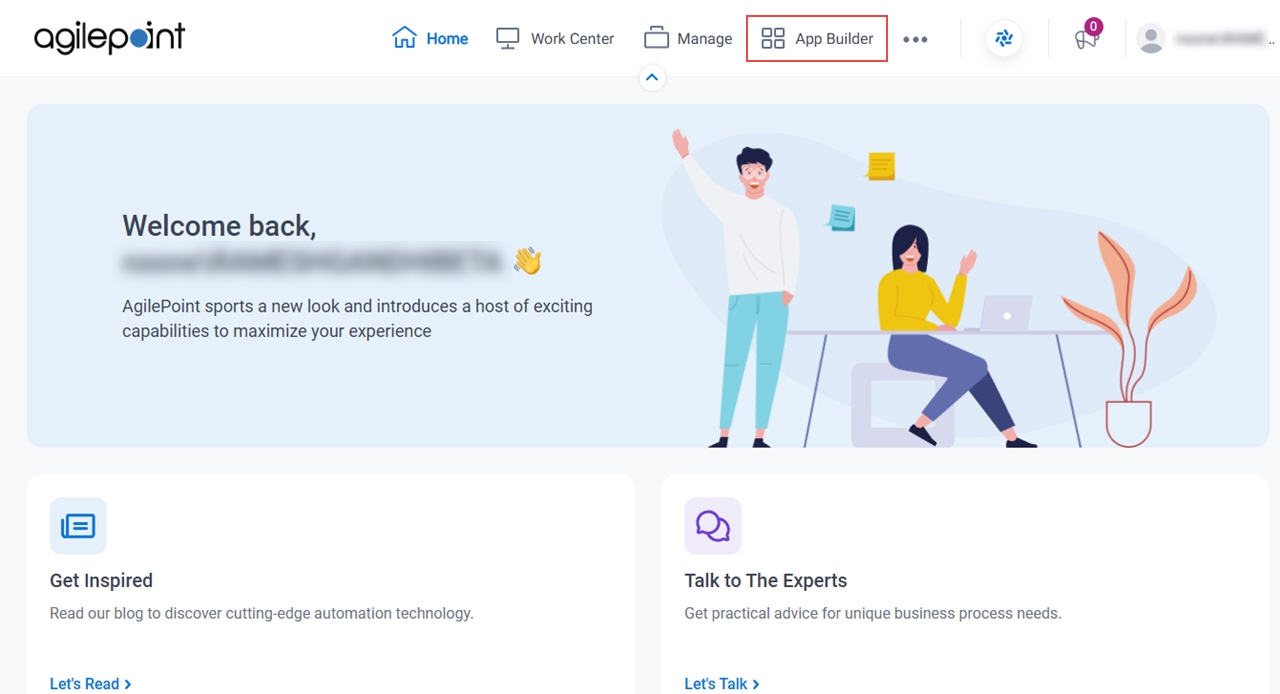
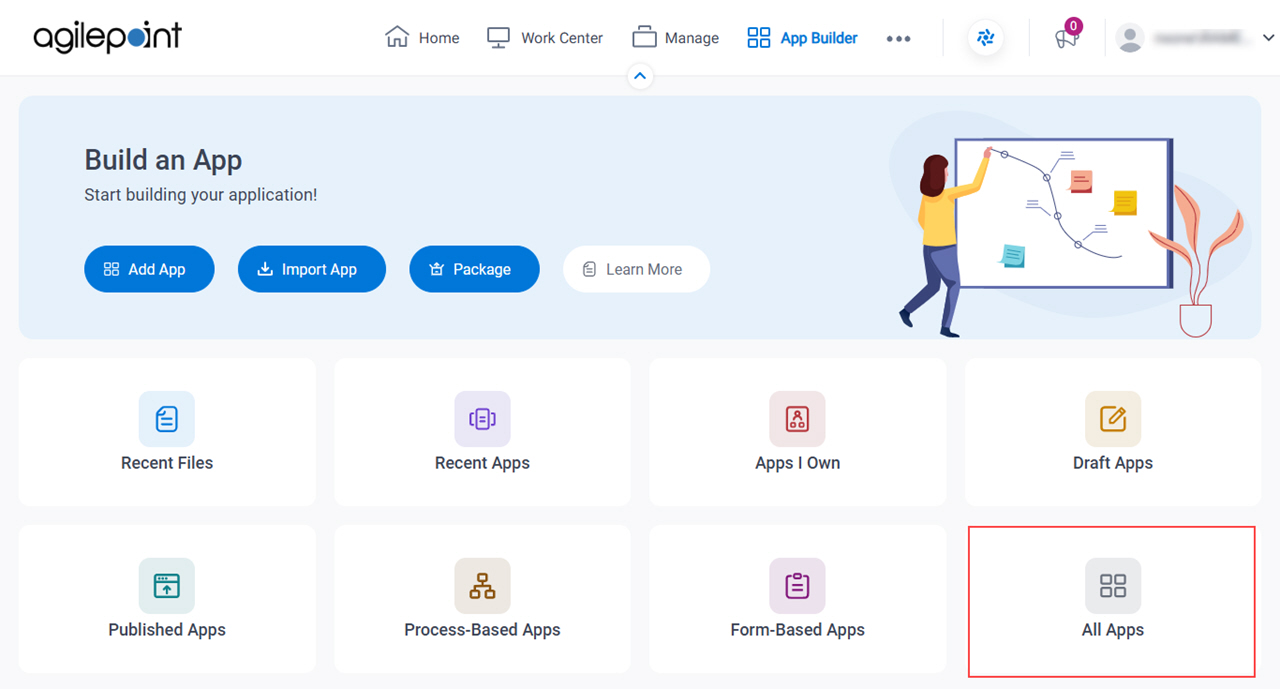
- Click App Builder.
- On the App Builder Home screen, click All Apps.
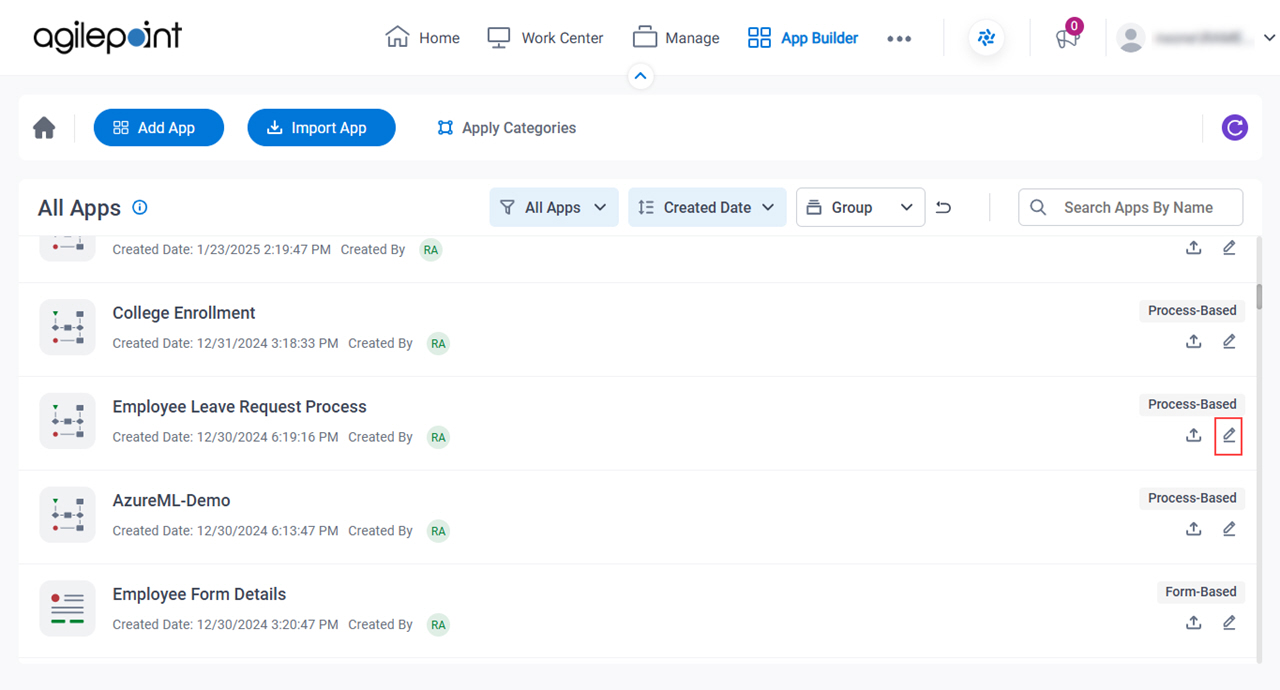
- On the All Apps screen, on an app,
click Edit
 .
.
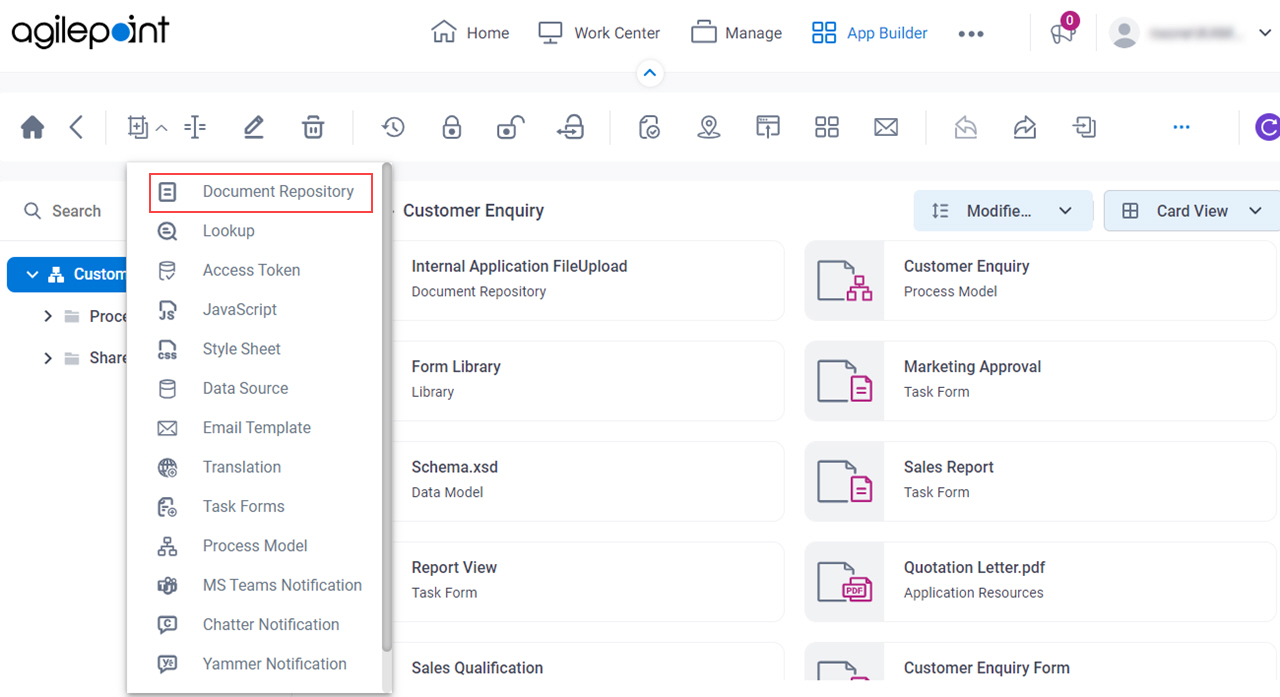
- On the App Details screen,
click Add New
 > Document Repository.
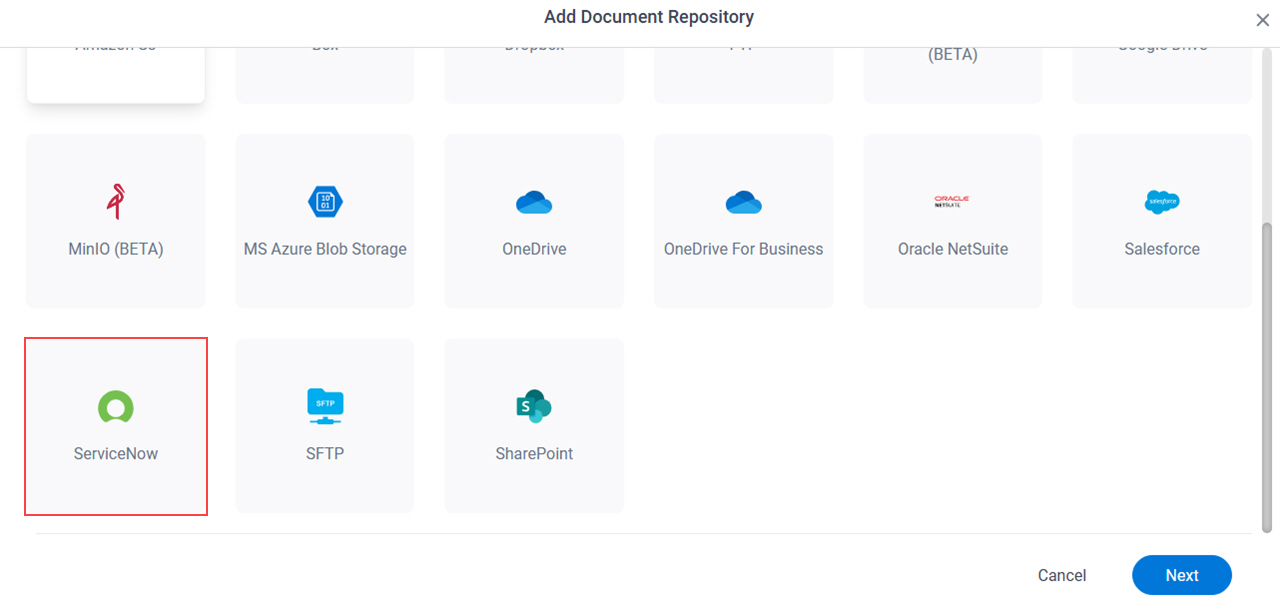
- On the Where do you keep the files for your app? screen,
select ServiceNow.
eForm Builder
Create a document repository for any File Upload form control in a specified app.
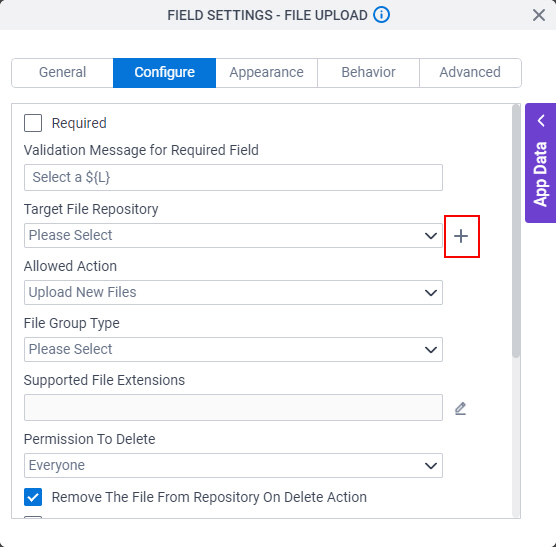
- On the File Upload form control configuration screen,
on the Configure tab,
click Add Repository.
For information about how to open this screen, refer to File Upload form control.
- On the Choose Document Repository screen, select ServiceNow.
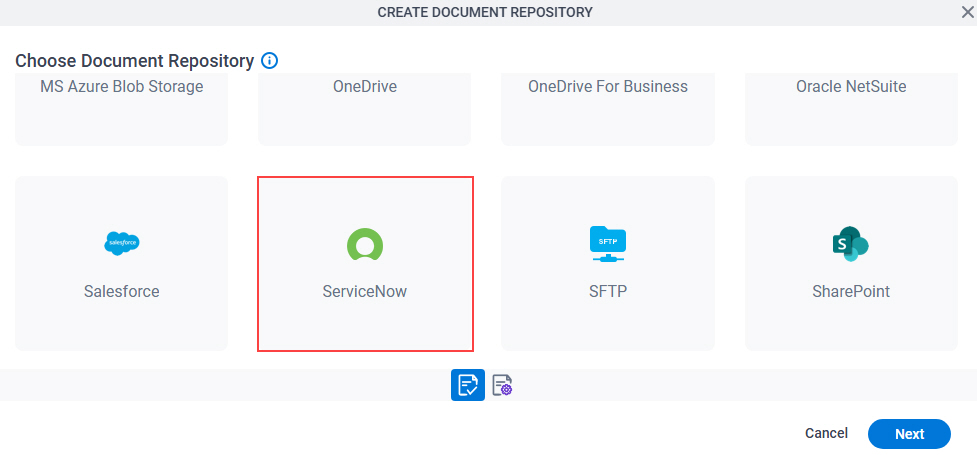
- Click Next.
Fields
Full documentation coming soon.