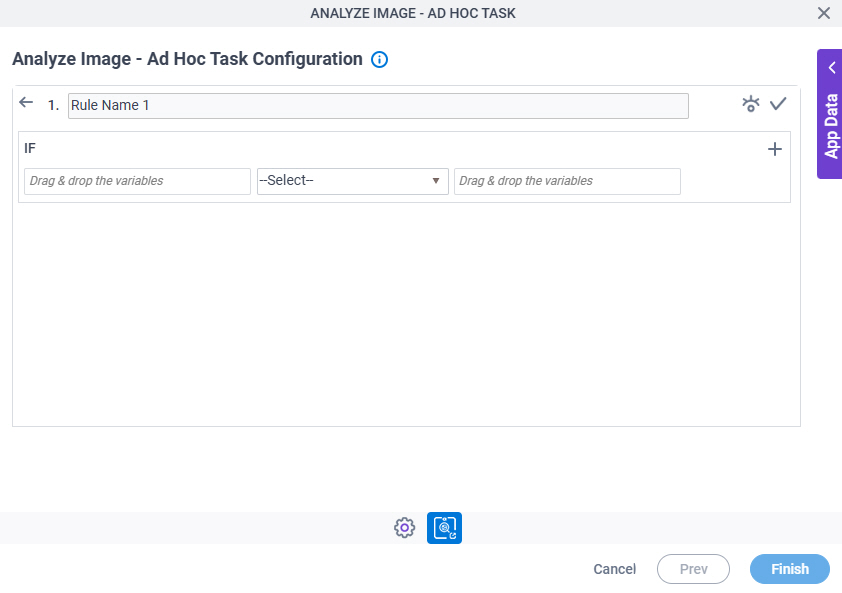
Analyze Image - Ad Hoc Task (AgileLLM) Control Tower
Full documentation coming soon.

Background and Setup
Examples
- (External) AgilePoint NX Connector For AgileLLM
- Examples - Step-by-step use case examples, information about what types of examples are provided in the AgilePoint NX Product Documentation, and other resources where you can find more examples.
Prerequisites
Good to Know
- To send an email notification, click
Advanced
 >
Email Notifications
>
Email Notifications  .
. For more information, refer to Email Notifications screen (Process Activities).
- In most text fields, you can use process data variables as an alternative to literal data values.
For more information, refer to Data screen.
- You can configure whether this activity waits for other activities before it runs.
For more information, refer to How Do I Configure an Activity to Wait for Other Incoming Activities?
- This section shows the configuration settings on the configuration screens for this activity. Other configuration settings apply to system activities. For more information, refer to:
How to Start
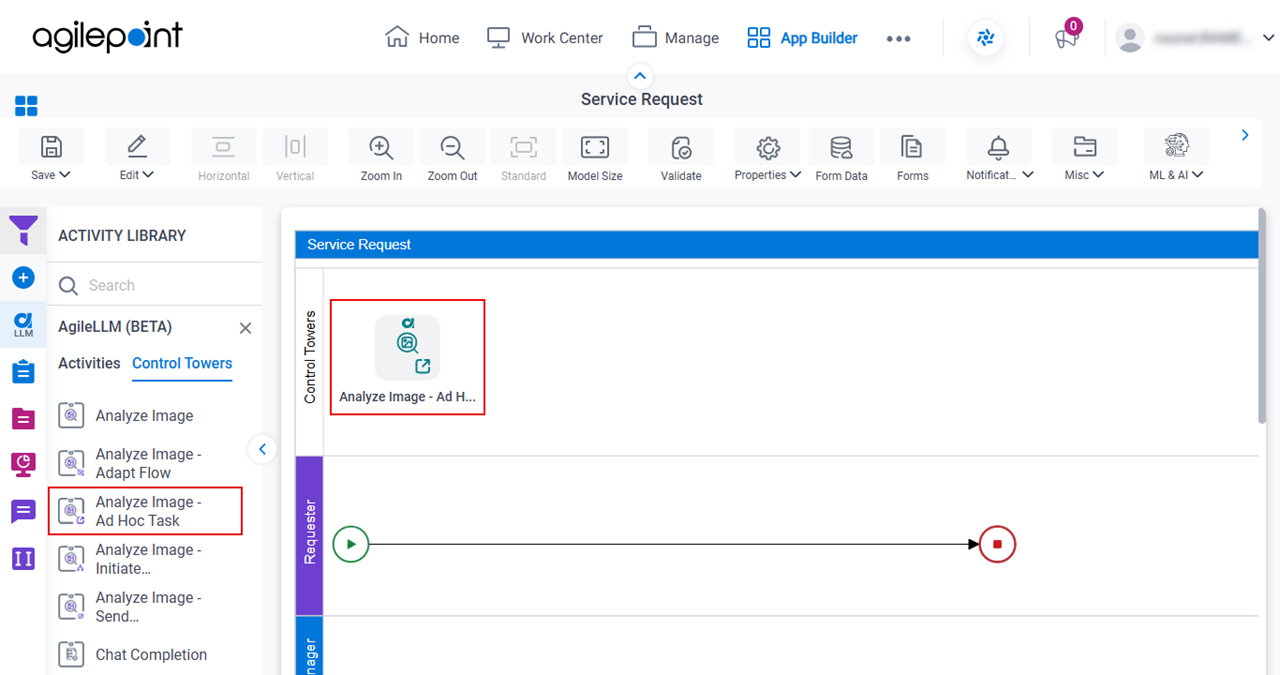
- Open Process Builder.
For information about how to open this screen, refer to Process Builder.
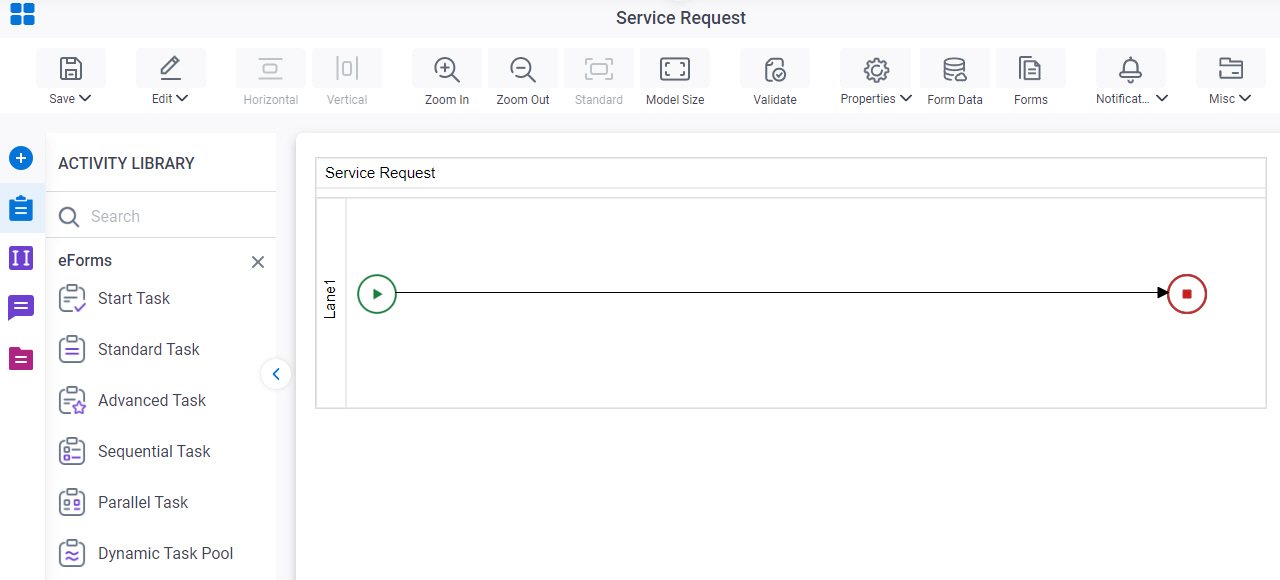
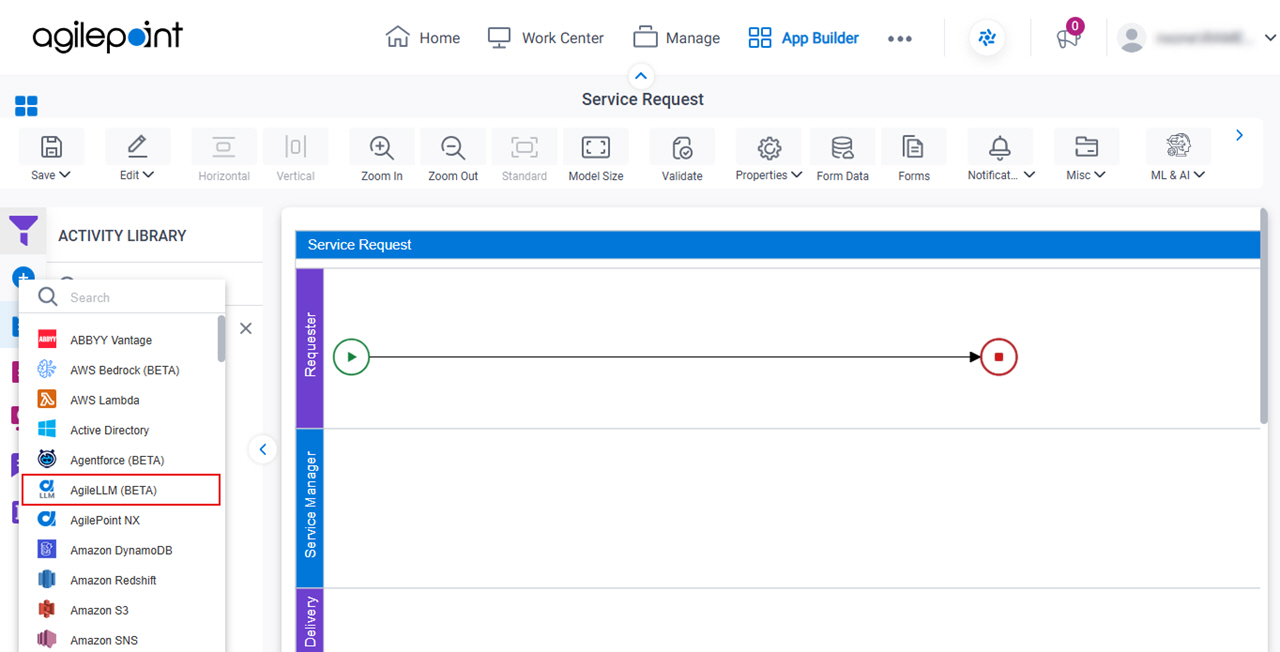
- In Process Builder, in the Activity Library,
open the AgileLLM tab.
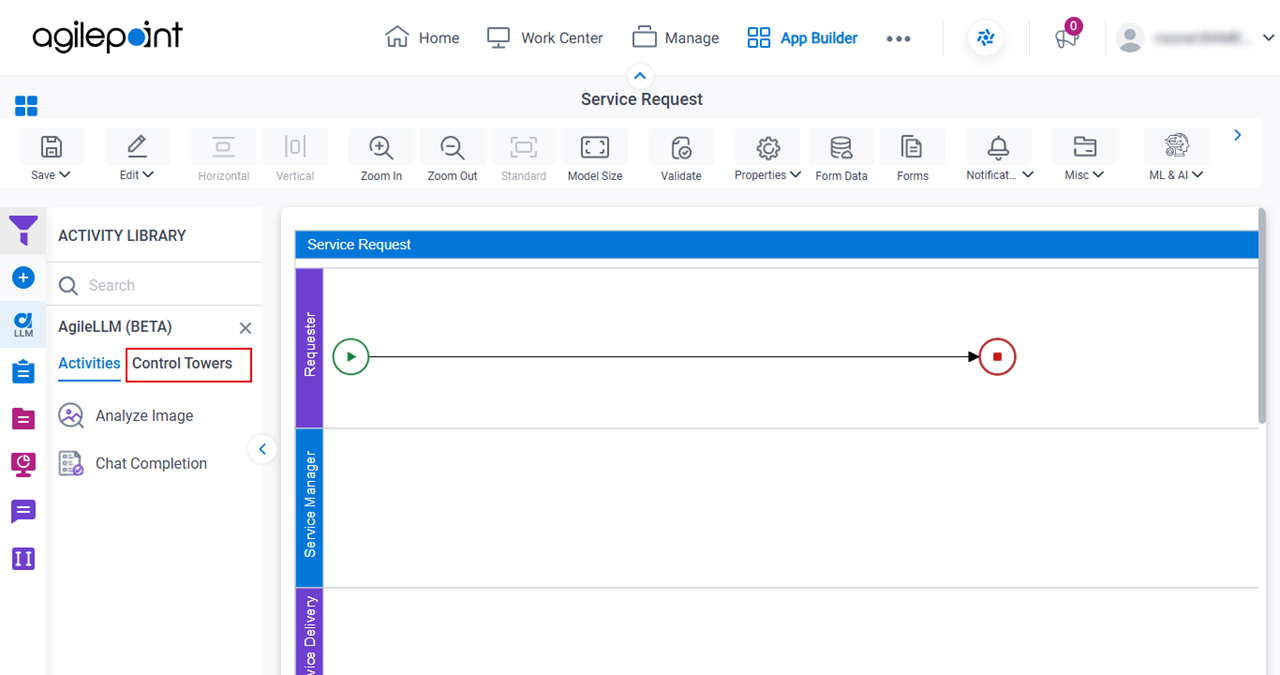
- On the AgileLLM tab, click the Control Towers tab.
- On the AgileLLM > Control Towers tab,
drag the Analyze Image - Ad Hoc Task
activity onto your process.
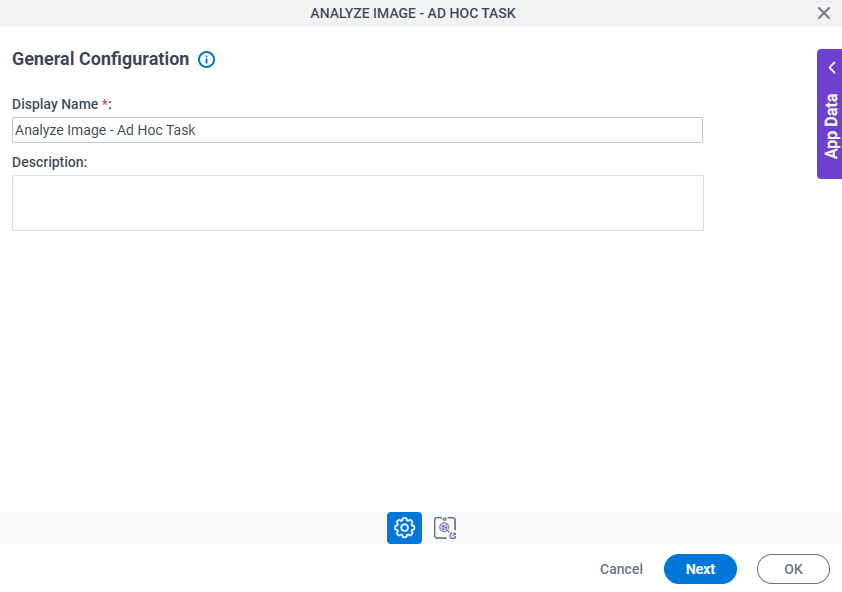
General Configuration
Full documentation coming soon.
Good to Know
- Documentation for this screen is provided for completeness. The fields are mostly self-explanatory.
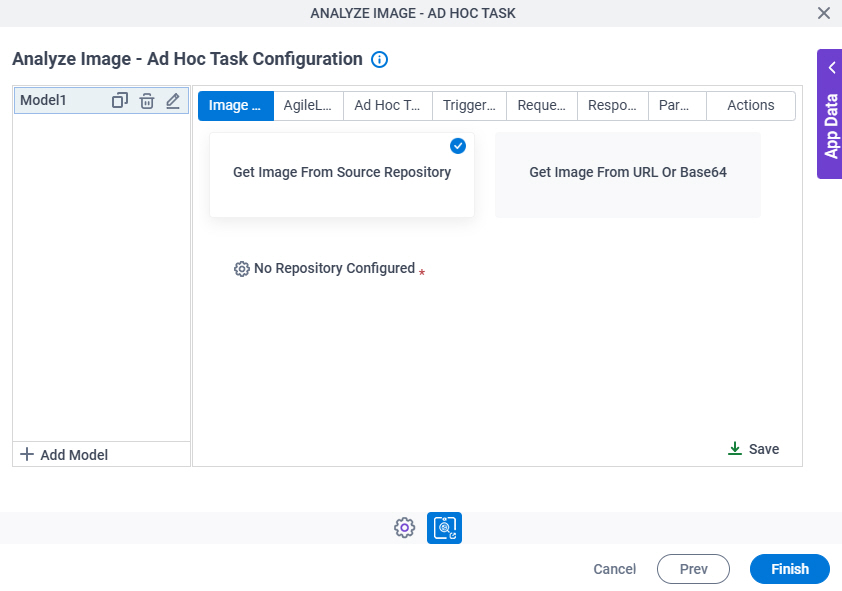
Analyze Image - Ad Hoc Task Configuration > Image Selection tab
Full documentation coming soon.
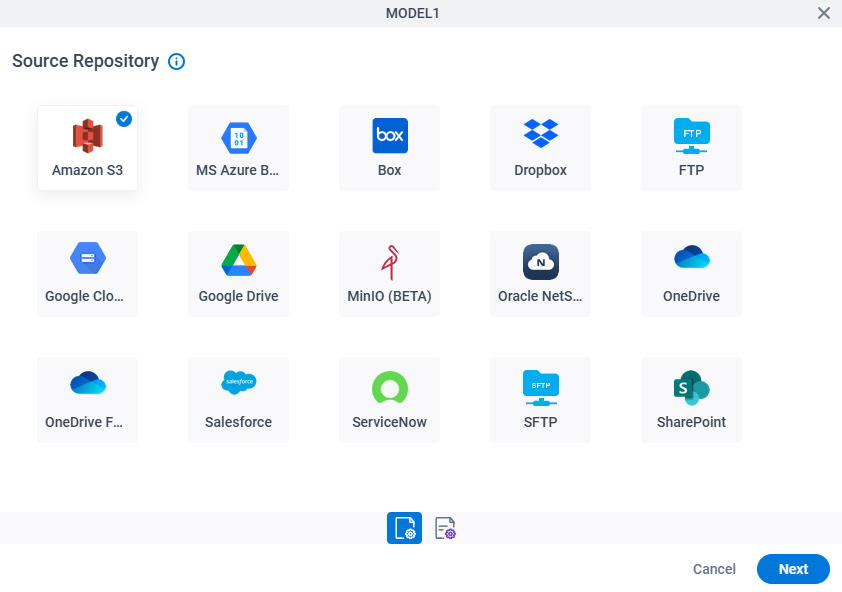
Analyze Image - Ad Hoc Task Configuration > Image Selection > Source Repository screen
Full documentation coming soon.
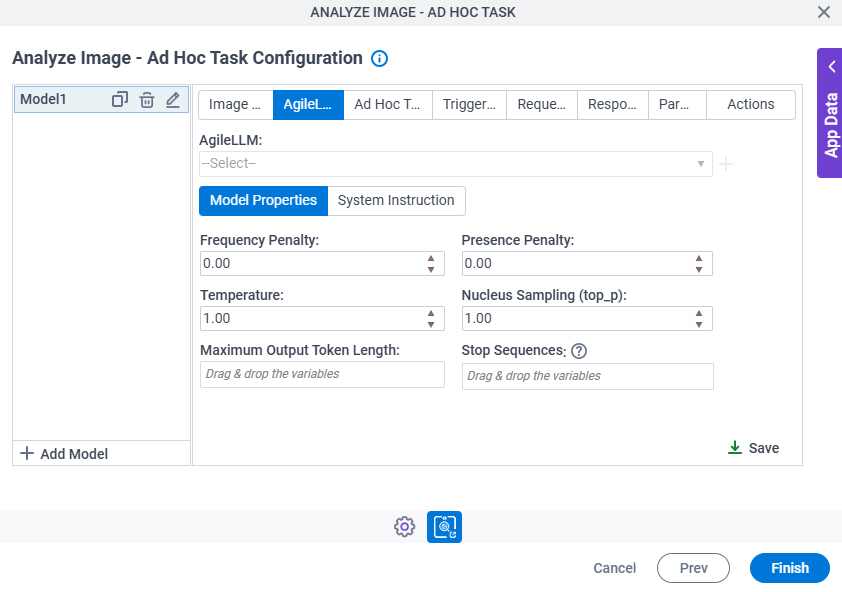
Analyze Image - Ad Hoc Task Configuration > AgileLLM > Model Properties tab
Full documentation coming soon.
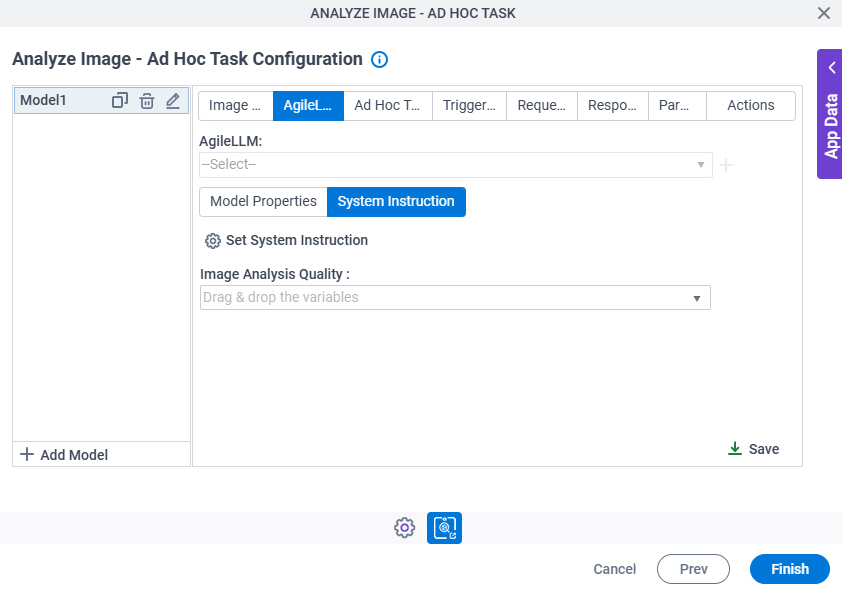
Analyze Image - Ad Hoc Task Configuration > AgileLLM > System Instruction tab
Full documentation coming soon.
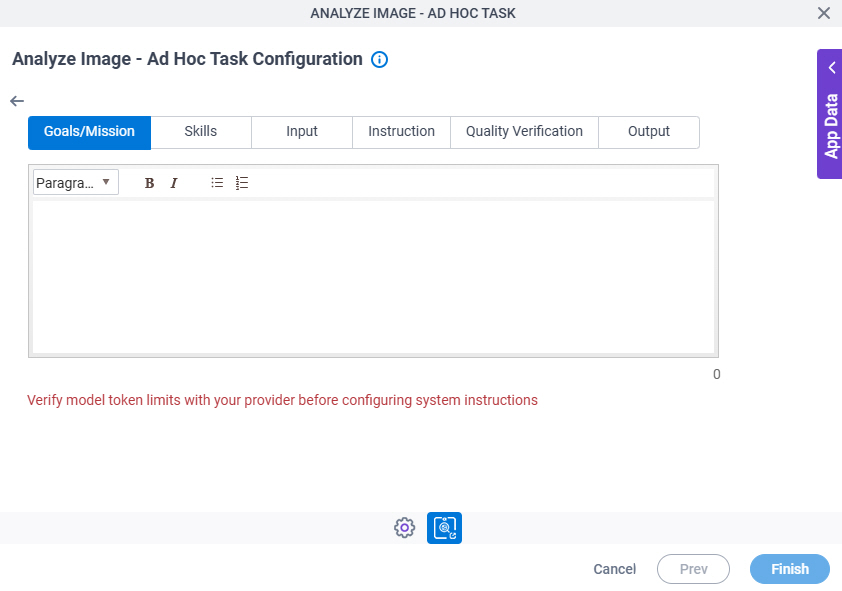
Analyze Image - Ad Hoc Task Configuration > System Instruction > Goals/Mission tab
Full documentation coming soon.
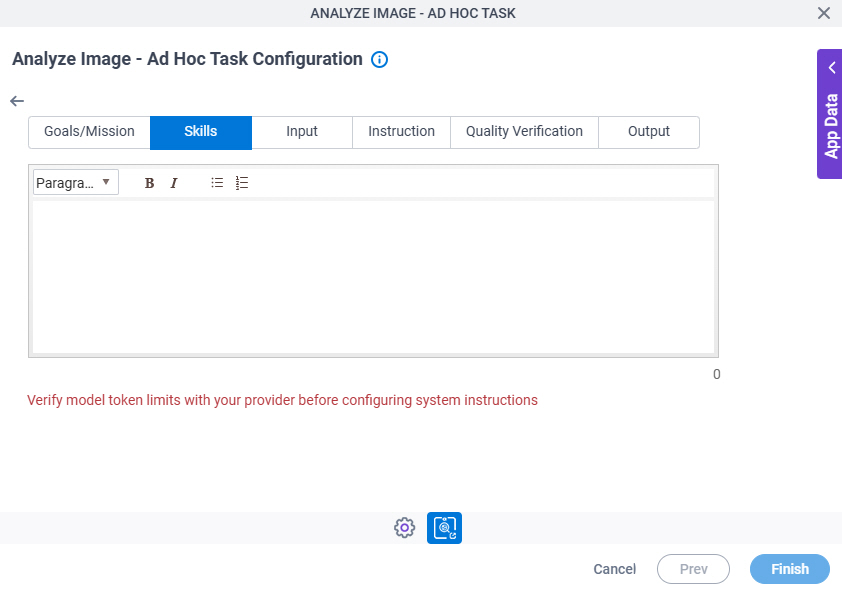
Analyze Image - Ad Hoc Task Configuration > System Instruction > Skills tab
Full documentation coming soon.
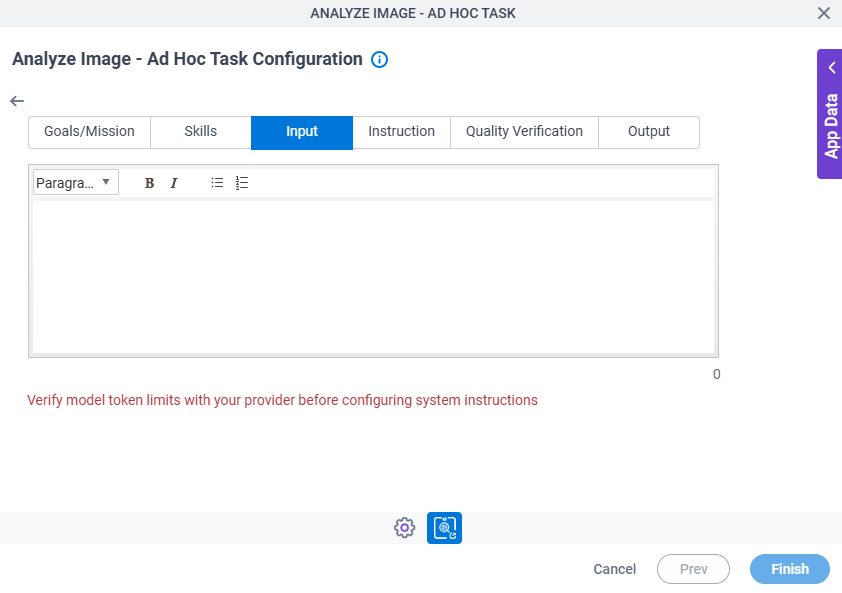
Analyze Image - Ad Hoc Task Configuration > System Instruction > Input tab
Full documentation coming soon.
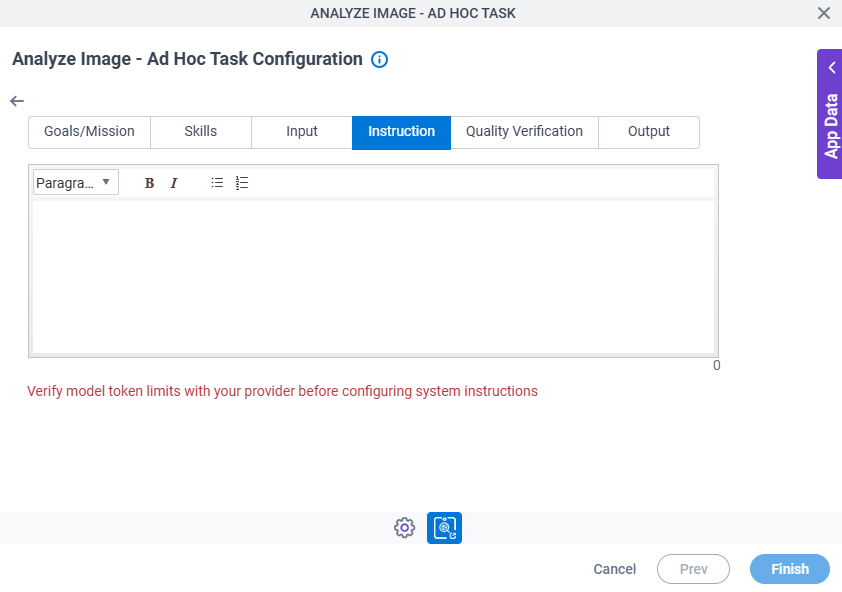
Analyze Image - Ad Hoc Task Configuration > System Instruction > Instruction tab
Full documentation coming soon.
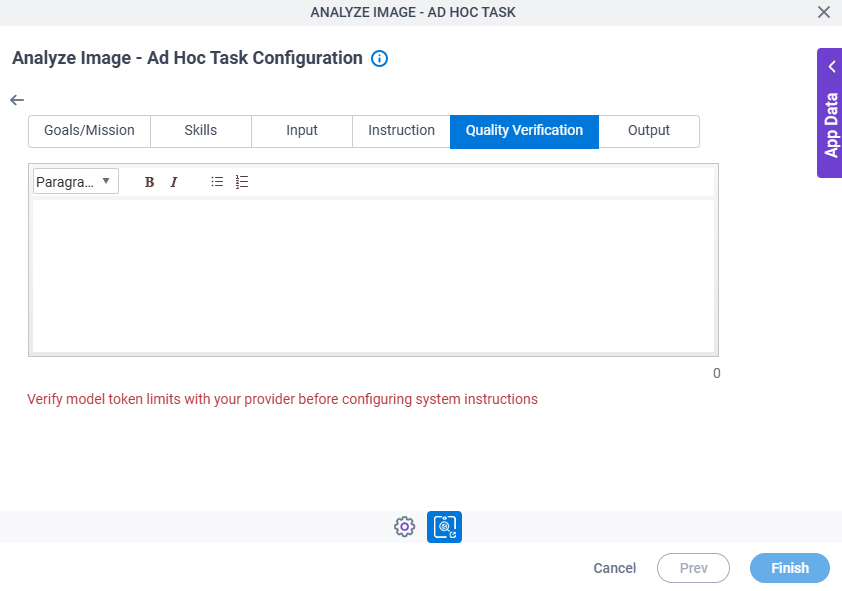
Analyze Image - Ad Hoc Task Configuration > System Instruction > Quality Verification tab
Full documentation coming soon.
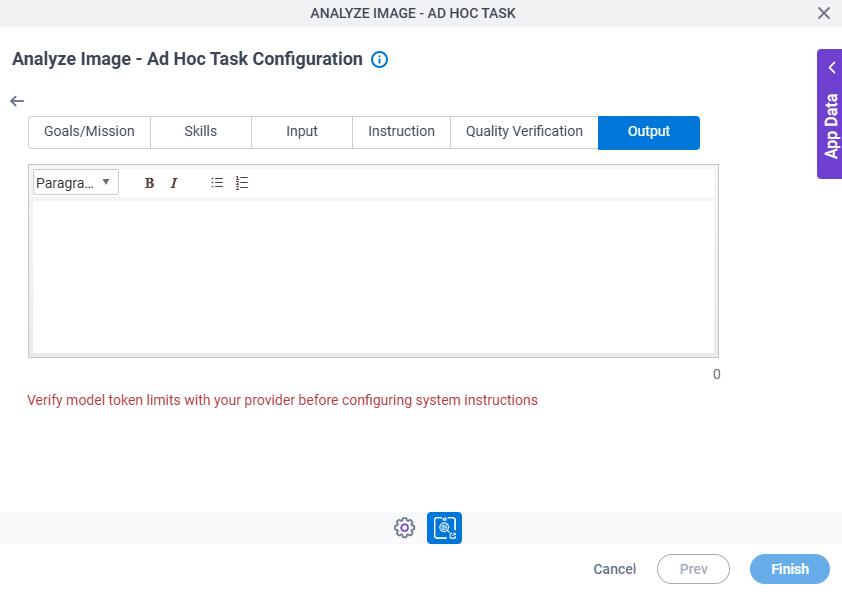
Analyze Image - Ad Hoc Task Configuration > System Instruction > Output tab
Full documentation coming soon.
Analyze Image - Ad Hoc Task Configuration > Ad Hoc Task tab
Full documentation coming soon.
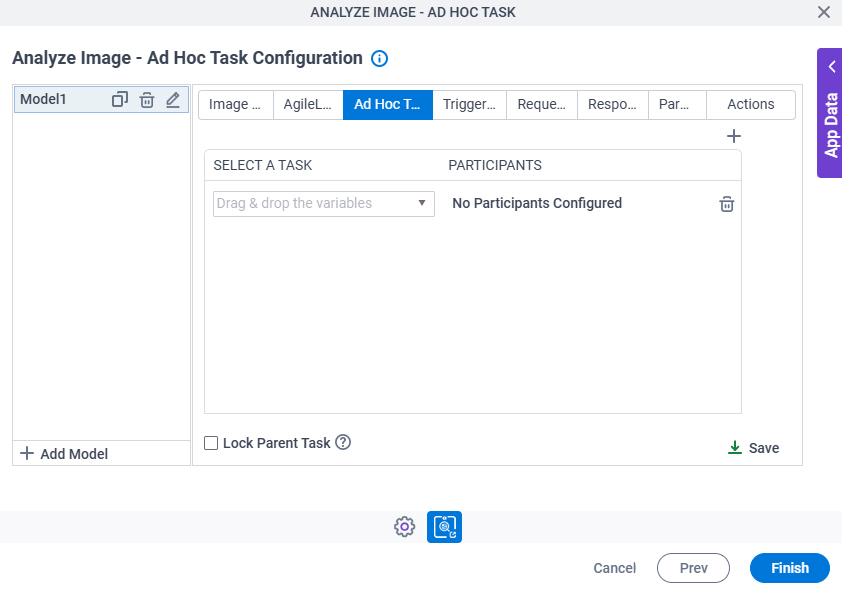
Analyze Image - Ad Hoc Task Configuration > Triggering Event tab
Full documentation coming soon.
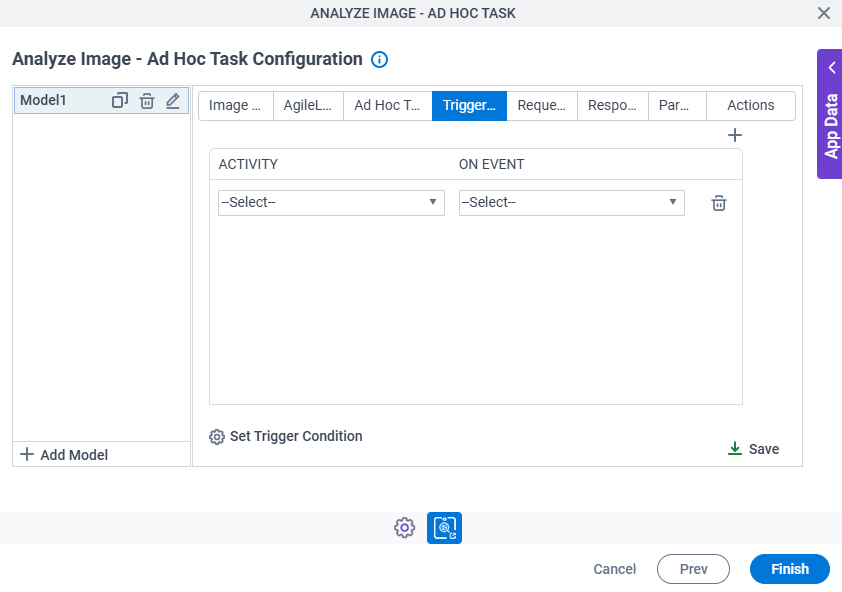
Analyze Image - Ad Hoc Task Configuration > Triggering Event > Set Trigger Condition screen
Full documentation coming soon.
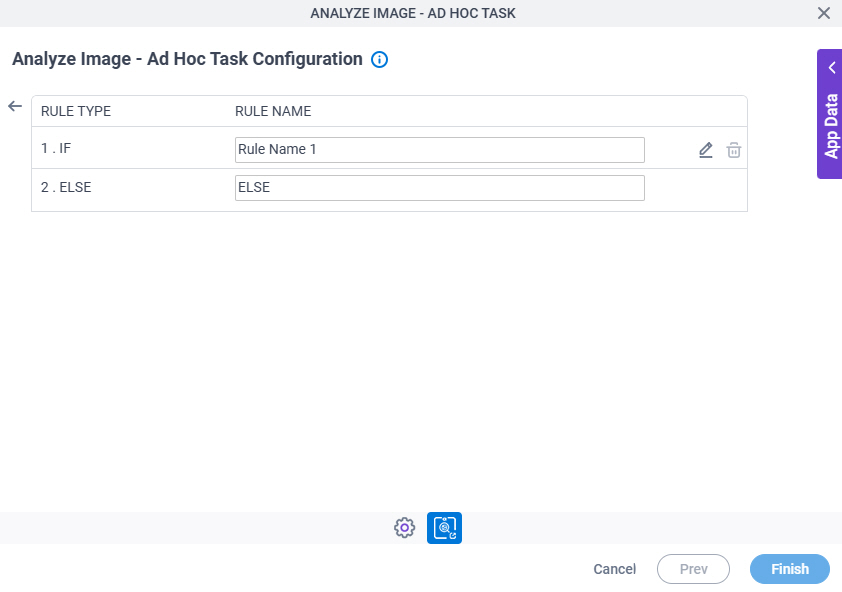
Analyze Image - Ad Hoc Task Configuration > Triggering Event > Condition Builder screen
Full documentation coming soon.
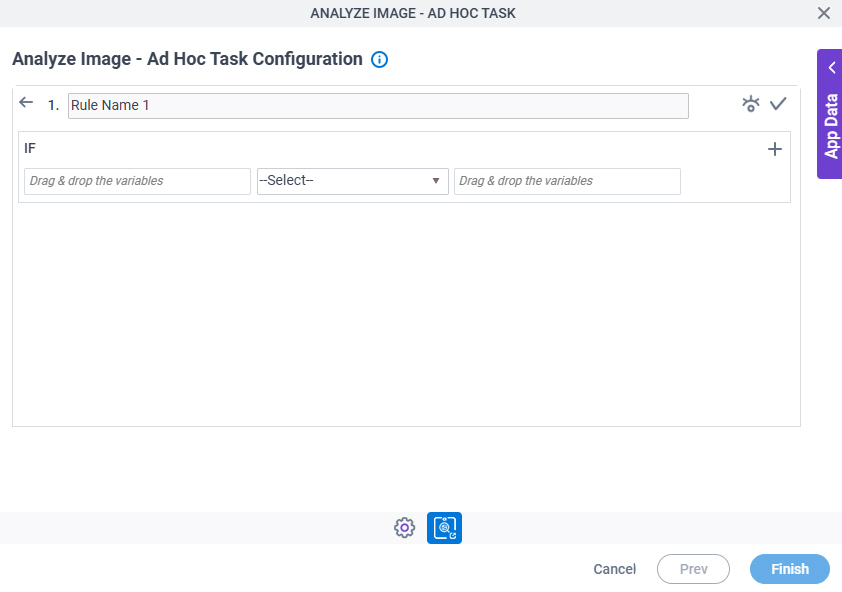
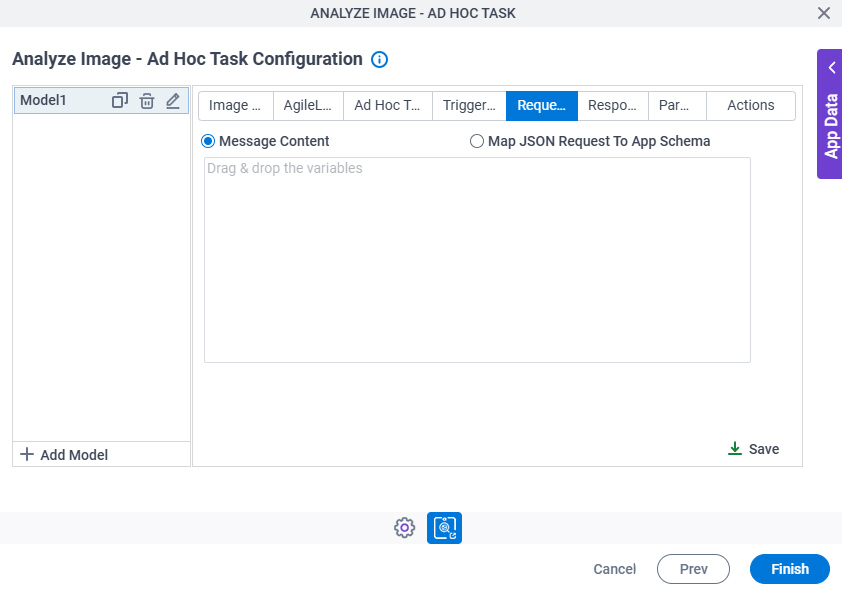
Image Analyze - Ad Hoc Task Configuration > Request tab
Full documentation coming soon.
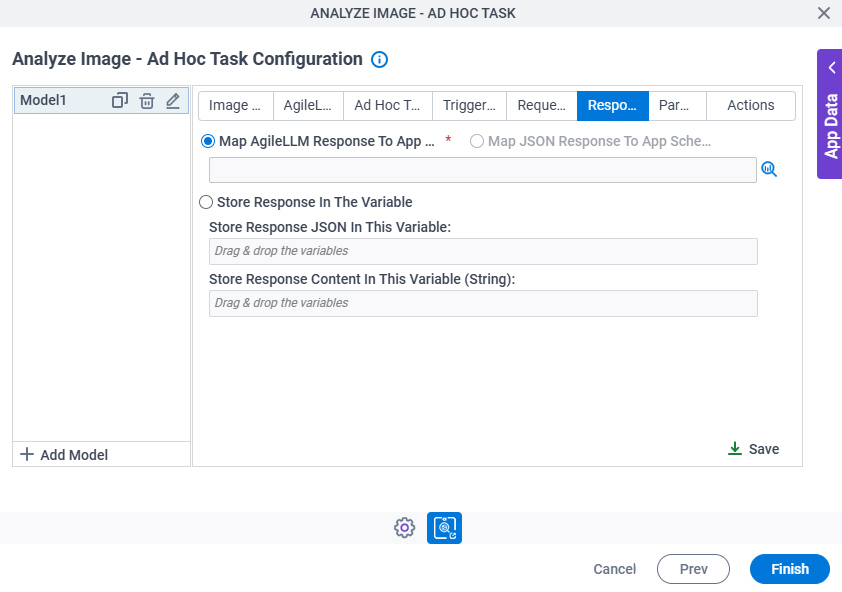
Analyze Image - Ad Hoc Task Configuration > Response tab
Full documentation coming soon.
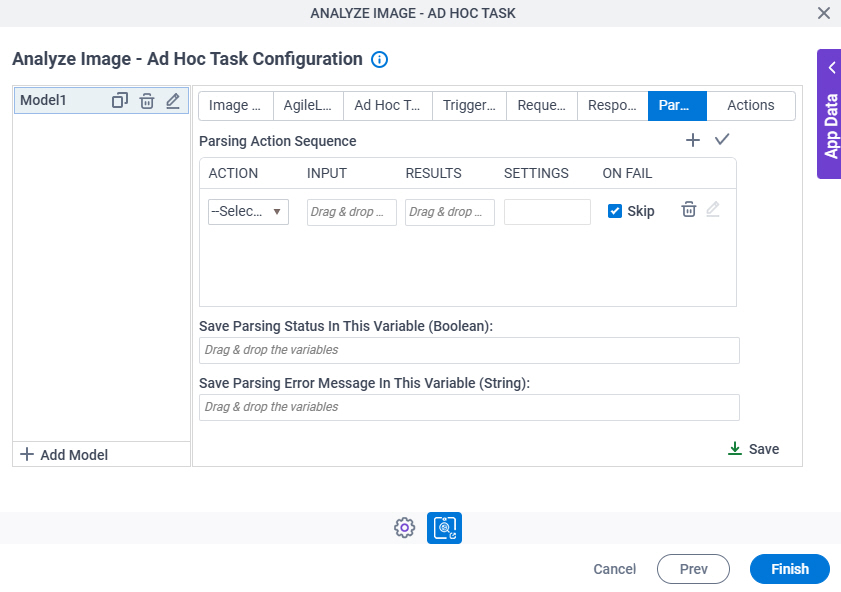
Analyze Image - Ad Hoc Task Configuration > Parsing tab
Full documentation coming soon.
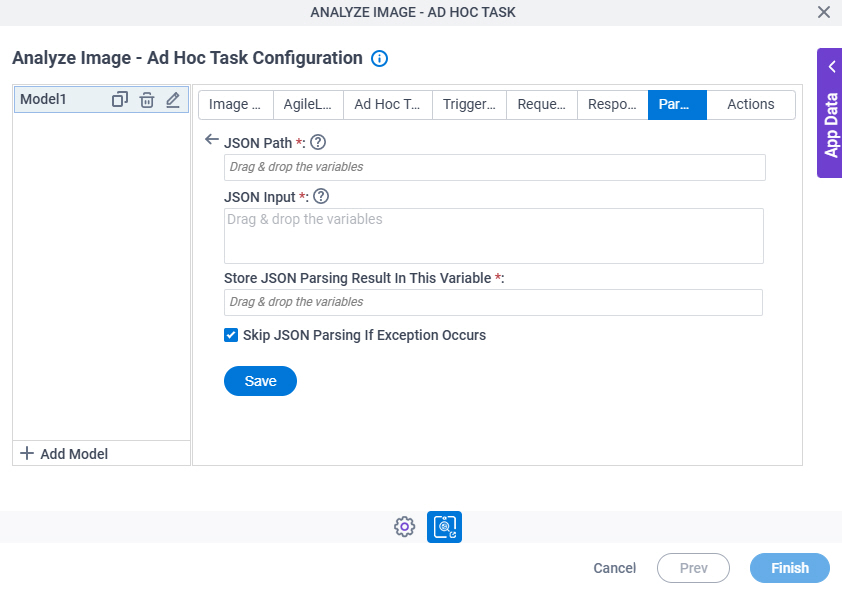
Analyze Image - Ad Hoc Task Configuration > Parsing > JSON Parsing screen
Full documentation coming soon.
Analyze Image - Ad Hoc Task Configuration > Parsing > Inline Function screen
Full documentation coming soon.
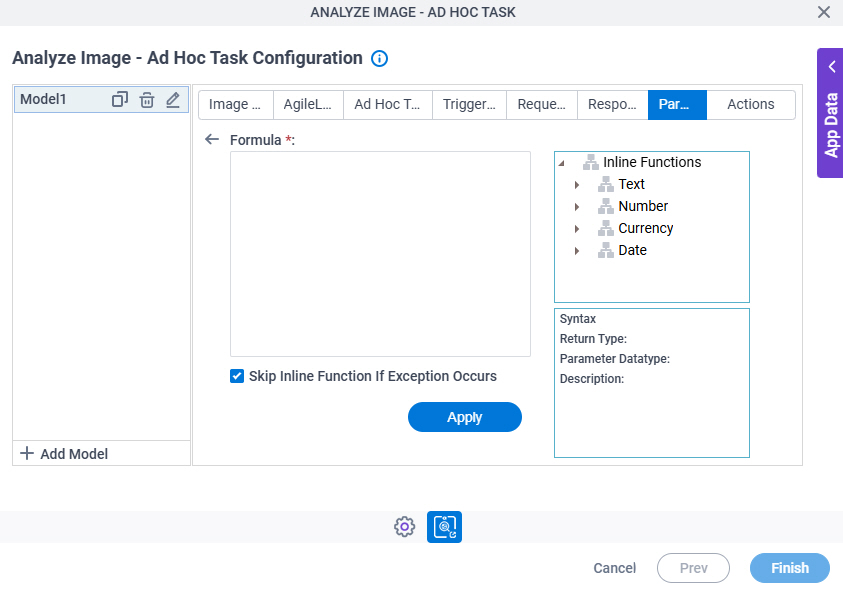
Analyze Image - Ad Hoc Task Configuration > Parsing > Regex Parsing screen
Full documentation coming soon.
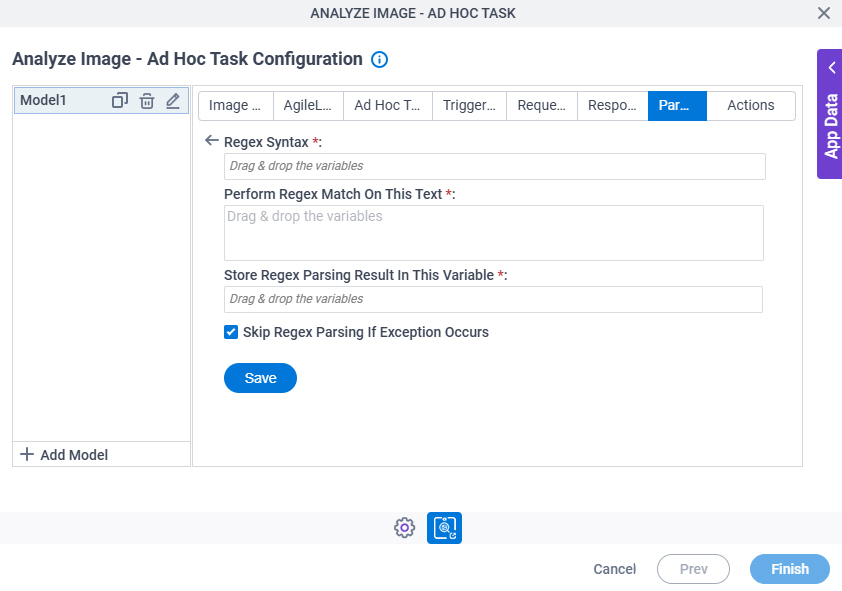
Analyze Image - Ad Hoc Task Configuration > Actions tab
Full documentation coming soon.
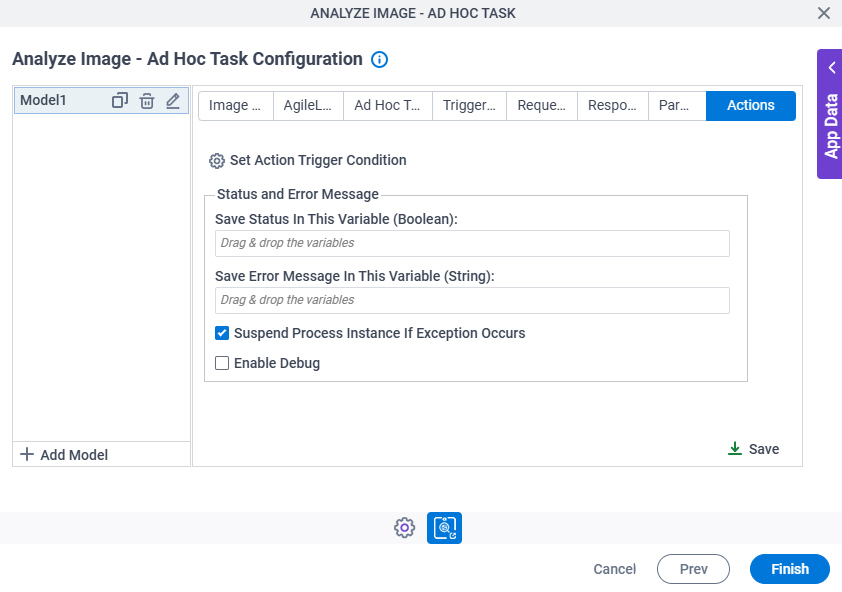
Analyze Image - Ad Hoc Task Configuration > Actions > Set Action Trigger Condition screen
Full documentation coming soon.
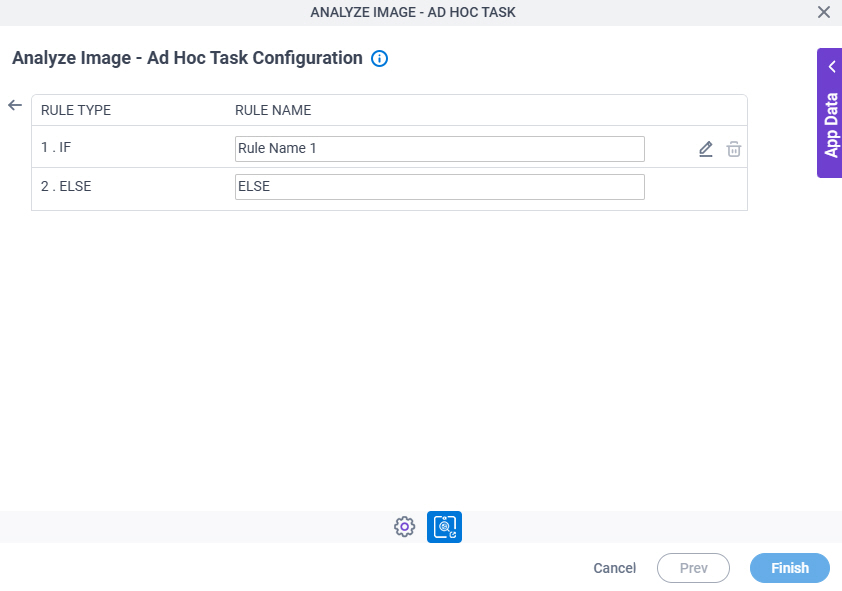
Analyze Image - Ad Hoc Task Configuration > Actions > Condition Builder screen
Full documentation coming soon.