

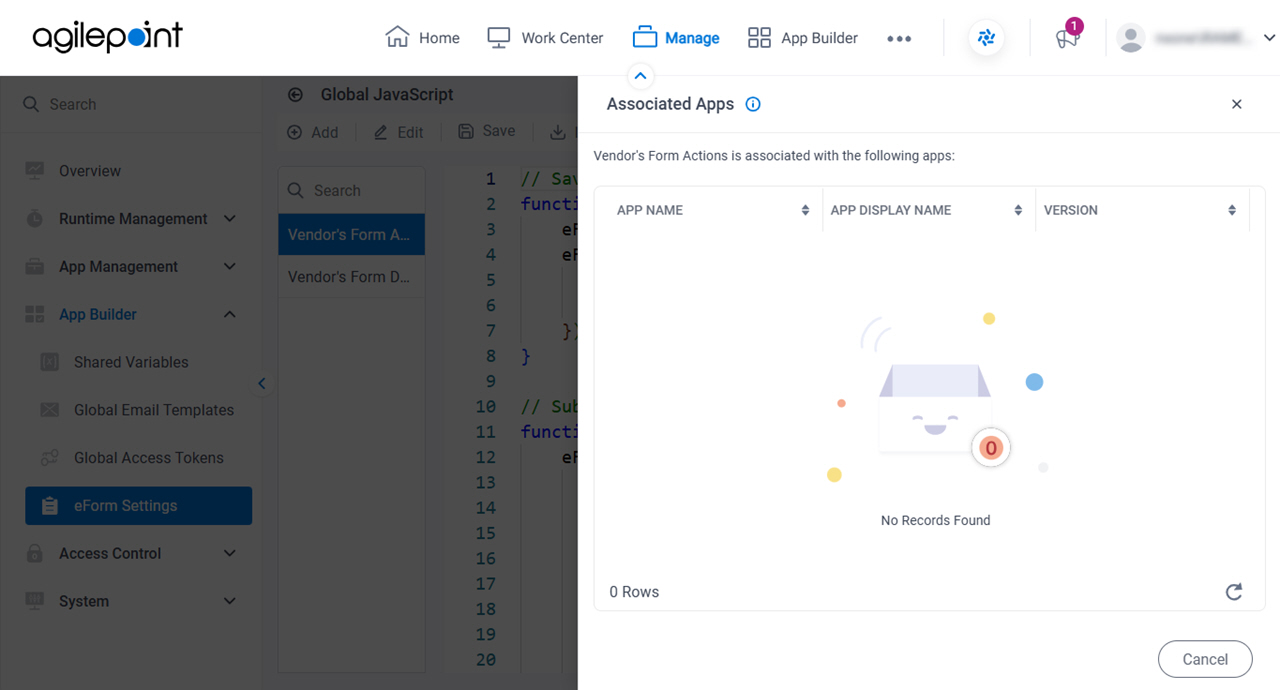
Associated Apps screen
Full documentation coming soon.
Prerequisites
- AgilePoint NX OnDemand (public cloud), AgilePoint NX Private Cloud, or AgilePoint NX OnPremises v10.0 or higher.
How to Start
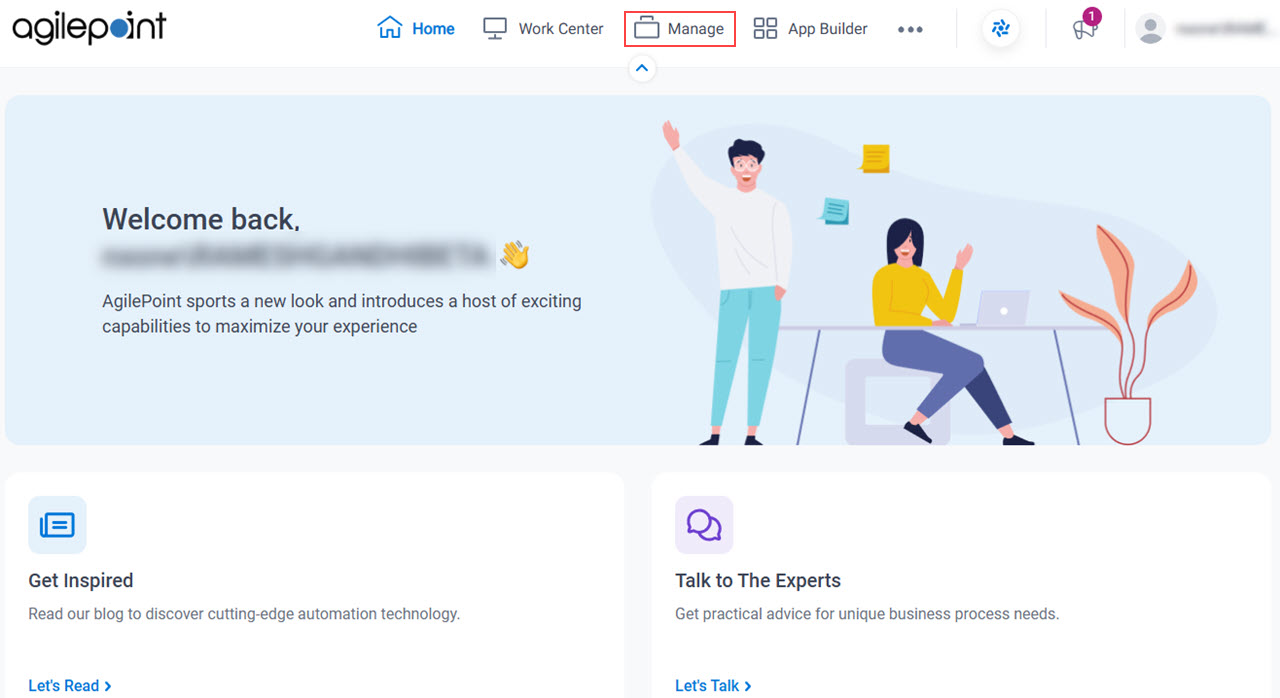
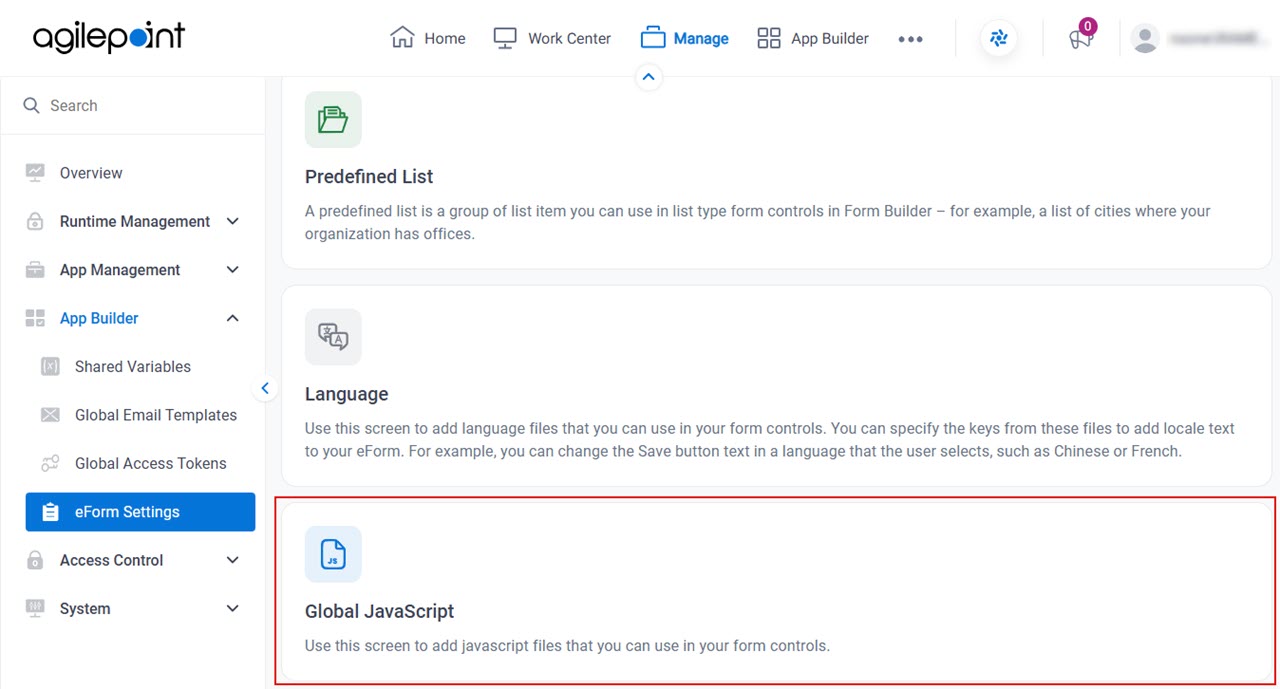
- Click Manage.
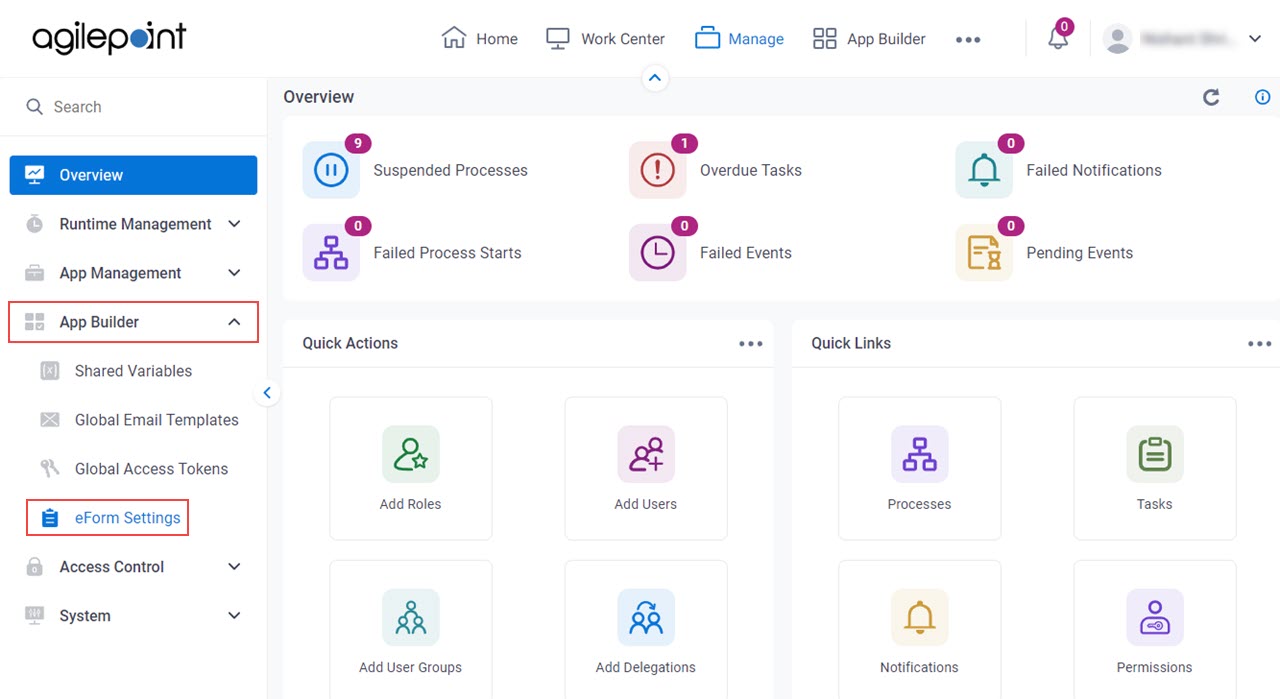
- In Manage Center,
click App Builder > eForms Settings.
- On the eForms Settings screen,
click Global JavaScript.
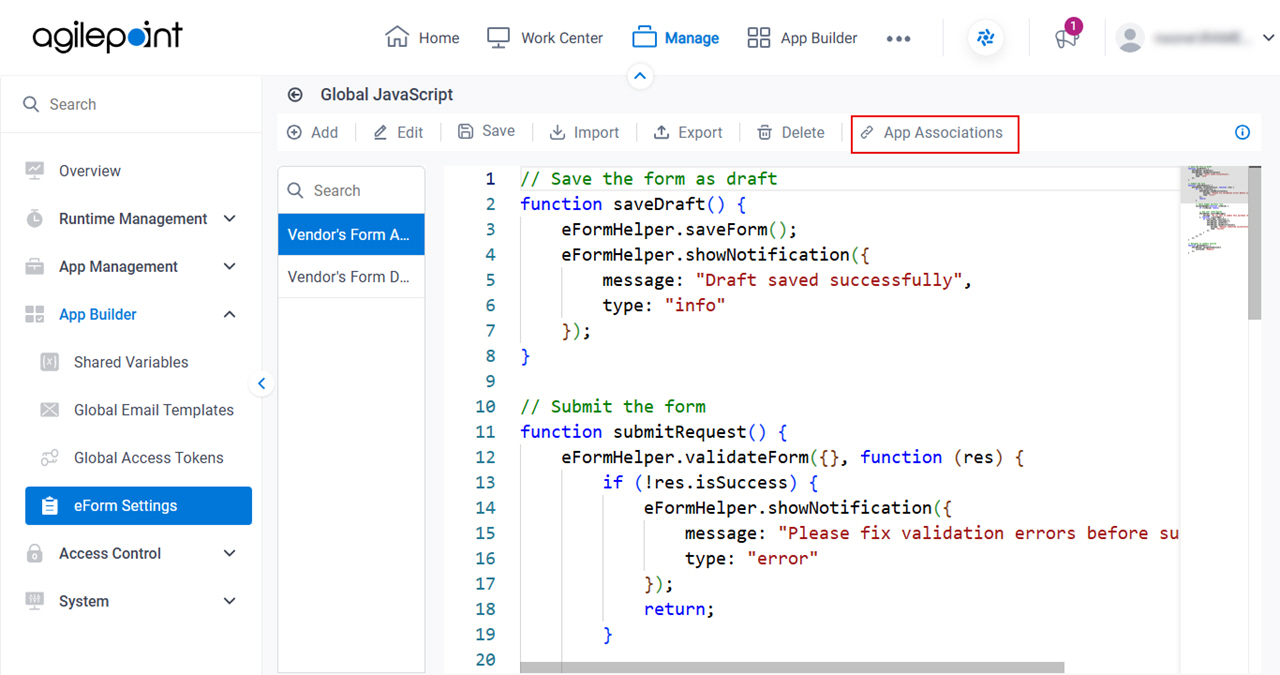
- On the Global JavaScript screen, click App Associations.