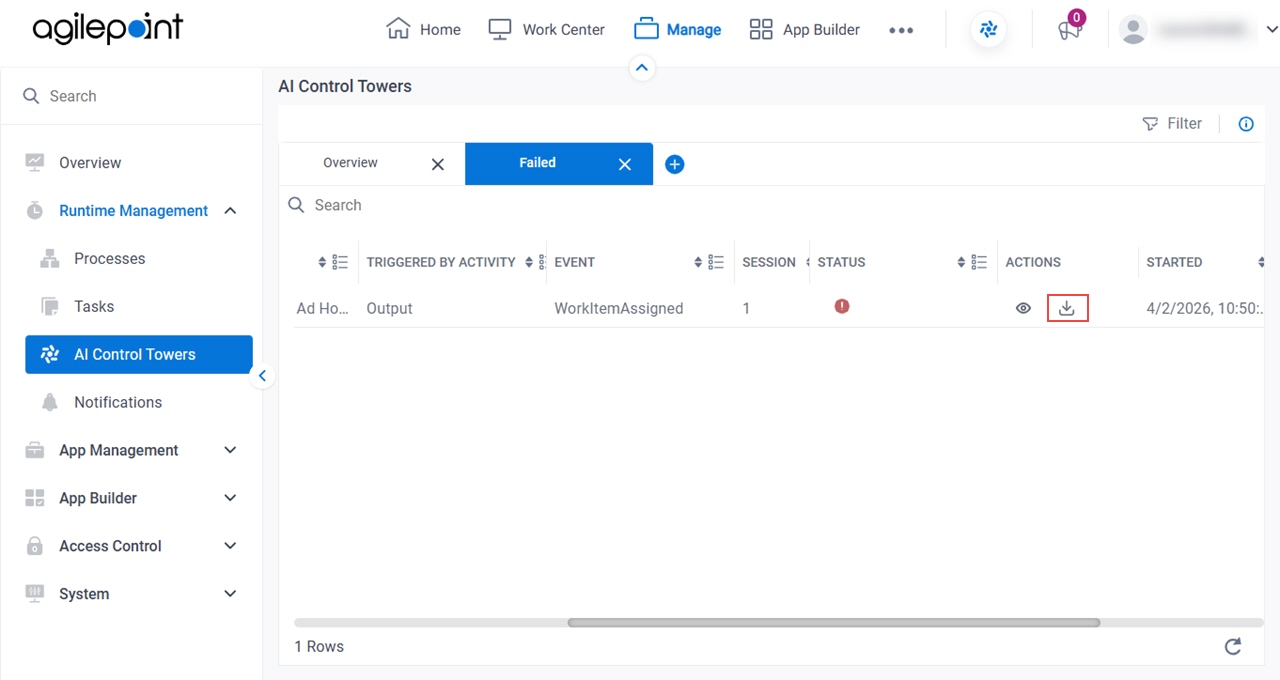


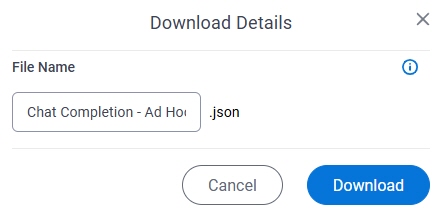
AI Control Towers screen > Download Details
Full documentation coming soon.
Examples
- (External) AgilePoint Unveils a Centralized AI Control Tower Dashboard
- Examples - Step-by-step use case examples, information about what types of examples are provided in the AgilePoint NX Product Documentation, and other resources where you can find more examples.
Prerequisites
- AgilePoint NX OnDemand (public cloud), AgilePoint NX Private Cloud, or AgilePoint NX OnPremises v10.0 or higher.
How to Start
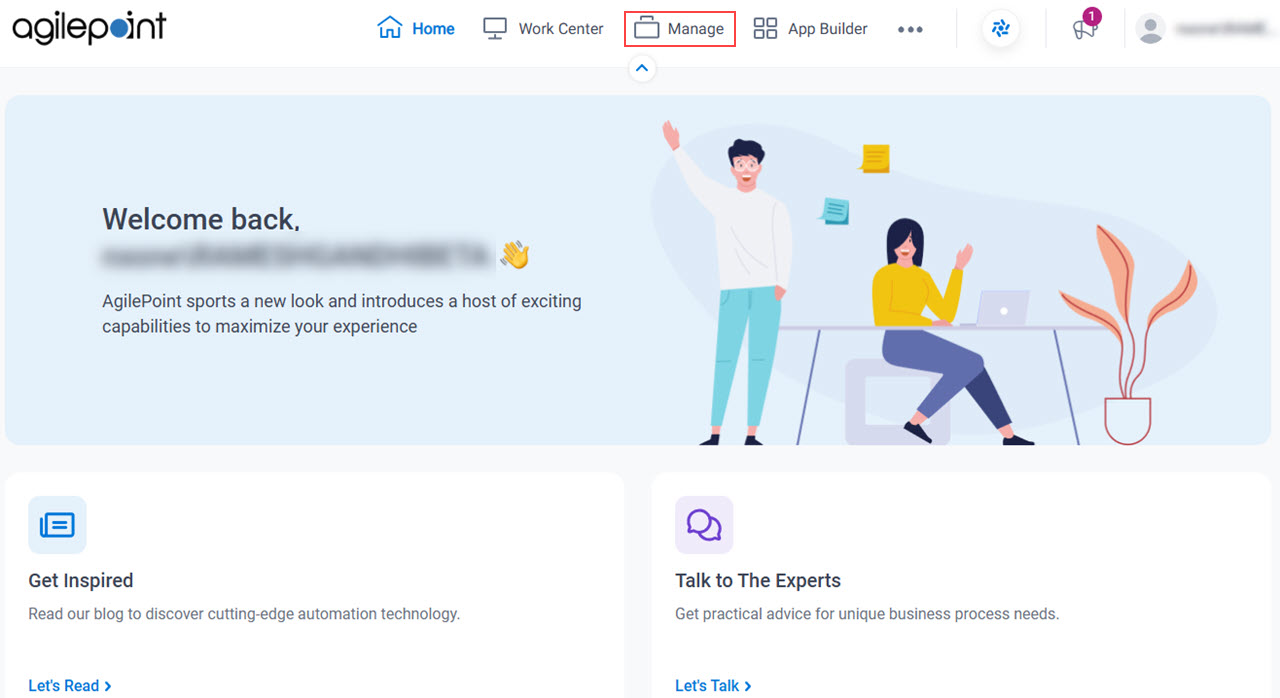
- Click Manage.
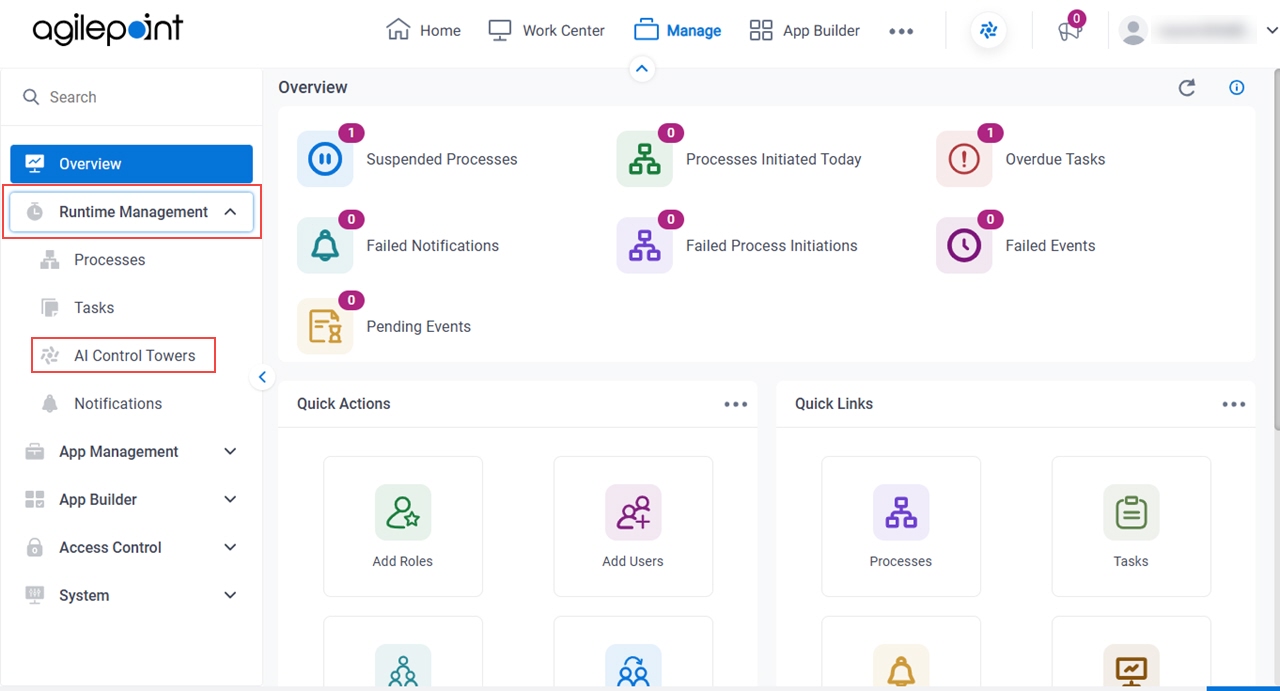
- In Manage Center,
click Runtime Management > AI Control Towers.
- On the AI Control Towers screen,
click Passed or Failed.
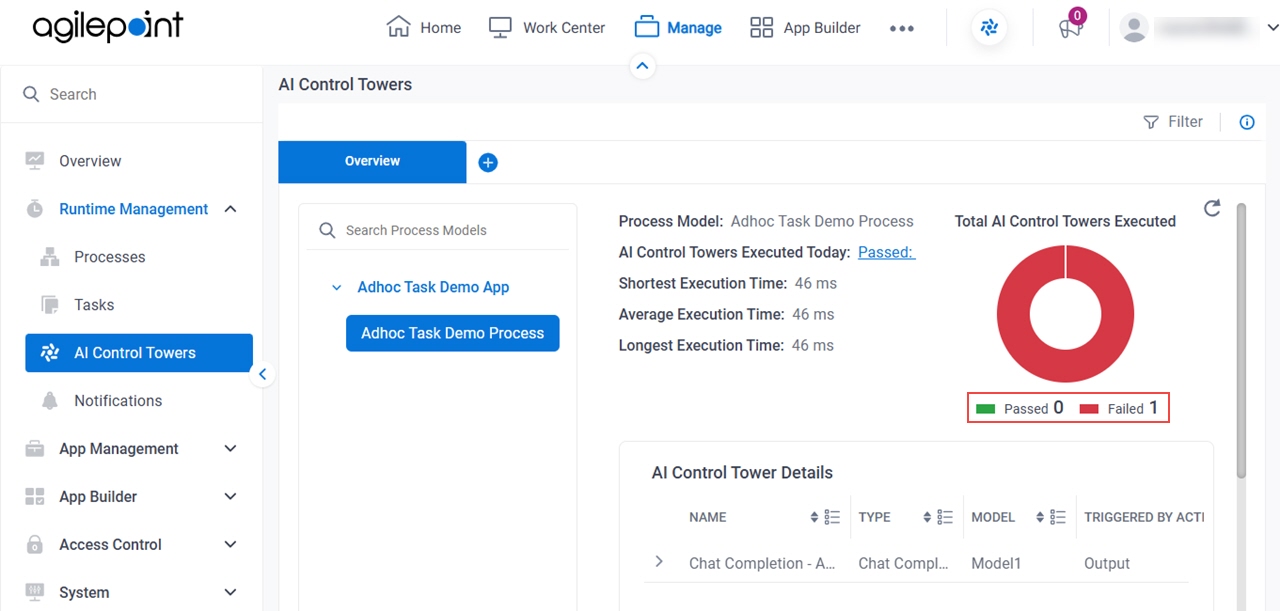
- On the AI Control Towers tab,
click Download
 .
.