Advanced Find - QueryExpression Configuration Window
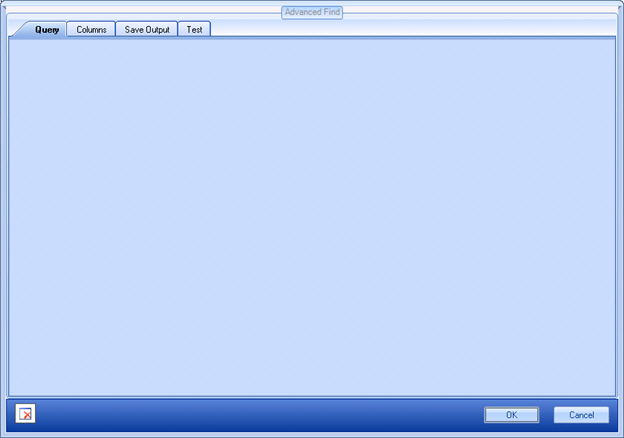
How to Start
- In AgilePoint Envision, open a process template.
- Navigate to one of the following stencil:
- XRM Automatic Activities 2011
- XRM Automatic Activities 4
- XRM Manual Activities 2011
- On the specific stencil, drag the appropriate AgileShape, and drop it on the process template.
- To view the full list of properties, in the Design Tasks pane, click Show Properties.
- On the QueryExpression field, click the Ellipses button.
