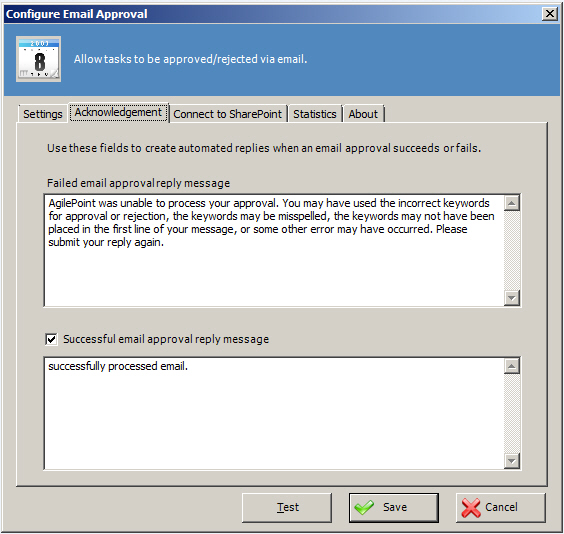
Email Approval Configuration Window - Acknowledgement Tab
Specifies the configuration of Email Approval AgileConnector for sending a custom automated reply message when an email approval succeeds or fails.
Prerequisites
- Before you add the Email Approval AgileConnector, you must add the Event Service AgileConnector.
- Before you configure these settings, you must add the Email Approval AgileConnector.
How to Start
- On the AgilePoint Server machine, click Start > All Programs > AgilePoint > AgilePoint Configuration.
- On the AgilePoint Server Configuration Tool screen, click the Extensions tab.
- On the Extensions tab, select MailApproval.
- Click Configure.
- On the Configure Email Approval window, click the Acknowledgement tab.
