Custom Attributes Window
Creates a new shared custom attribute.
A shared custom attribute is a user defined attribute that can be used or shared across different processes or environments using Enterprise Manager. For example, you can use the same custom attribute in various environments: development, test, and production.
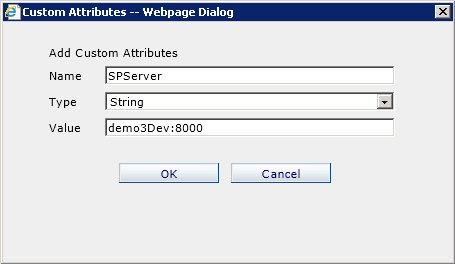
How to Start
- On the Enterprise Manager Main Page, click Shared Custom Attributes.
- On the Custom Attributes window, click Add.
This page can only be used by administrators and users with the Modify Shared Custom Attributes access right.
Fields
| Field Name | Definition |
|---|---|
Name |
|
Type |
|
Value |
