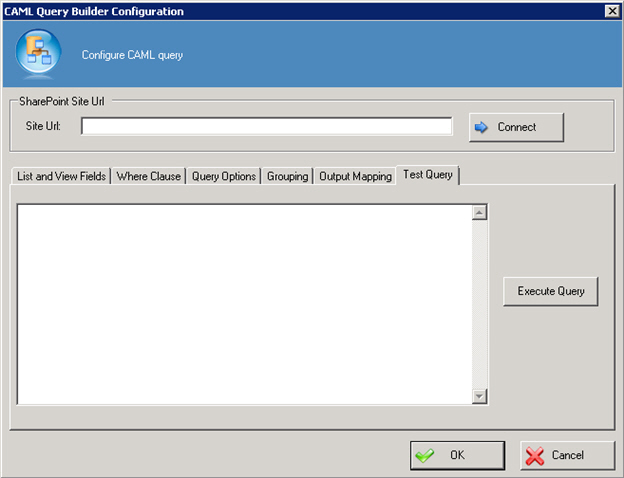
CAML Query Builder Configuration Window - Test Query Tab
Verifies whether the specified CAML query is correct.
How to Start
- In AgilePoint Envision, open a process template.
- Navigate to the SharePoint stencil.
- On the SharePoint stencil, drag the CAML Query AgileShape, and drop it on the process template.
- To view the full list of properties, in the Design Tasks pane, click Show Properties.
- On the CAML Query Configuration field, click the Ellipses button.
Fields
| Field Name | Definition |
|---|---|
Site URL |
|
Connect |
|
Execute Query |
