Managed Code CSharp Snippet Window
Builds and compiles the managed code snippet.
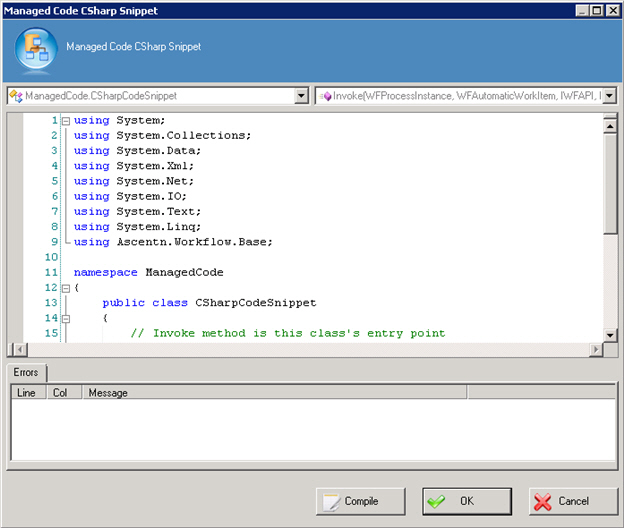
How to Start
- In AgilePoint Envision, open a process template.
- Navigate to the Advanced Extension stencil.
- On the Advanced Extension stencil, drag the Managed Code C# AgileShape, and drop it on the process template.
- To view the full list of properties, in the Design Tasks pane, click Show Properties.
- On the CodeSnippet field, click the Ellipses button.
Fields
| Field Name | Definition |
|---|---|
Class Name List |
|
Method Name List |
|
Managed Code Snippet |
|
Errors |
