Select Users Window
Specifies a Chatter user.
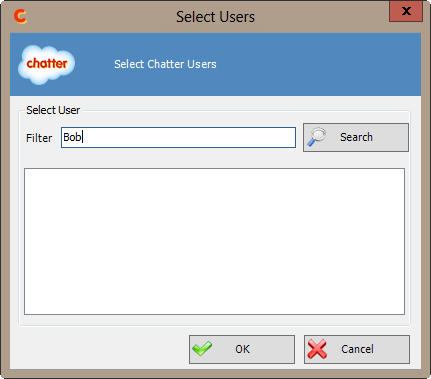
How to Start
- In AgilePoint Envision, open a process template.
- Navigate to the Chatter stencil.
- >On the Chatter stencil, drag one of the following AgileShapes,
and drop it on the process template:
- Join Chatter Group
- Post Feed to Chatter User
- Send or Reply Chatter Message
- Update User Profile
- On the Chatter stencil, drag the Join Chatter Group AgileShape, and drop it on the process template.
- To view the full list of properties, in the Design Tasks pane, click Show Properties.
- On the Configure field, click the Ellipses button.
- In one of the following windows, click Select User.
The specific windows that display vary, depending upon the AgileShape
you are using:
- Join Group in Chatter
- Post Feed to Chatter User
- Send/Reply Message in Chatter
- Update User Profile in Chatter
